Outbound Filter
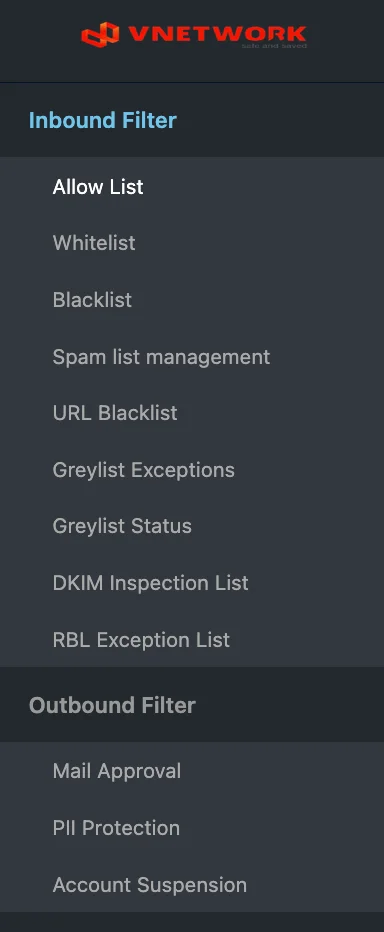
The Outbound Filter section groups every rule that SGuard applies to messages sent from internal users to external recipients. Outbound rules are organized around three concerns: requiring approval, protecting personally identifiable information, and suspending compromised or misbehaving accounts.
Rules in This Section
| Rule | Purpose |
|---|---|
| Mail Approval | Define users or groups whose outbound mail requires administrator approval |
| PII Protection | Detect personally identifiable information (national ID, credit card, etc.) and decide whether to deliver |
| Account Suspension | Suspend internal accounts from sending any outbound mail |
Topics
- Mail Approval — Configure the approval workflow
- PII Protection — Detect personally identifiable information
- Account Suspension — Suspend internal accounts
info
Outbound Filter is intentionally simpler than Inbound Filter — only three rule types. The companion Mail mailboxes (Approval, Protect Privacy, Block Outbound) hold the messages affected by these rules, where administrators can review and act on individual decisions.