Audit Logs
The Audit Logs page records all significant account actions performed within the LLS platform. Teams use audit logs to satisfy compliance requirements, investigate configuration changes, and troubleshoot unexpected behavior.
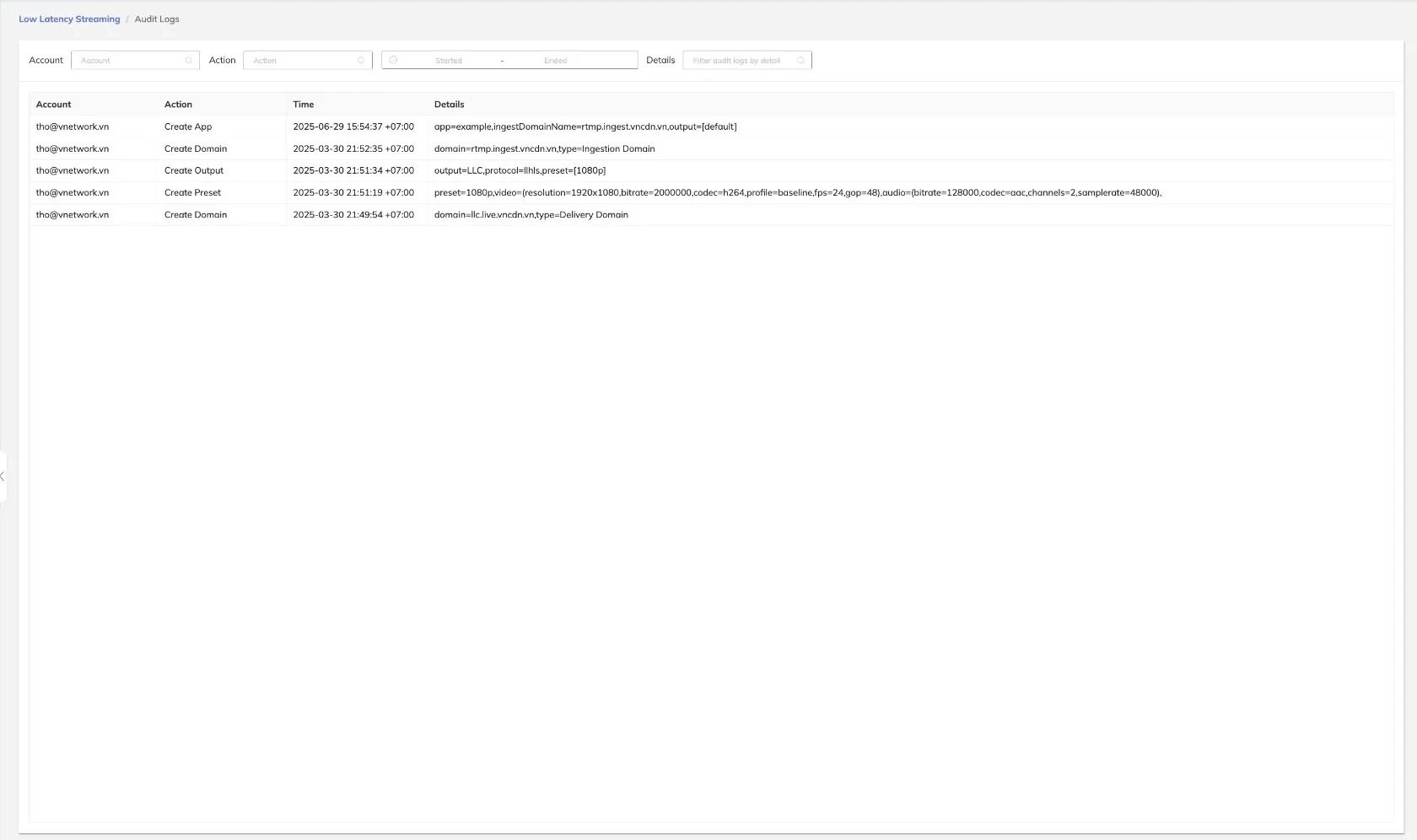
Filters
The following filters allow users to narrow the displayed log entries:
| Filter | Description |
|---|---|
| Account | Filter log entries by the account that performed the action |
| Action | Filter by the type of action (e.g., Create App, Create Domain) |
| Time Range (Started) | Set the start of the time window for the query |
| Time Range (Ended) | Set the end of the time window for the query |
| Details | Search within the details field for a specific keyword or value |
Audit Log Columns
Each log entry displays the following information:
| Column | Description |
|---|---|
| Account | The account identifier that performed the action |
| Action | A description of the action taken |
| Time | The timestamp when the action occurred |
| Details | Additional context or payload associated with the action |
Example Log Entries
The following examples illustrate typical audit log entries:
| Account | Action | Time | Details |
|---|---|---|---|
| tho@vnetwork.vn | Create App | — | App configuration details |
| tho@vnetwork.vn | Create Domain | — | Domain configuration details |
| tho@vnetwork.vn | Create Output | — | Output configuration details |
| tho@vnetwork.vn | Create Preset | — | Preset configuration details |
tip
Use the Action filter together with a specific Account to review all configuration changes made by a single user during an incident window.
caution
Audit logs are read-only and cannot be modified or deleted. Ensure that time range filters are set correctly before exporting results for compliance reports.