Buckets
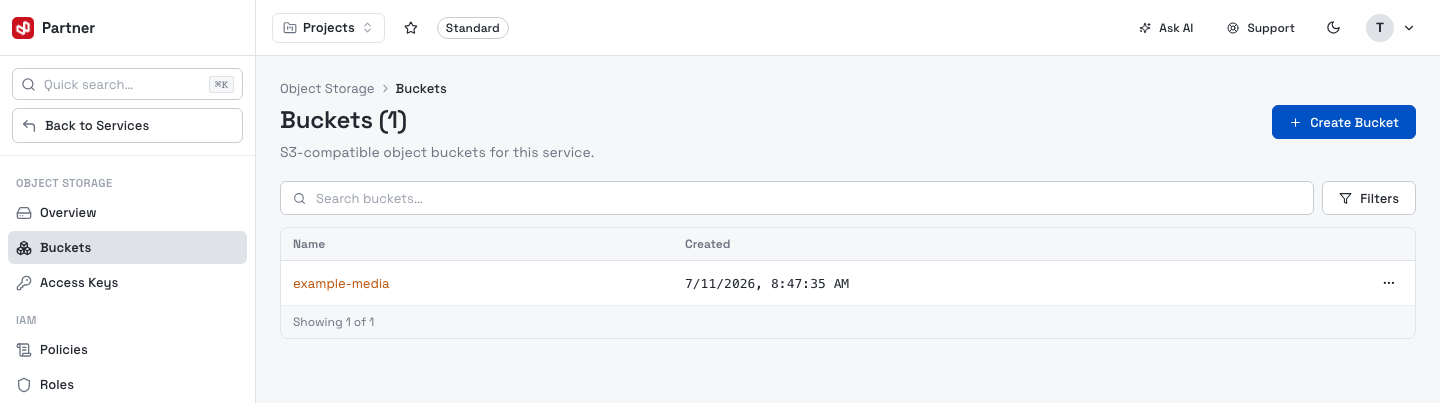
A bucket is a named container for objects. The Buckets page lists them by Name and Created date; search and filter by creation date.
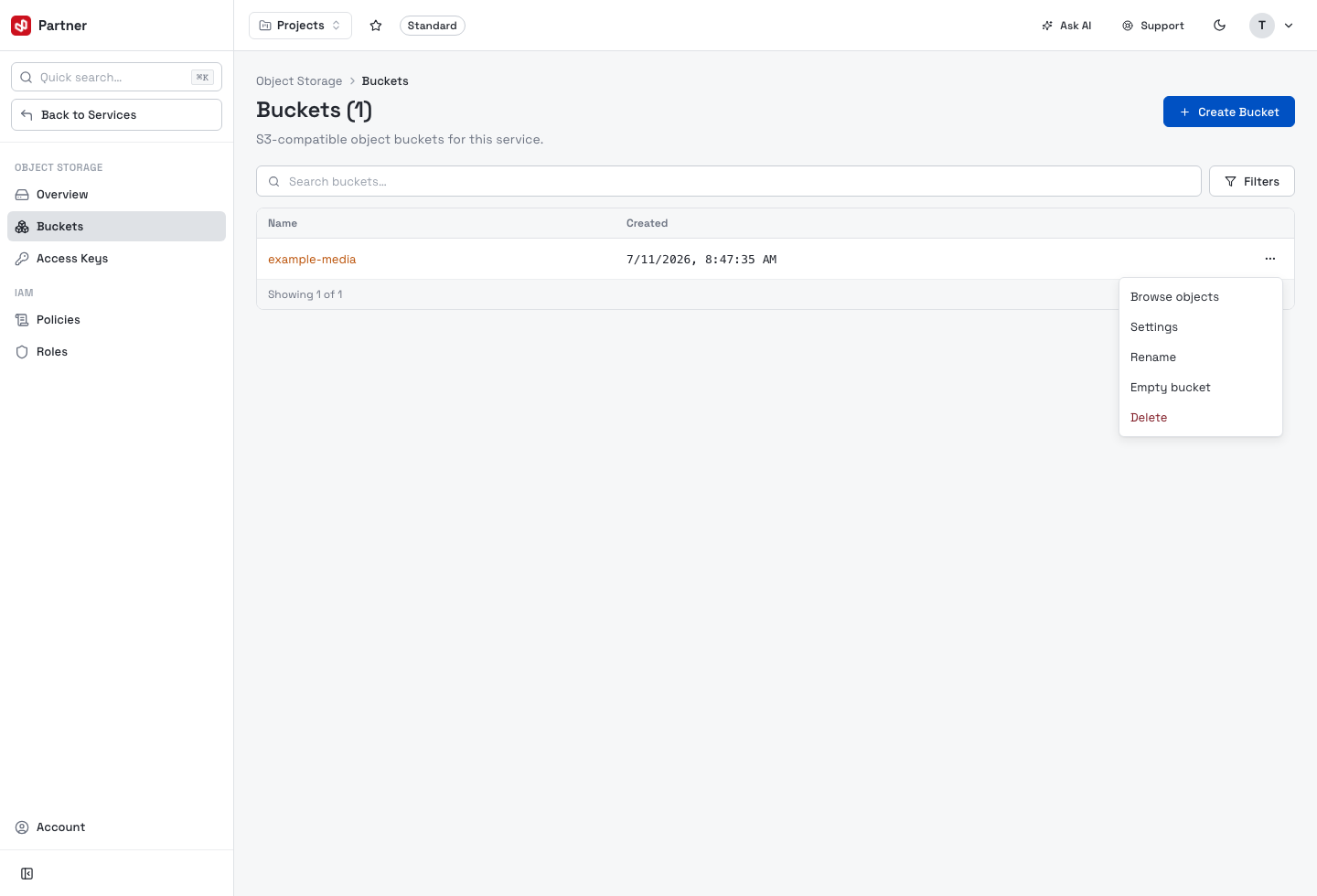
The row menu (⋯) has Browse objects, Settings, Rename, Empty bucket and Delete.
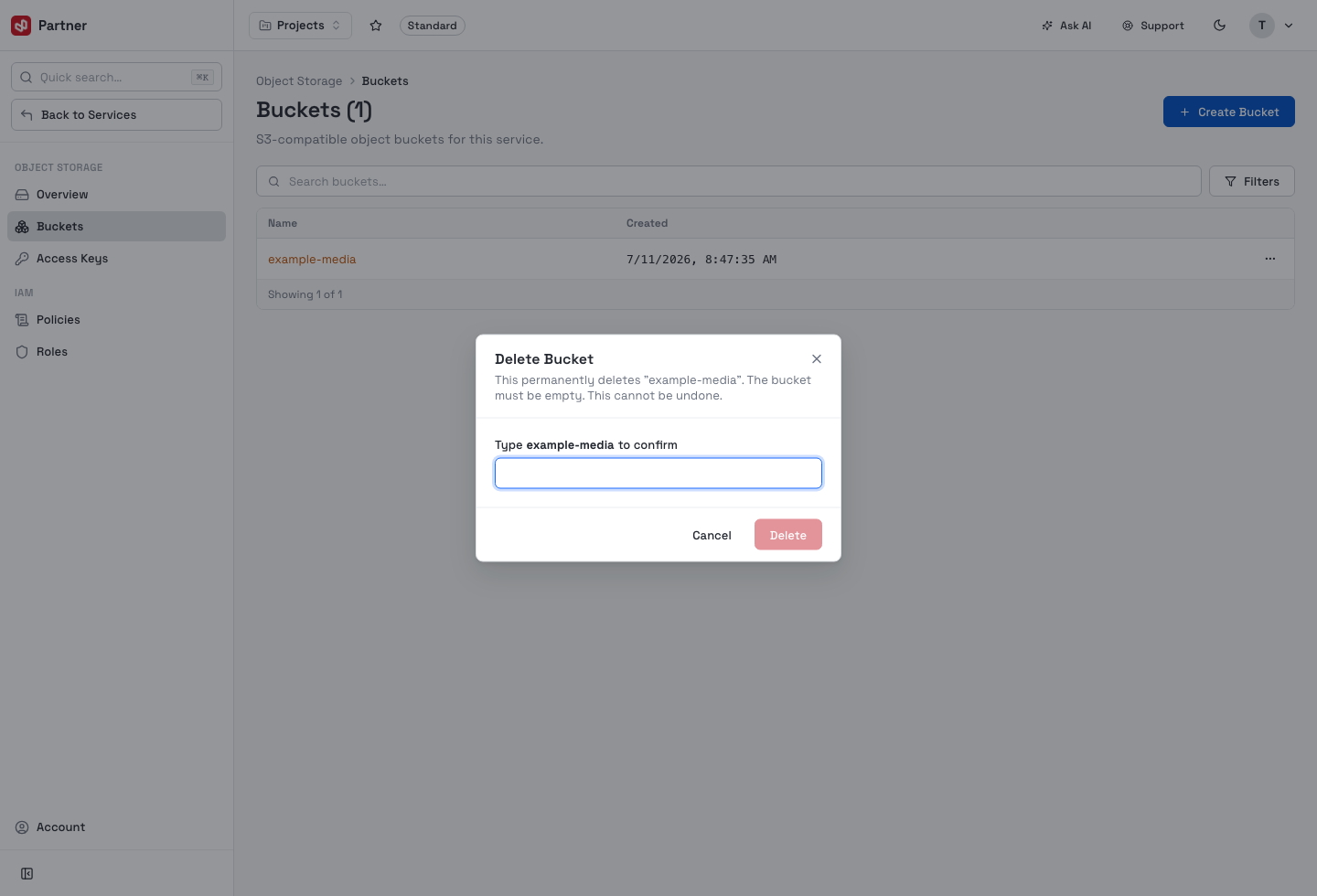
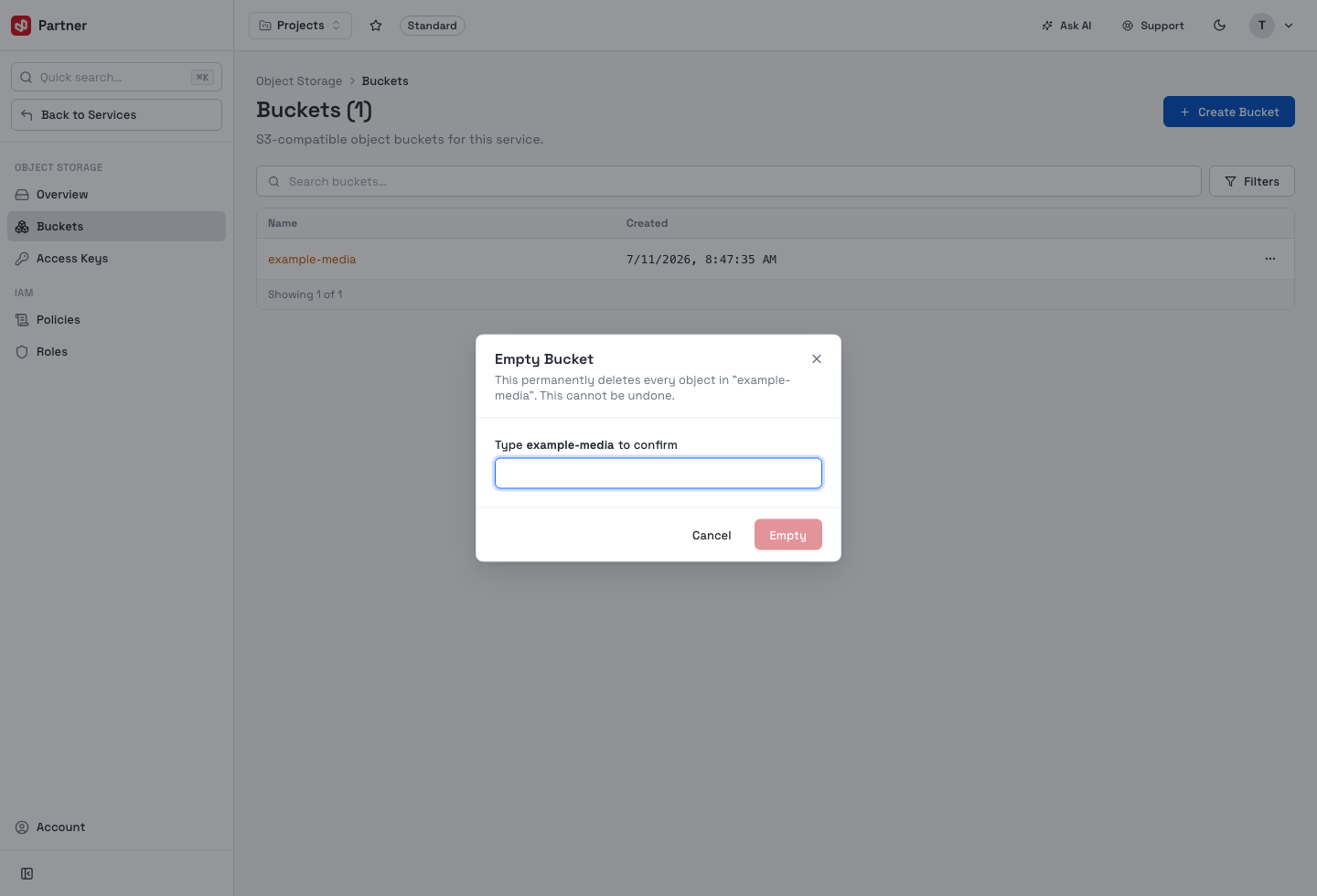
Delete requires the bucket to be empty and asks you to type its name to confirm. Empty bucket permanently deletes every object inside (also type-to-confirm). Neither can be undone.
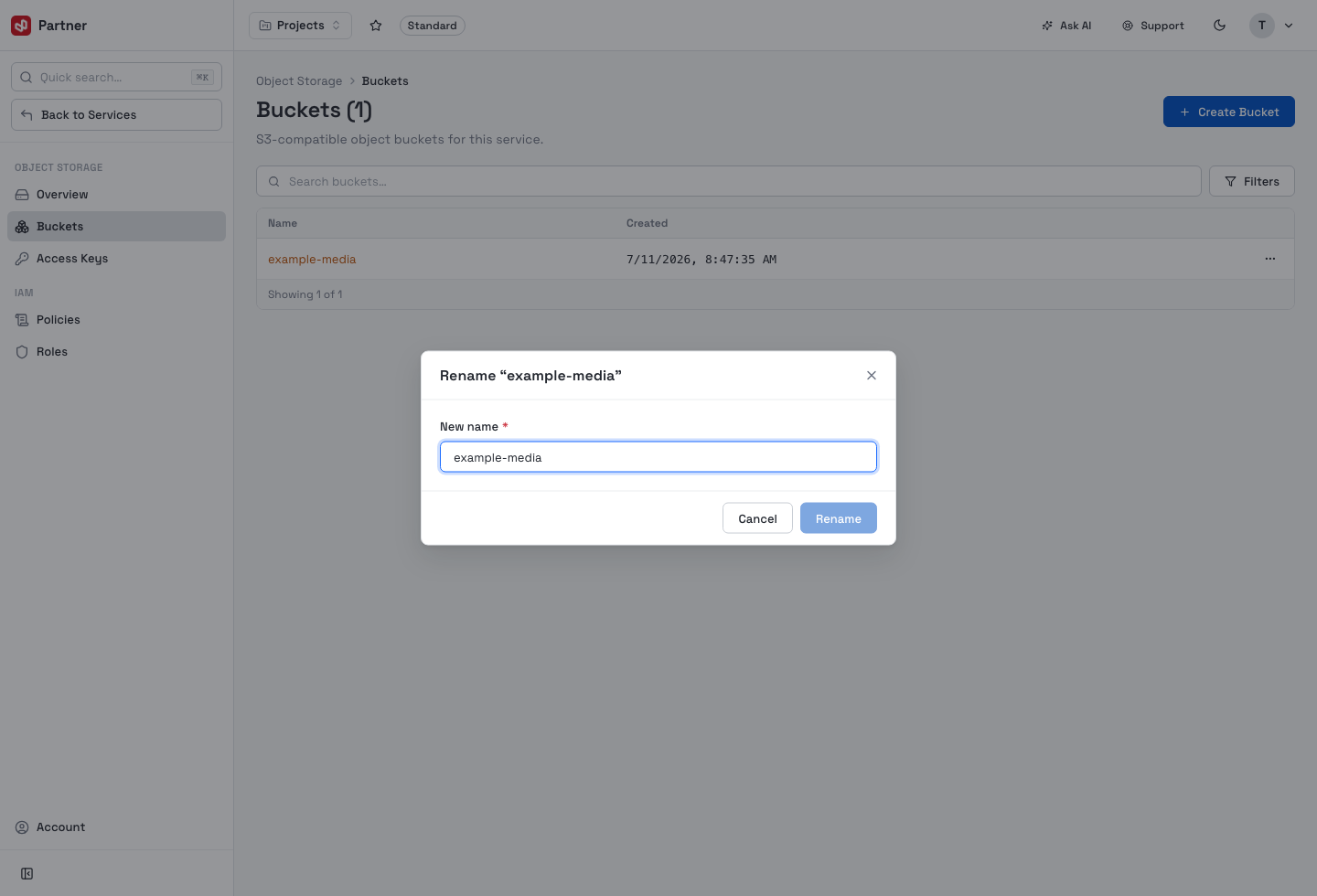
Rename changes the bucket's name (same naming rules as create):
Create a bucket
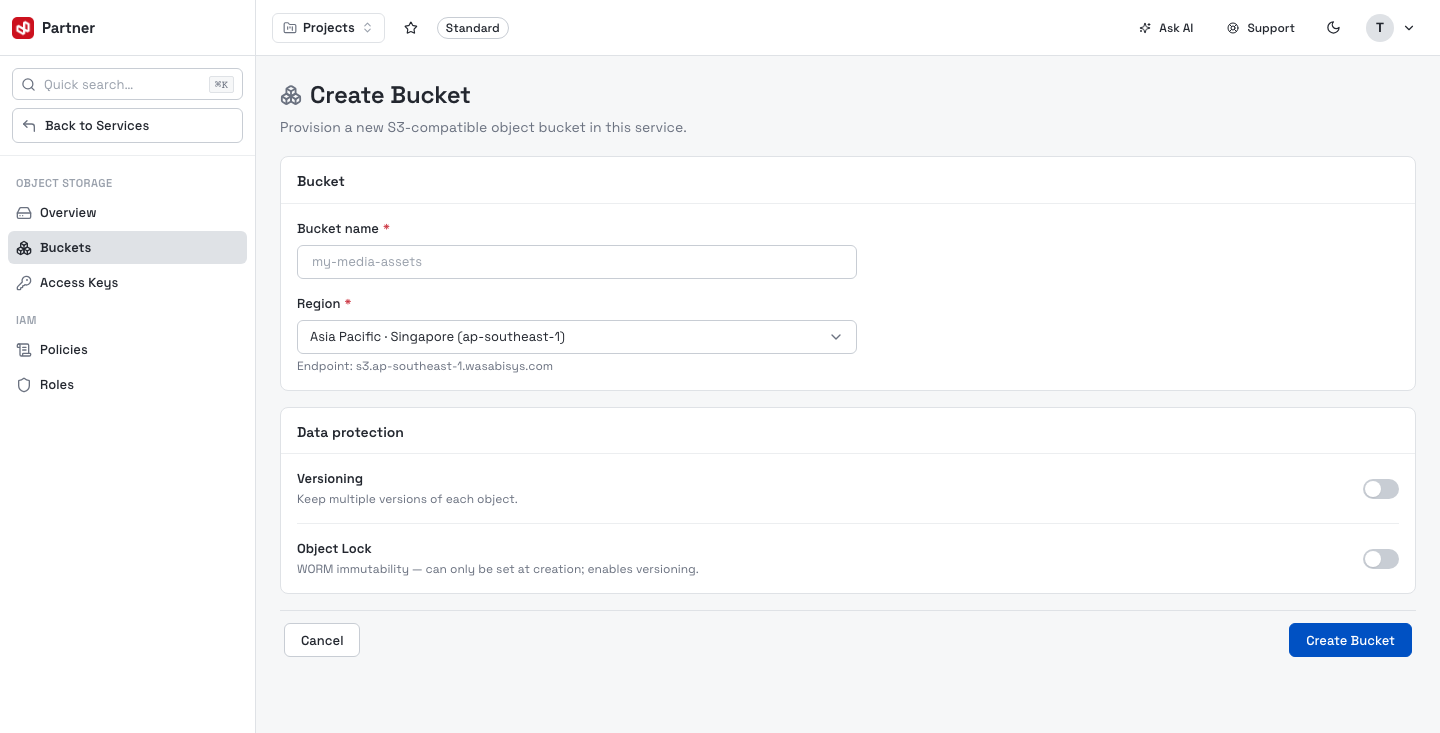
Create Bucket provisions a new bucket.
| Field | Notes |
|---|---|
| Bucket name | 3–63 chars, lowercase letters/digits/dots/hyphens, starting and ending alphanumeric, no consecutive dots. Globally unique — availability is checked as you type. |
| Region | Where the bucket lives (e.g. Asia Pacific · Singapore). The regional S3 endpoint is shown below the selector. |
| Versioning | Keep multiple versions of each object. |
| Object Lock | WORM immutability — can only be set at creation and forces versioning on. |
Bucket settings
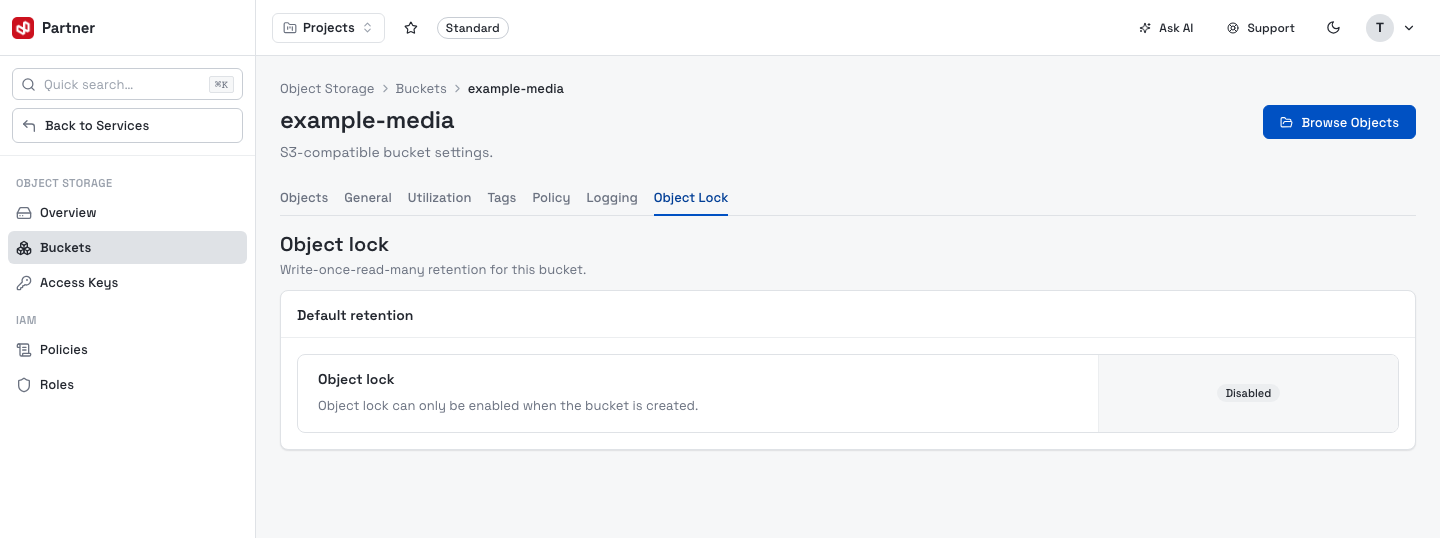
Opening a bucket shows a tabbed settings view: Objects (the object browser), General, Utilization, Tags, Policy, Logging and Object Lock.
General
Toggle Versioning, see the bucket's current Public Access status, and the read-only Object Lock status.
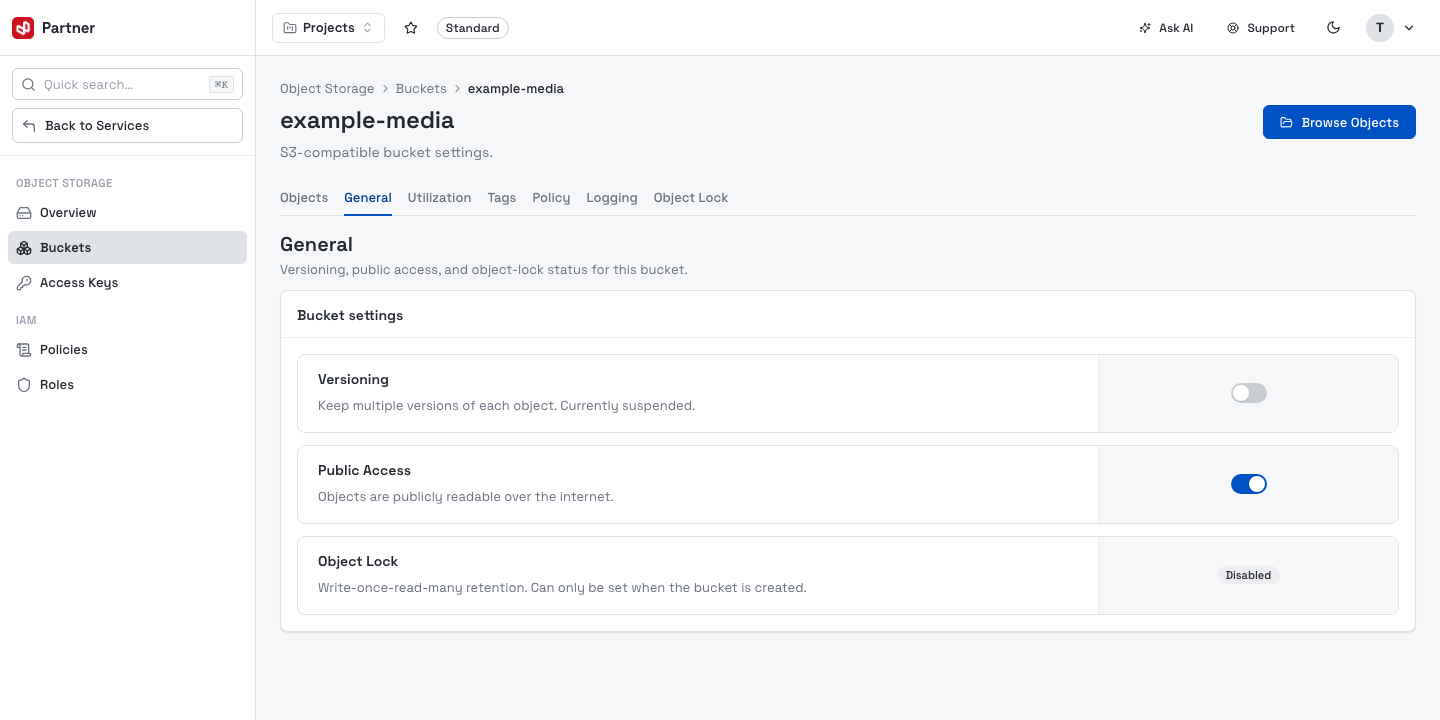
Toggling Public Access from the console has been retired — the General tab now shows the
current status only. To make a bucket's objects publicly readable, set a bucket policy with the
AWS CLI or an S3 client such as mc. See
Public access via CLI & S3 clients.
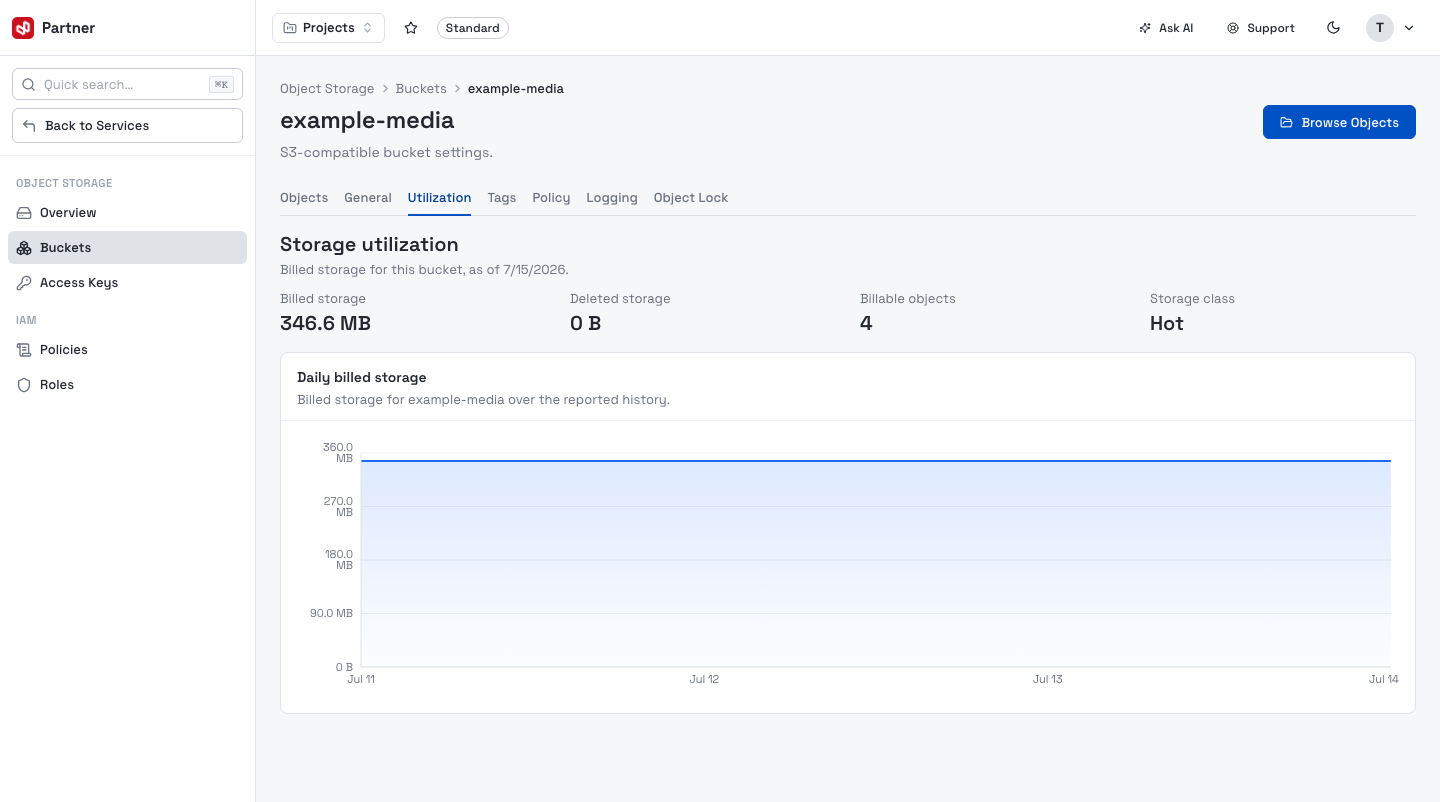
Utilization
Billed storage, deleted storage, billable objects and storage class, with a daily billed-storage chart.
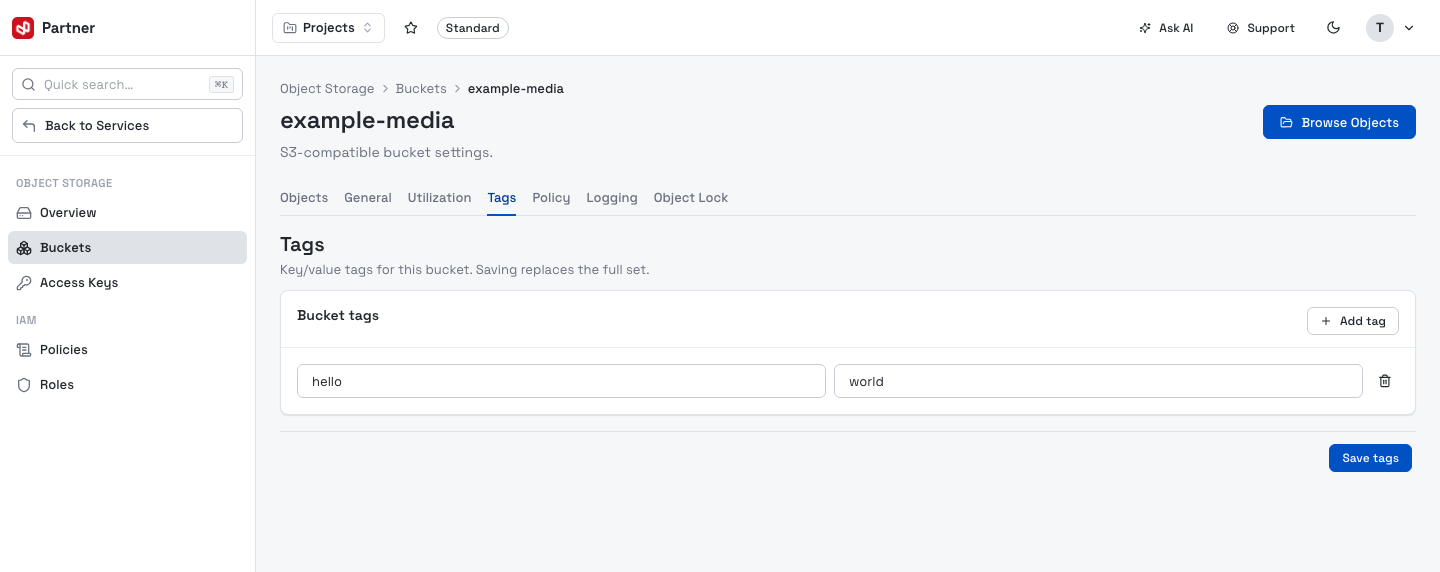
Tags
Key/value tags on the bucket. Add rows, then Save tags (saving replaces the full set).
Policy
A JSON editor for the bucket policy, validated as you type.
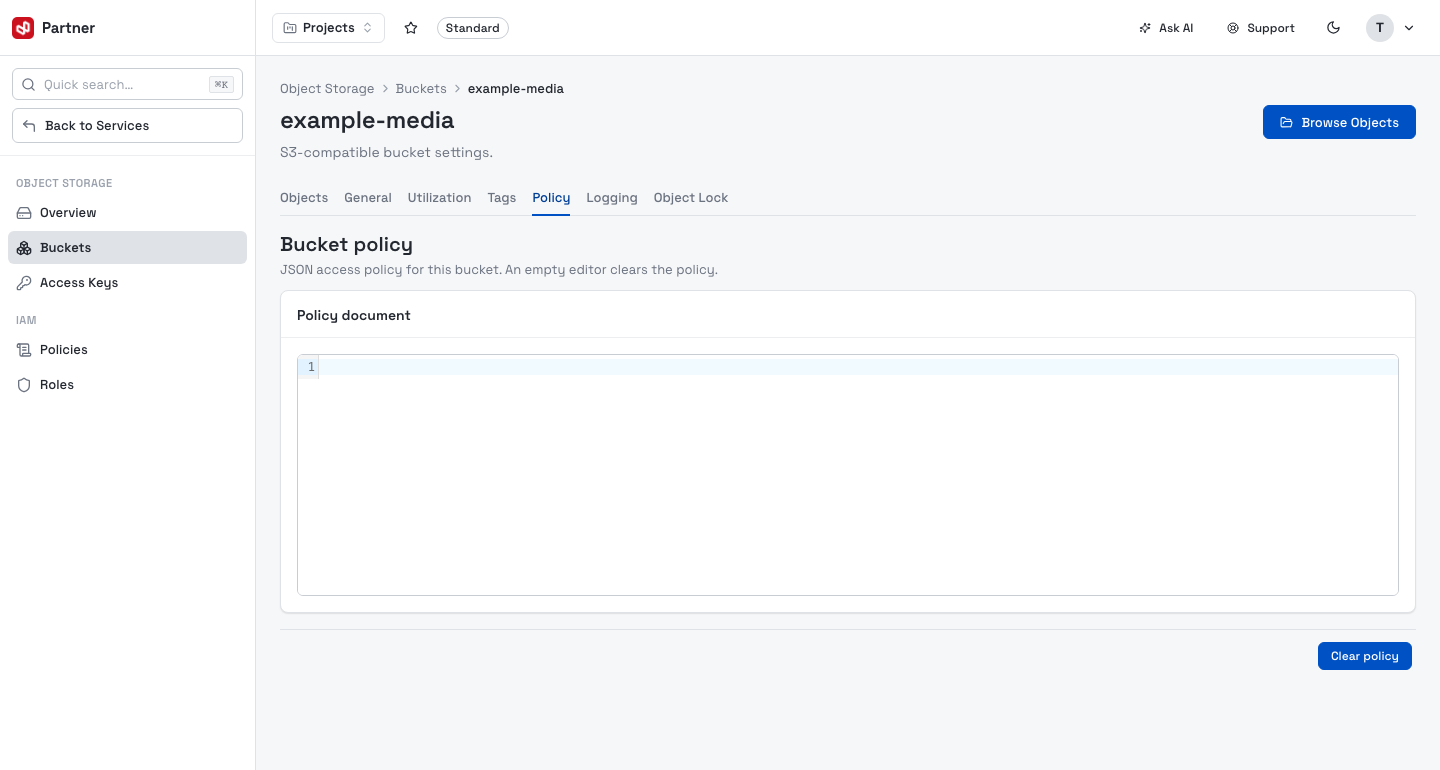
If the policy grants anonymous access (Principal: "*" with Effect: Allow), the console
asks you to confirm "Make bucket contents public?" before applying it.
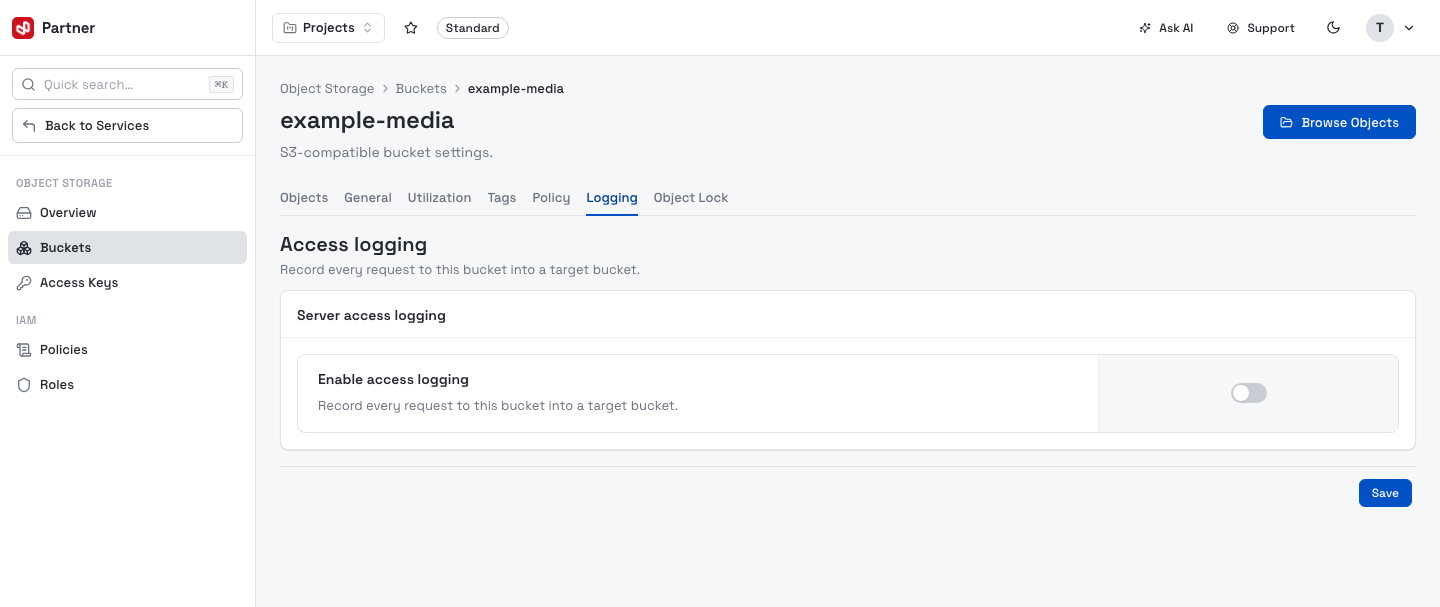
Logging
Record every request to the bucket into a target bucket (with an optional prefix).
Object Lock
Write-once-read-many retention. When enabled at creation, set the Mode (Governance / Compliance) and a retention period. When it wasn't enabled at creation, this tab is read-only.