Plans & settings
The Settings page holds the WAAP service configuration across tabs: Subscription · Web Access Control · Verified Bot · Response Filtering · HTTP Settings · Monthly Security Report · Danger zone.
Subscription plan
Your plan gates which features are available and your domain / bandwidth / QPS limits.
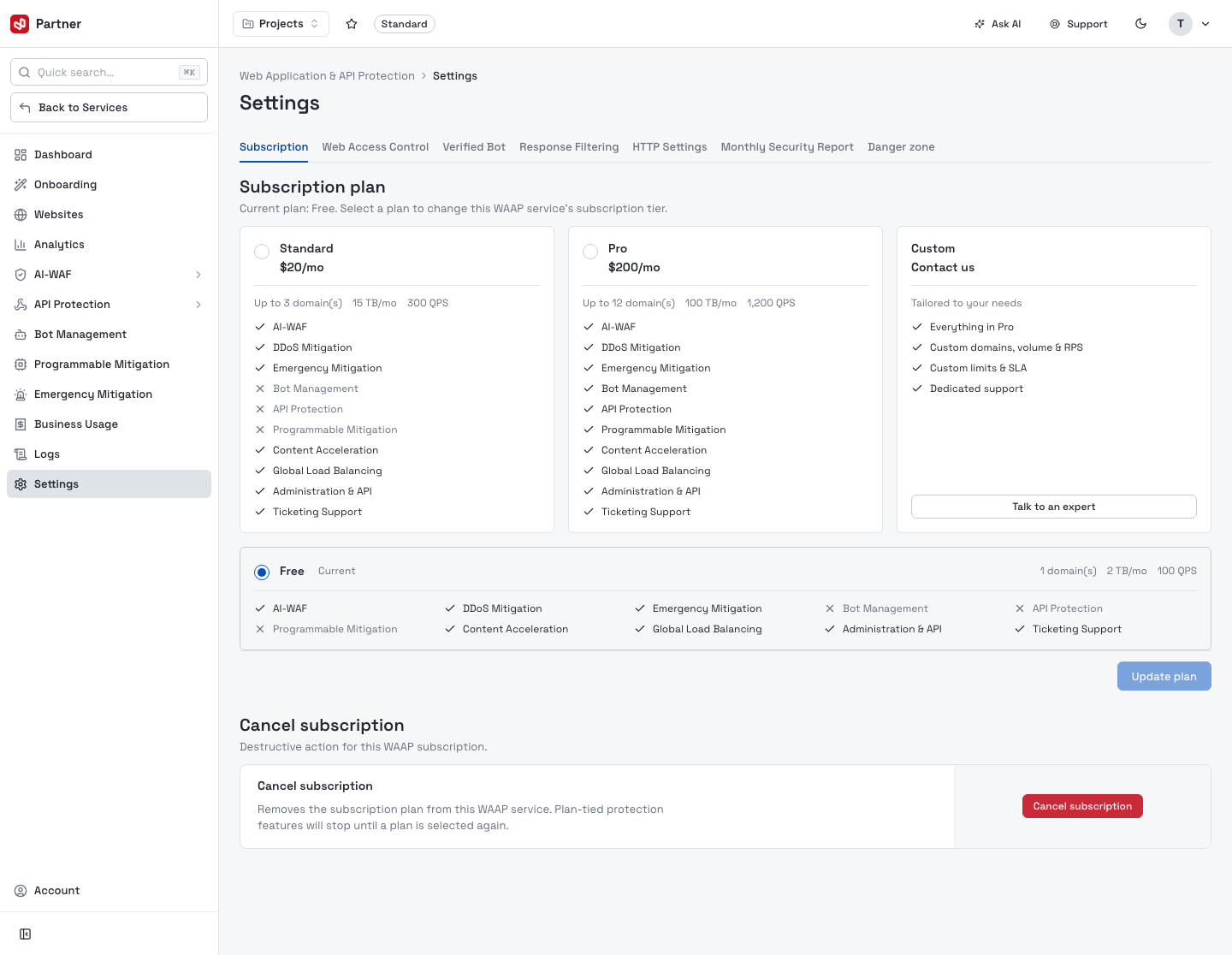
| Plan | Limits | Notable |
|---|---|---|
| Free | 1 domain · 2 TB/mo · 100 QPS | AI-WAF, DDoS & Emergency Mitigation, Content Acceleration, Global Load Balancing. No Bot Management, API Protection or Programmable Mitigation. |
| Standard — $20/mo | up to 3 domains · 15 TB · 300 QPS | Adds Bot Management + Ticketing Support. |
| Pro — $200/mo | up to 12 domains · 100 TB · 1,200 QPS | Adds API Protection + Programmable Mitigation. |
| Custom | tailored | Everything in Pro + custom domains/volume/RPS, custom limits & SLA, dedicated support — Talk to an expert. |
Pick a tier and Update plan. That's why some console areas (API Protection, Bot Management, Programmable Mitigation) show an upgrade prompt on the Free plan.
Cancel subscription removes the plan from the WAAP service. Plan-tied protection features stop working until a plan is selected again.
The remaining tabs configure the protection edge. Web Access Control, Verified Bot, Response Filtering, HTTP Settings and Monthly Security Report are account-wide and apply to your protected websites — so they only appear once you've onboarded at least one website (before that they show a No protected websites prompt). Each tab is its own form with an Enable switch (where relevant) and its own Save button.
Web Access Control
An IP Blacklist for the service: upload a plain-text file of IPs / network segments to block, then flip Enable to enforce it. Requests from any listed address are rejected.
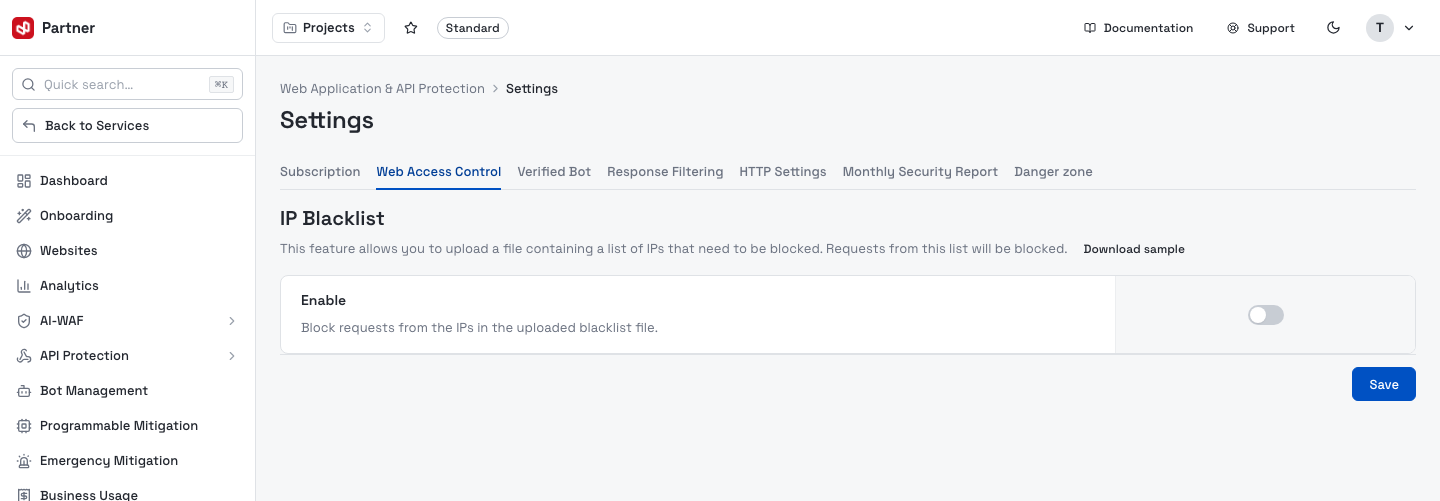
- Enable — block requests from the IPs in the uploaded file.
- Download sample — a template showing the expected format.
- Upload rules: TXT only, one IP or network segment per line, max 100,000 entries. Uploading a new file replaces the current one.
Verified Bot
Let known-good bots (search-engine crawlers, uptime monitors) bypass protection so they're never challenged or blocked.
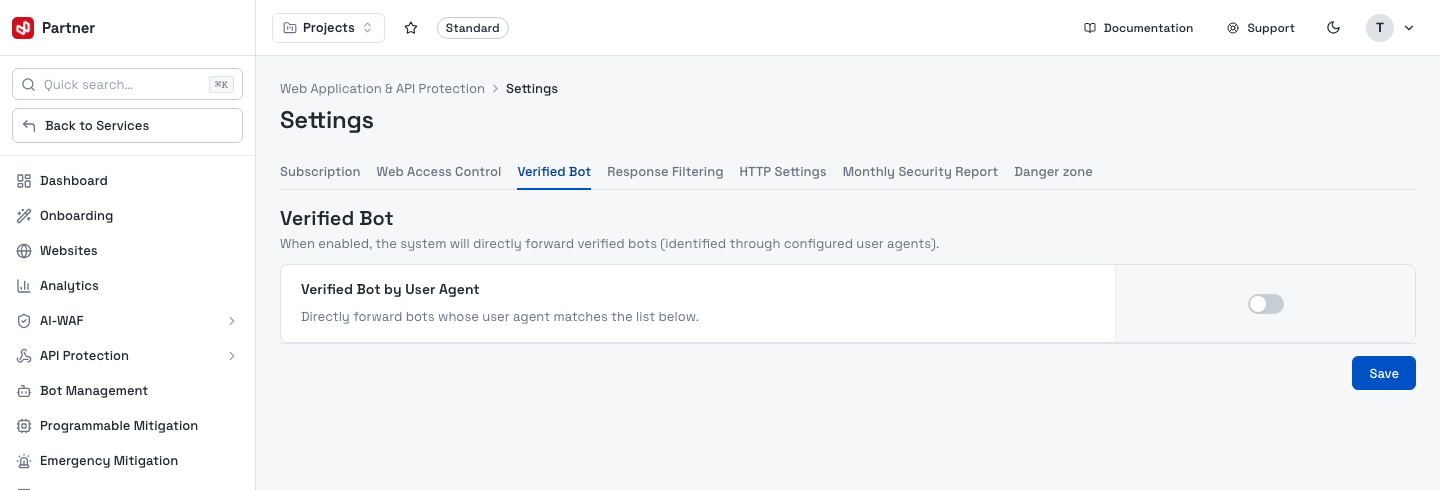
- Verified Bot by User Agent — when enabled, requests whose
User-Agentmatches your list (one per line, e.g.Googlebot,bingbot) are forwarded directly to the origin.
Response Filtering
Search-and-replace rules applied to responses before they leave the edge — useful for rewriting or scrubbing content on the way back to visitors.
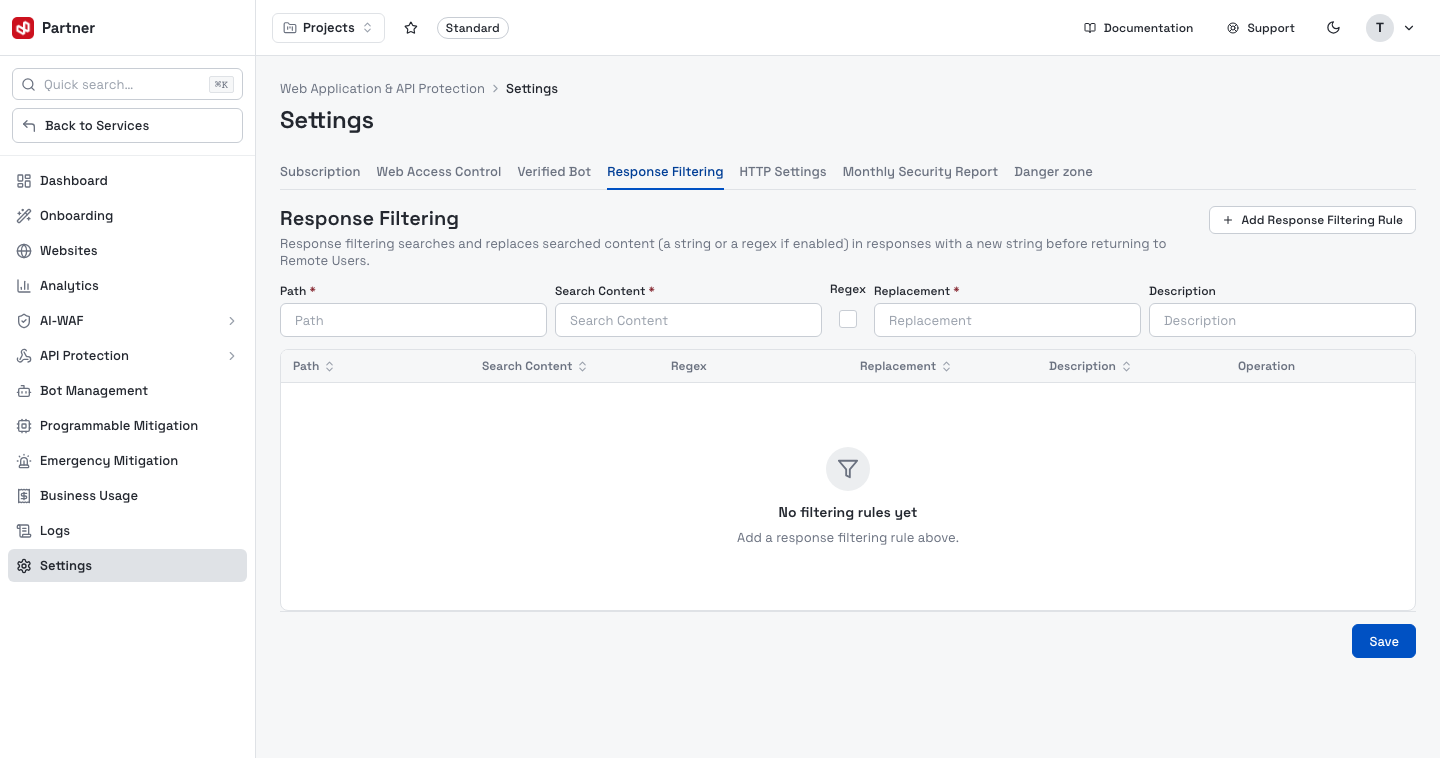
Add a rule with the inline form, then Save:
| Field | Meaning |
|---|---|
| Path | Which response path the rule applies to. |
| Search Content | The string (or regex) to look for in the response body. |
| Regex | Treat Search Content as a regular expression. |
| Replacement | What to substitute in. |
| Description | An optional label for the rule. |
Existing rules are listed below the form with Edit / Delete actions.
HTTP Settings
Edge HTTP behaviour and custom pages for your sites.
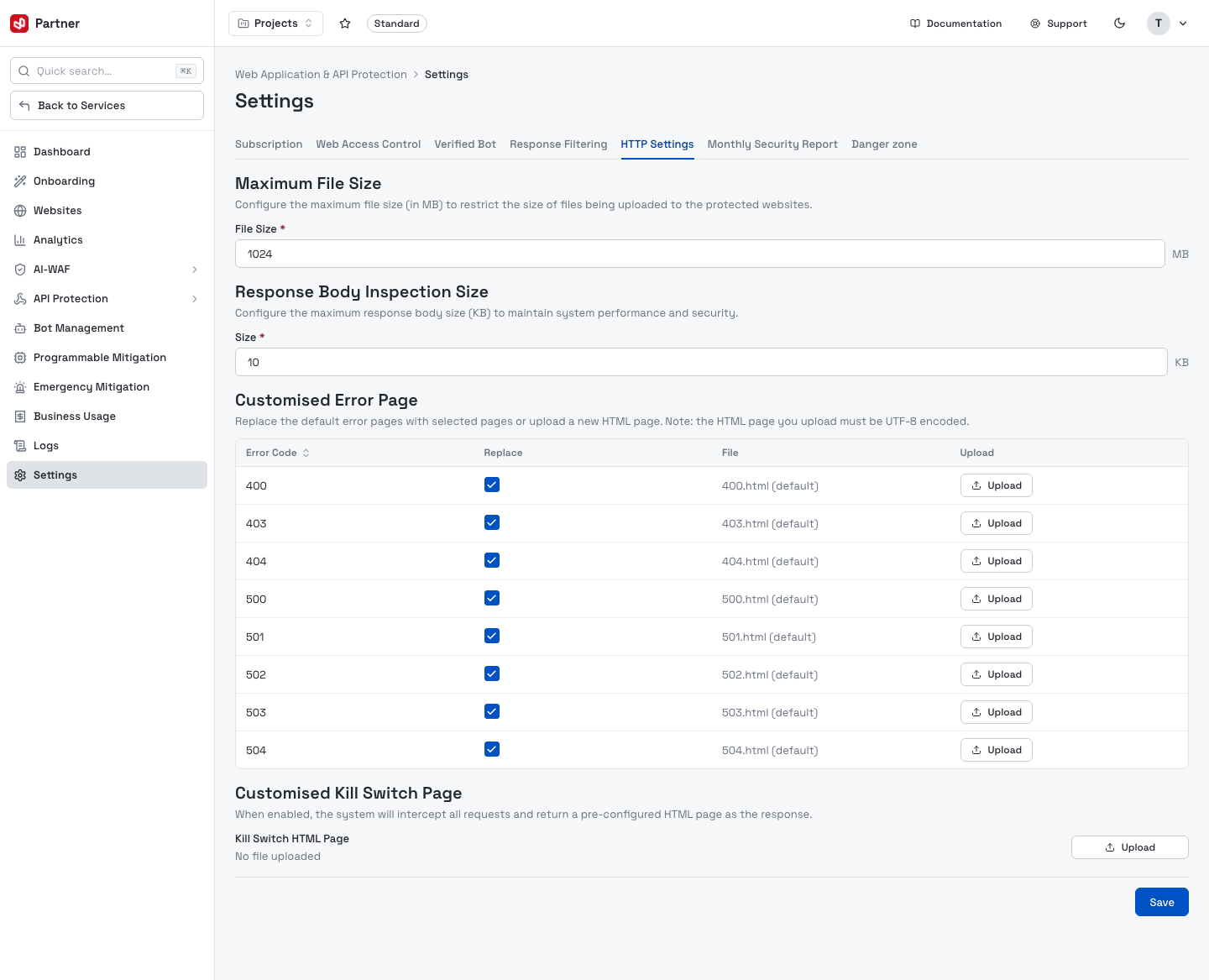
- Maximum File Size — cap (in MB) on files uploaded to your protected websites.
- Response Body Inspection Size — the largest response body (KB) WAAP will inspect (keeps latency and load in check).
- Customised Error Page — for each status code (400–504), keep the default page or Upload your own UTF-8 HTML.
- Customised Kill Switch Page — when enabled, WAAP intercepts all requests and serves a pre-configured HTML page instead (an emergency maintenance/lockdown page).
The customised error pages ship enabled by default (every status code's Replace box is ticked). So even before you configure anything, a visitor whose request is blocked by a security control sees VNETWORK's built-in block page — a status code, a short explanation and a unique Error ID to quote to your team:
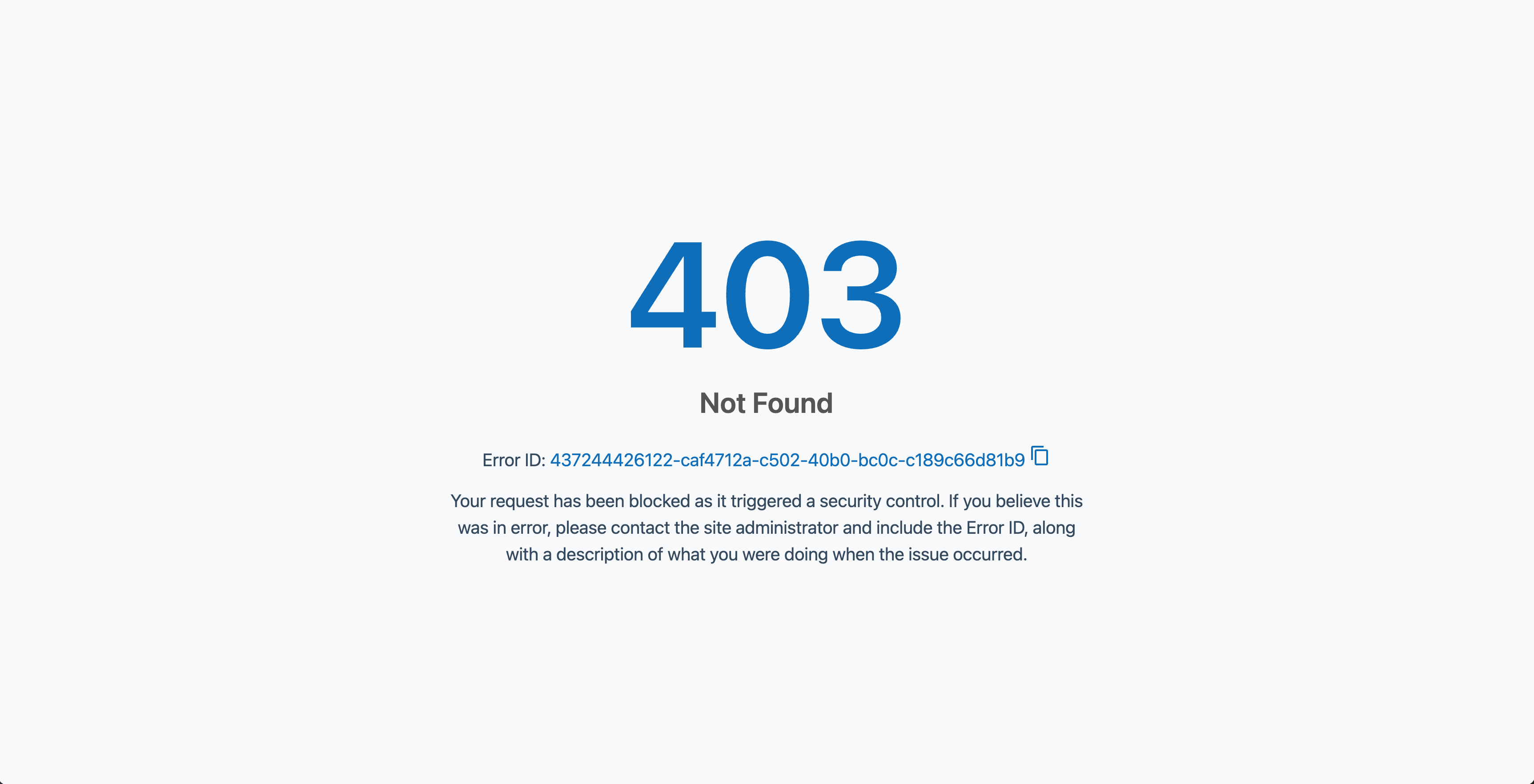
Upload your own HTML for a status code to replace this with your brand's page.
Monthly Security Report
A recurring security summary emailed to your team.
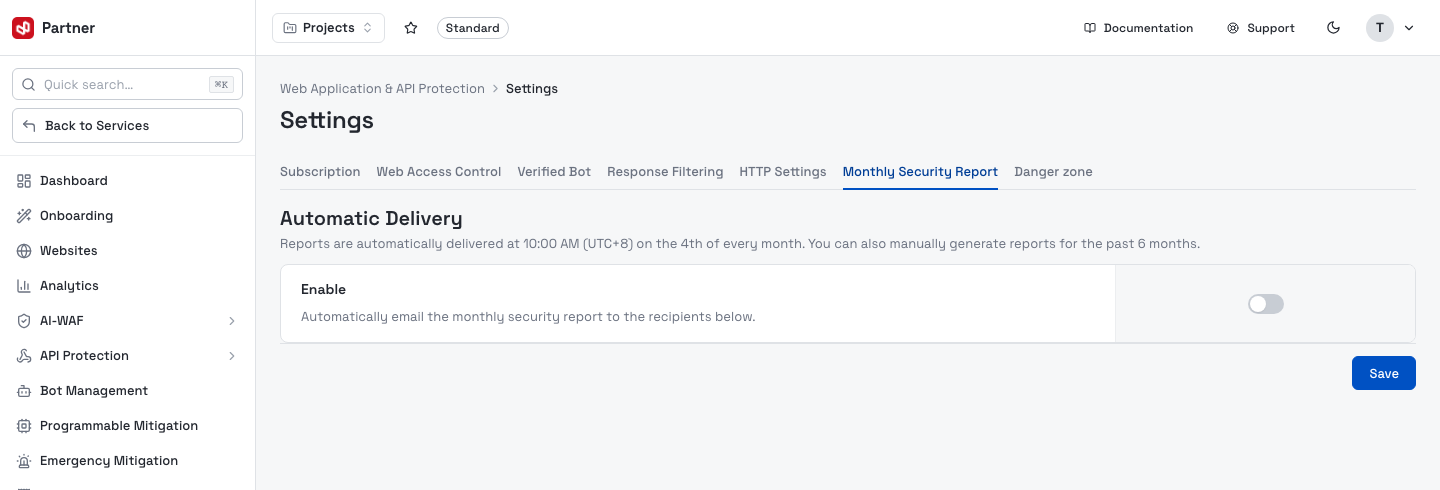
- Automatic Delivery — when enabled, the report is emailed at 10:00 AM (UTC+8) on the 4th of each month to the recipients you list (one email per line).
- Generate Report — manually produce a report for any of the past 6 months on demand.
Danger zone
Service-level destructive actions, separate from the plan's Cancel subscription.
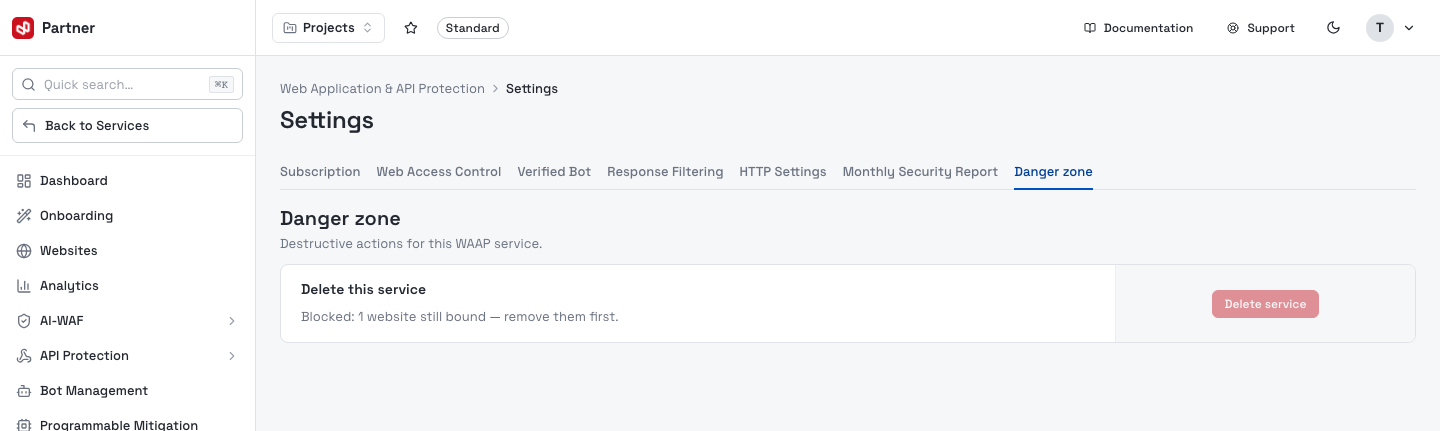
- Delete service — removes the WAAP service and its protection edge (recorded in the activity log). Blocked while any websites are still bound — remove them first.