Alarms
An alarm is an alert rule attached to a monitor: the condition that opens an incident, how severe it is, and where to send the notification. The Alarms page lists your rules — Name, Monitor, Severity, a summary of the Conditions, an Active toggle, and Updated — with Edit and Delete in the row menu.
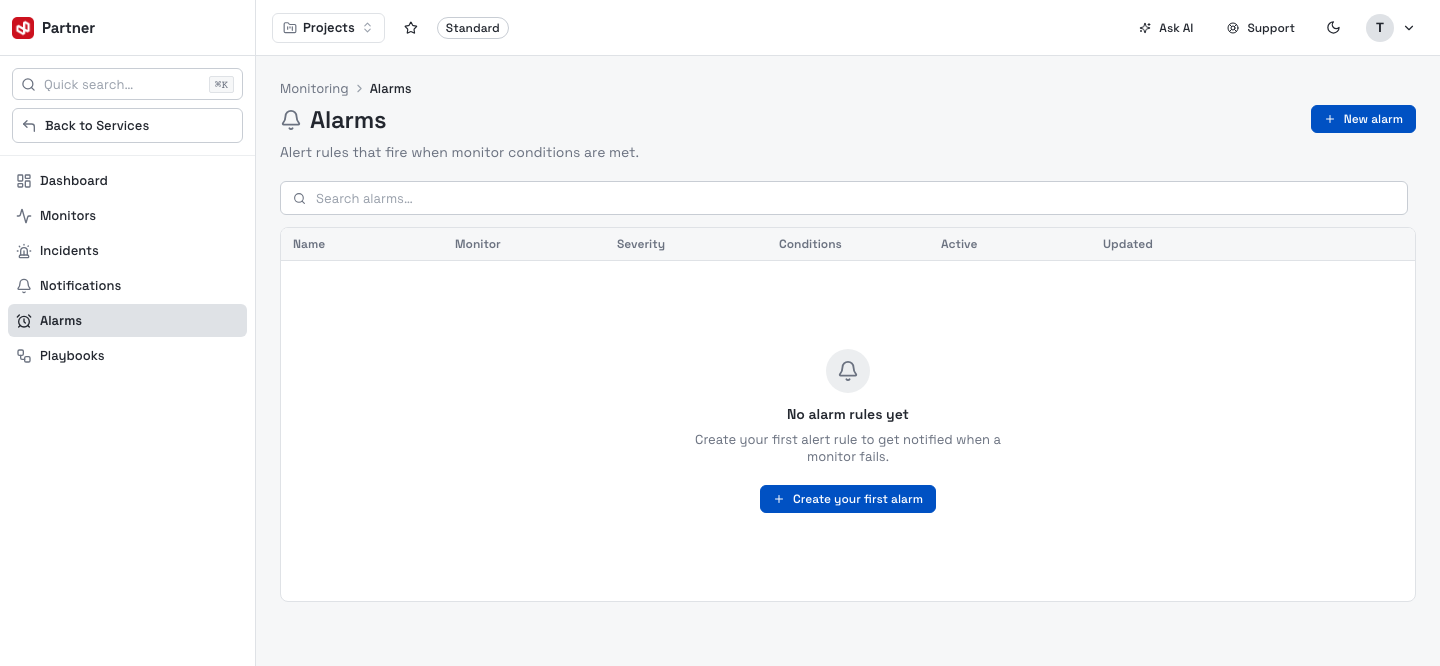
Create an alarm
New alarm builds the rule on one page. (You can also add one straight from a monitor's detail Alert rules section, which pre-selects the monitor.)
Rule details
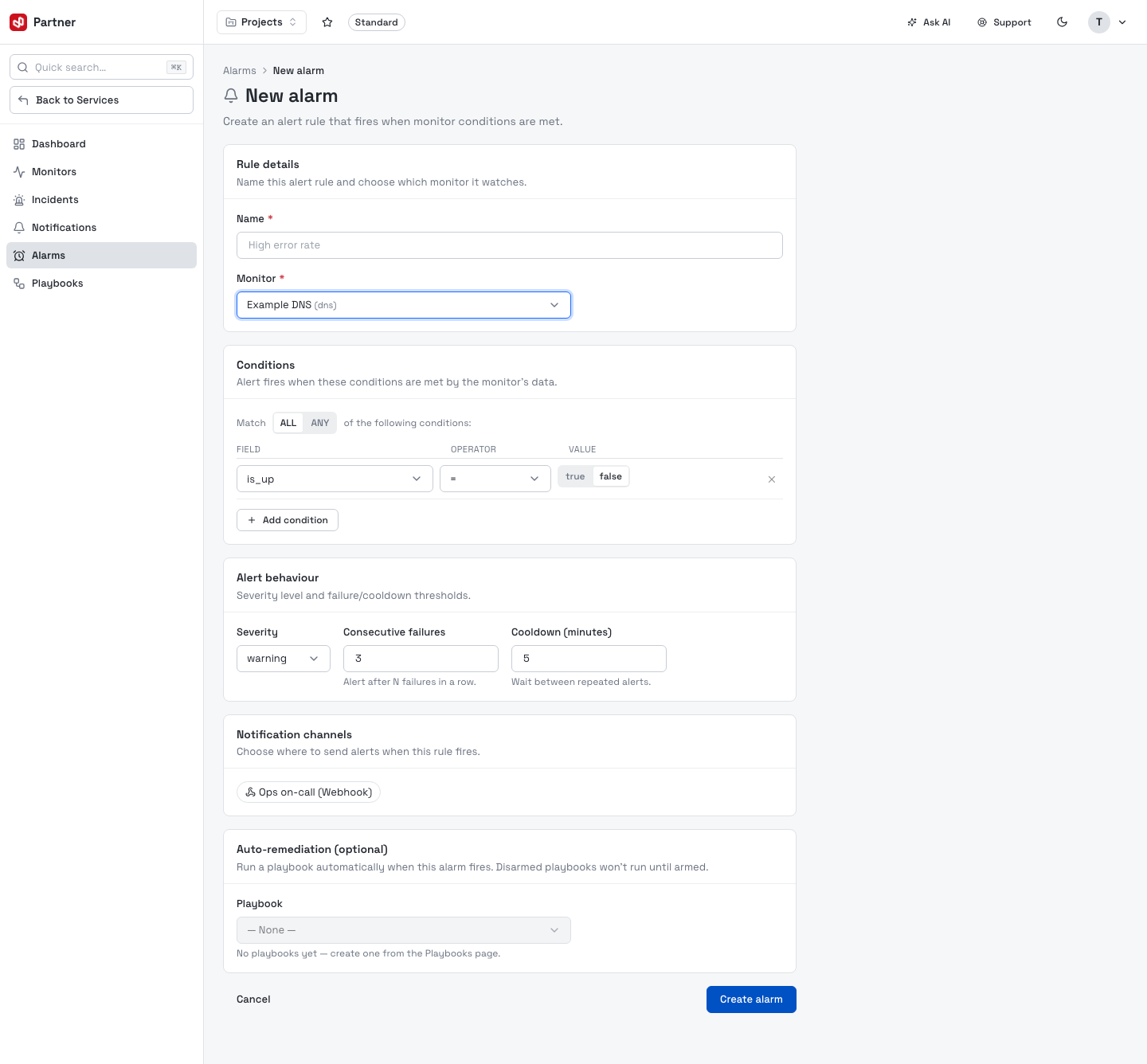
Name the rule and choose the Monitor it watches. The condition builder below adapts to that monitor's type.
Conditions
Build the condition that fires the alarm. Each row is Field · Operator · Value (for the
DNS monitor above, is_up = false); Add condition stacks more. For protocol monitors a
Match ALL / ANY toggle chooses whether every row must match (AND) or any one (OR);
data-driven monitors combine rows with implicit AND.
If a monitor's condition catalog can't be loaded, the builder falls back to an Edit as JSON editor so you can still author the rule directly.
Numeric metrics with a learned baseline (count on WAF-log monitors, latency_ms on protocol monitors) also offer the σ anomaly operator: instead of a fixed number, the alarm fires when the value spikes more than k standard deviations above normal. See Anomaly detection.
Alert behaviour
| Field | What it does |
|---|---|
| Severity | info / warning / critical — carried onto the incident and notification. |
| Consecutive failures | Only open an incident after N failing checks in a row (filters flapping). |
| Cooldown (minutes) | Minimum wait between repeated alerts from this rule. |
Notification channels
Pick one or more channels to notify when the alarm fires.
Auto-remediation (optional)
Attach a playbook to run automatically when the alarm fires. Disarmed playbooks are listed but won't run until you arm them — so you can wire up remediation safely before going live.
Start with a warning-severity alarm and a couple of consecutive failures while you learn a monitor's normal behaviour, then tighten to critical with tighter thresholds once you trust it.