Node pools
A node pool is a group of identically-sized worker nodes. The cluster's Node pools tab lists them with Name, Flavor, Scale (min–max, auto?), Nodes (current count) and Status.
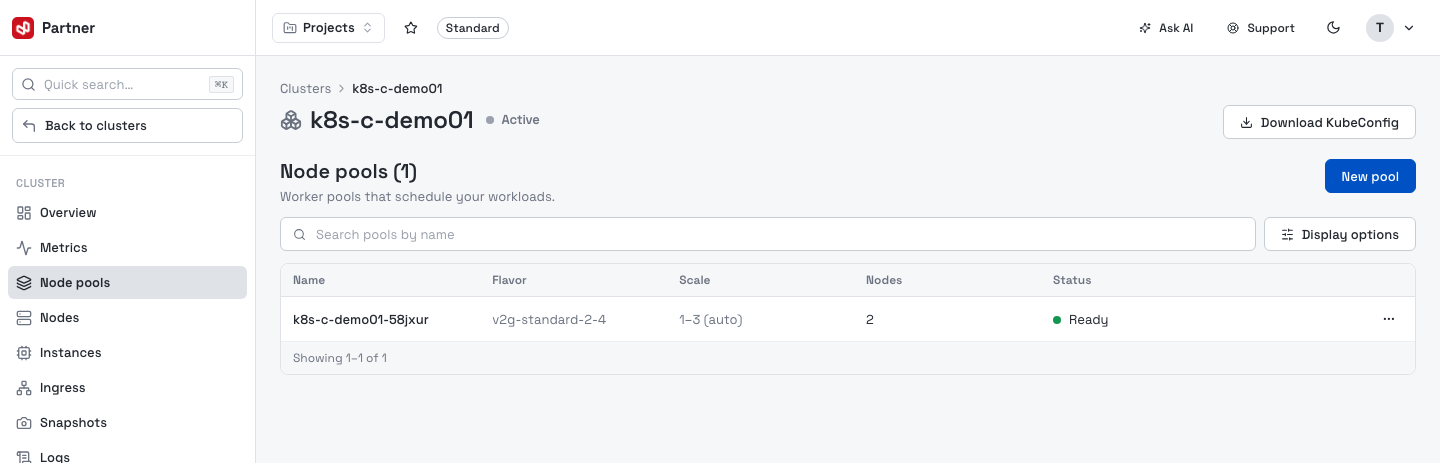
The row menu (⋯) has View detail, Edit, Scale, View machines, Recover and Delete.
Add a pool
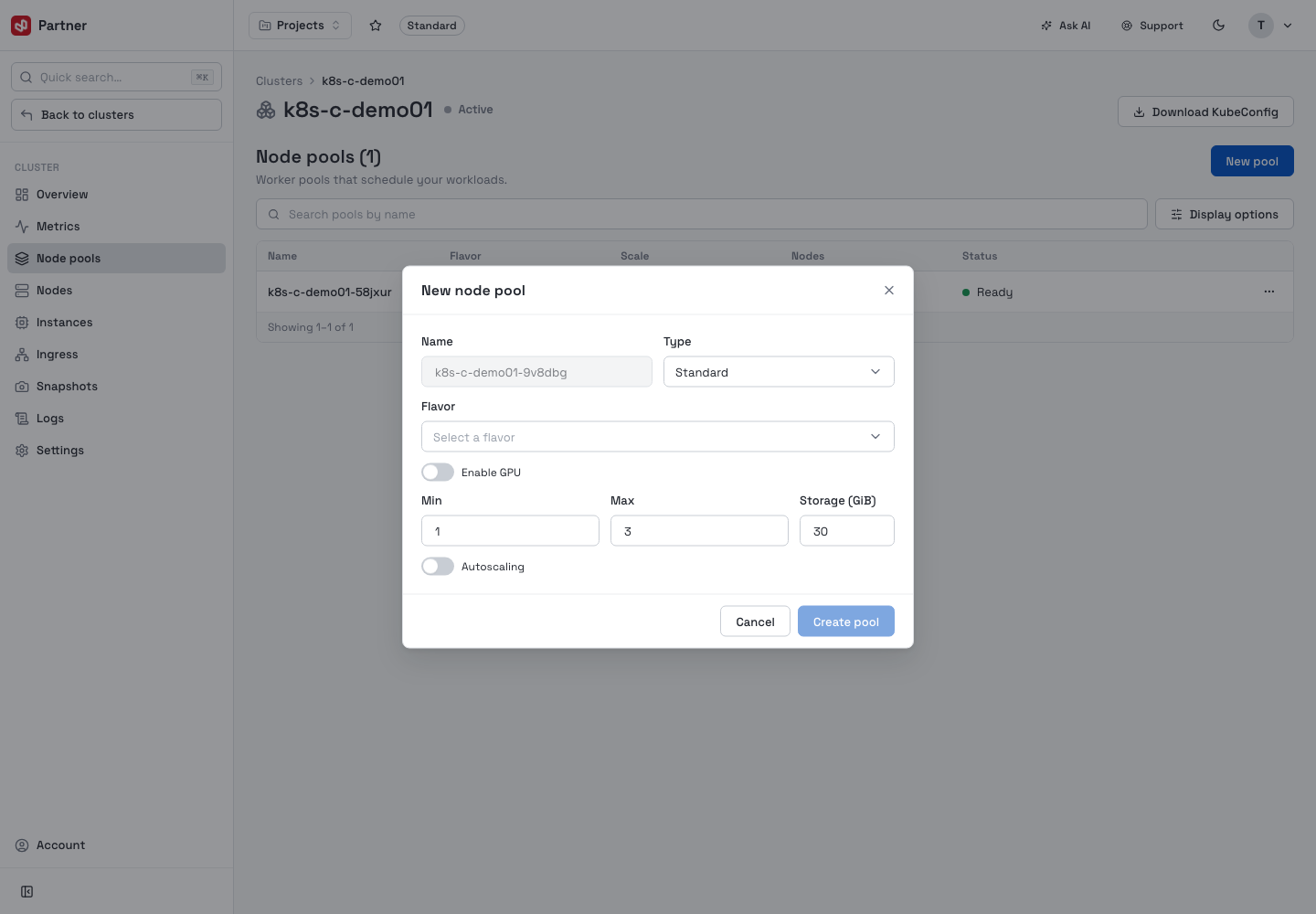
New pool opens the pool builder — a derived read-only Name, a Type (Standard / Processor Optimized / Memory Optimized), a Flavor, optional GPU (model + count), Min / Max nodes, Storage (GiB) and an autoscaling toggle.
Edit a pool
Edit changes the pool's name, description and scaling, and — importantly — its Labels and Taints. Labels and taints control which workloads schedule onto the pool.
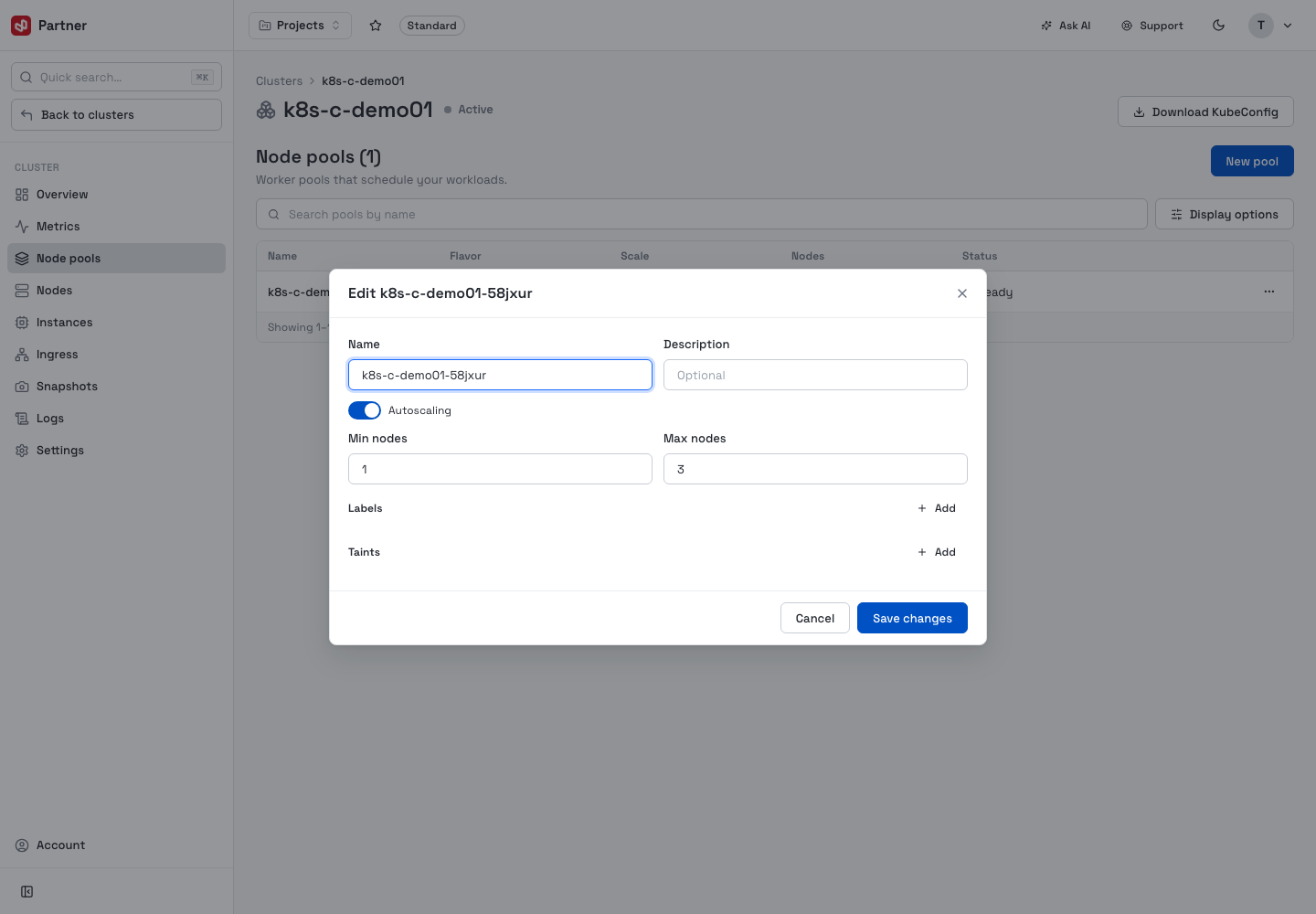
Reserved label prefixes (kubernetes.io/, k8s.io/) are flagged — use your own keys for
scheduling labels. Taints take an effect of NoSchedule, PreferNoSchedule or NoExecute.
Scale a pool
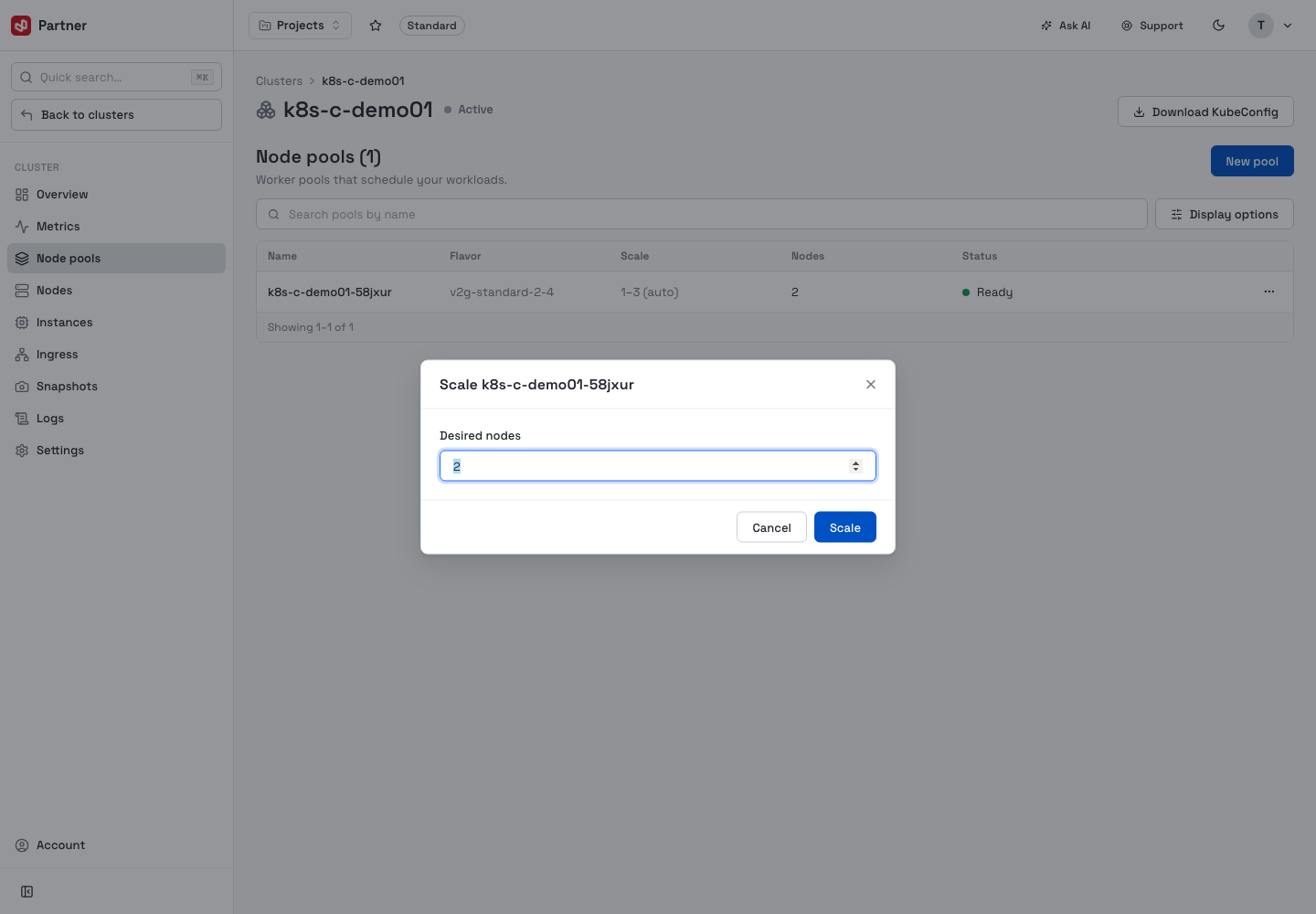
Scale sets the desired node count directly. (With autoscaling enabled the pool moves within its min–max range on its own; scaling manually sets a target inside that range.)
View machines
View machines lists the pool's nodes with their IP and Status. Each node has Drain (cordon and evict its pods so they reschedule elsewhere — the node stays in the pool) and Remove (type-to-confirm; permanently removes the node).
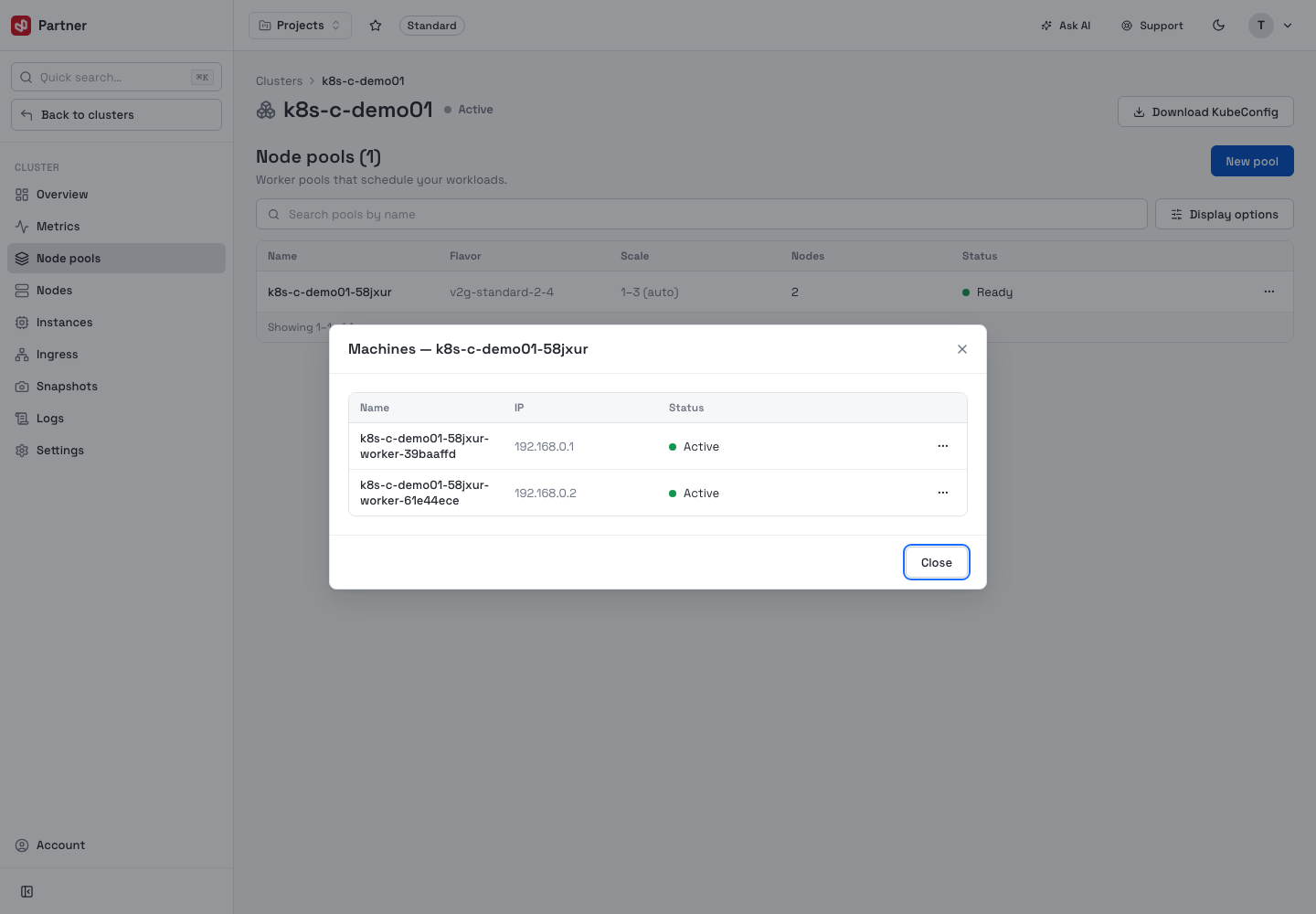
Drain evicts running pods; Remove and Delete node pool (type-to-confirm) take the node(s) out of the cluster for good. Make sure your workloads have somewhere else to schedule before you drain or remove capacity.