Cluster detail
Opening a cluster enters the cluster scope — a sidebar of sub-sections for that one cluster. This page covers Overview, Metrics, Nodes, Instances, Snapshots, Logs and Settings; Node pools and Ingress have their own pages.
Overview
The landing view summarises cluster health and configuration. Download KubeConfig (top right) is available on every cluster page.
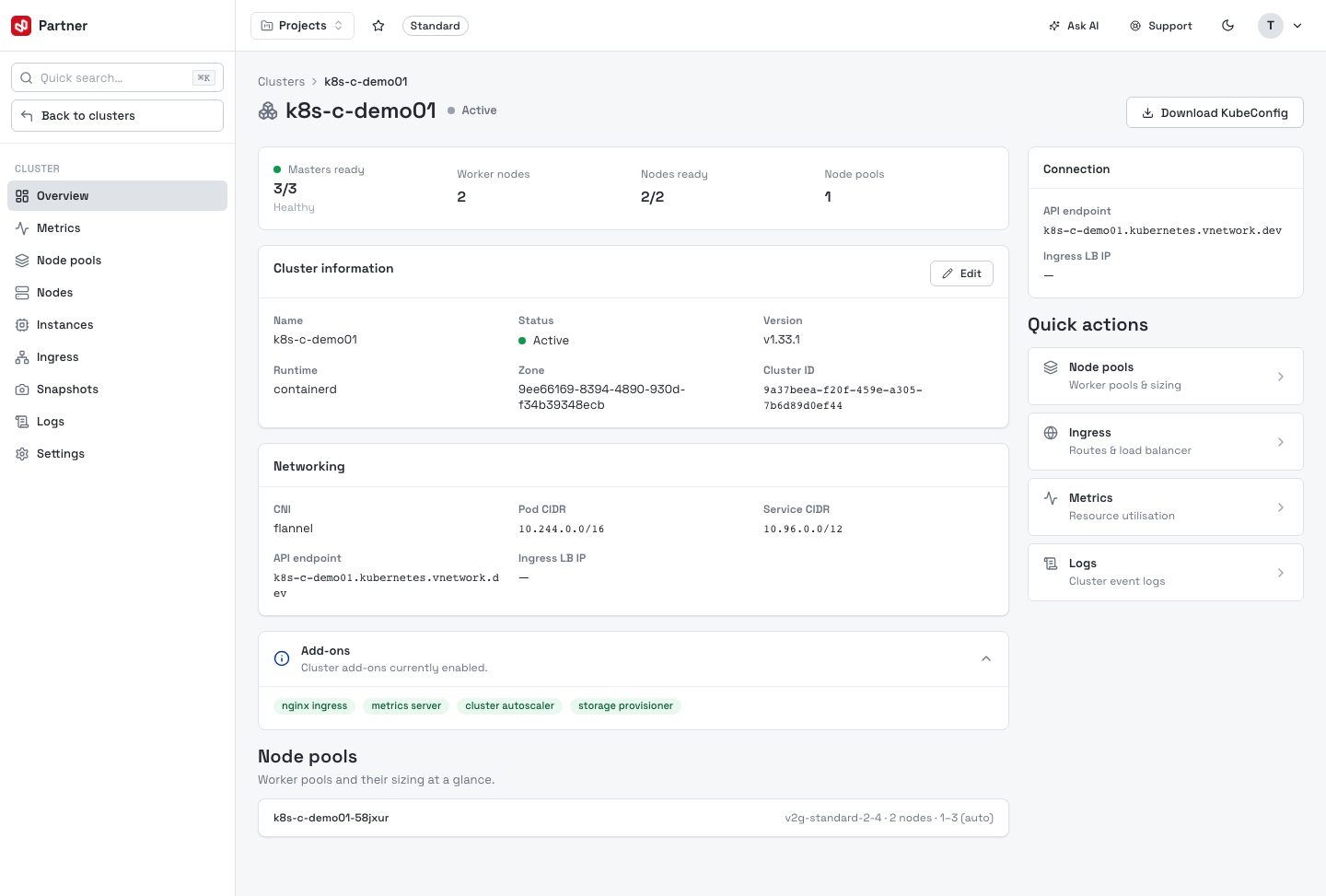
- KPIs — Masters ready, Worker nodes, Nodes ready, Node pools.
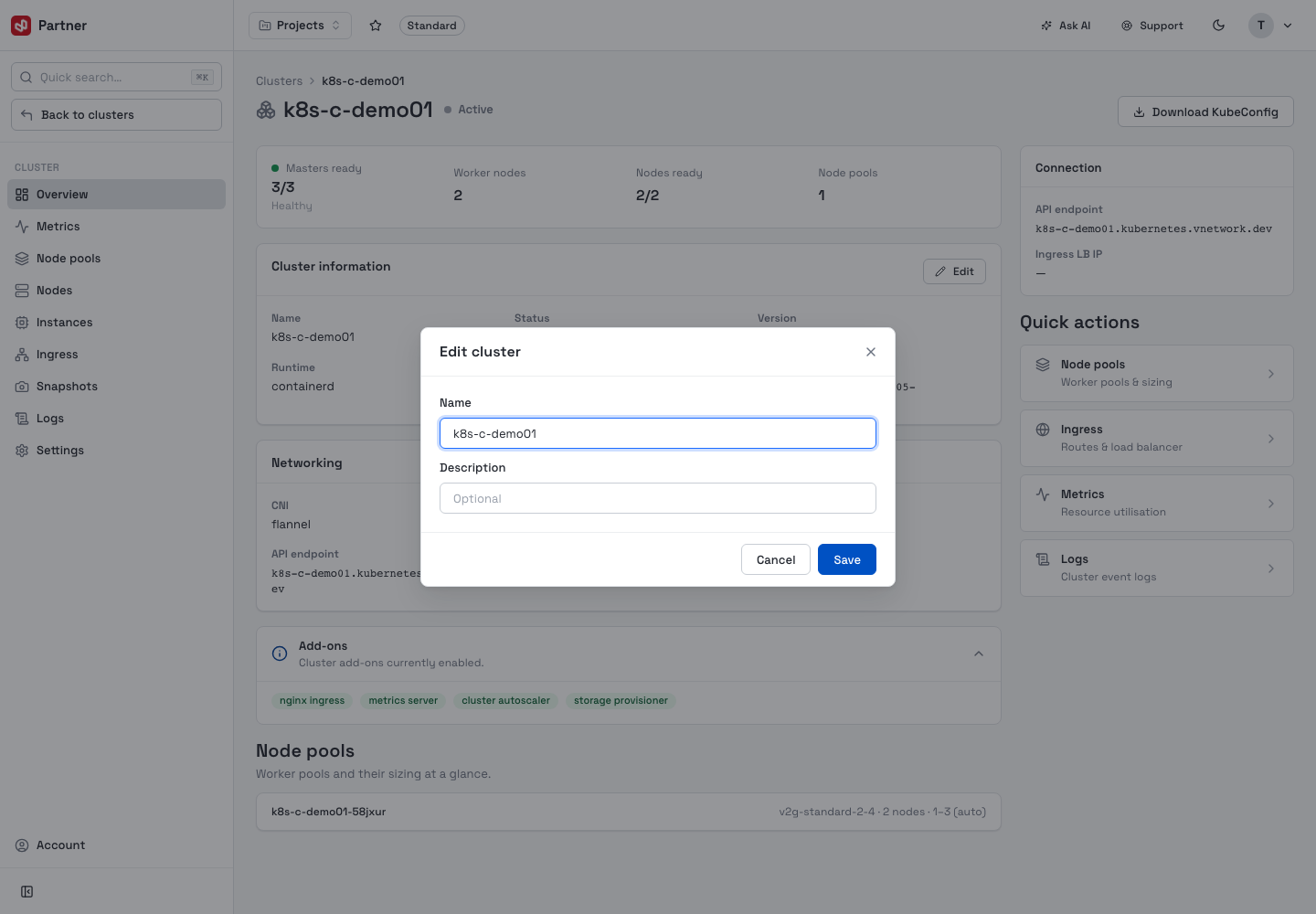
- Cluster information — name, status, version, runtime, zone and cluster ID. Edit changes the name and description.
- Networking — CNI, Pod CIDR, Service CIDR, API endpoint and Ingress LB IP.
- Add-ons — the components currently enabled.
- Node pools — each pool's flavor, node count and scaling range.
- Connection rail + Quick actions (Node pools, Ingress, Metrics, Logs).
While a cluster is still provisioning, this view shows a Cluster is provisioning banner with live streaming logs instead of the KPIs.
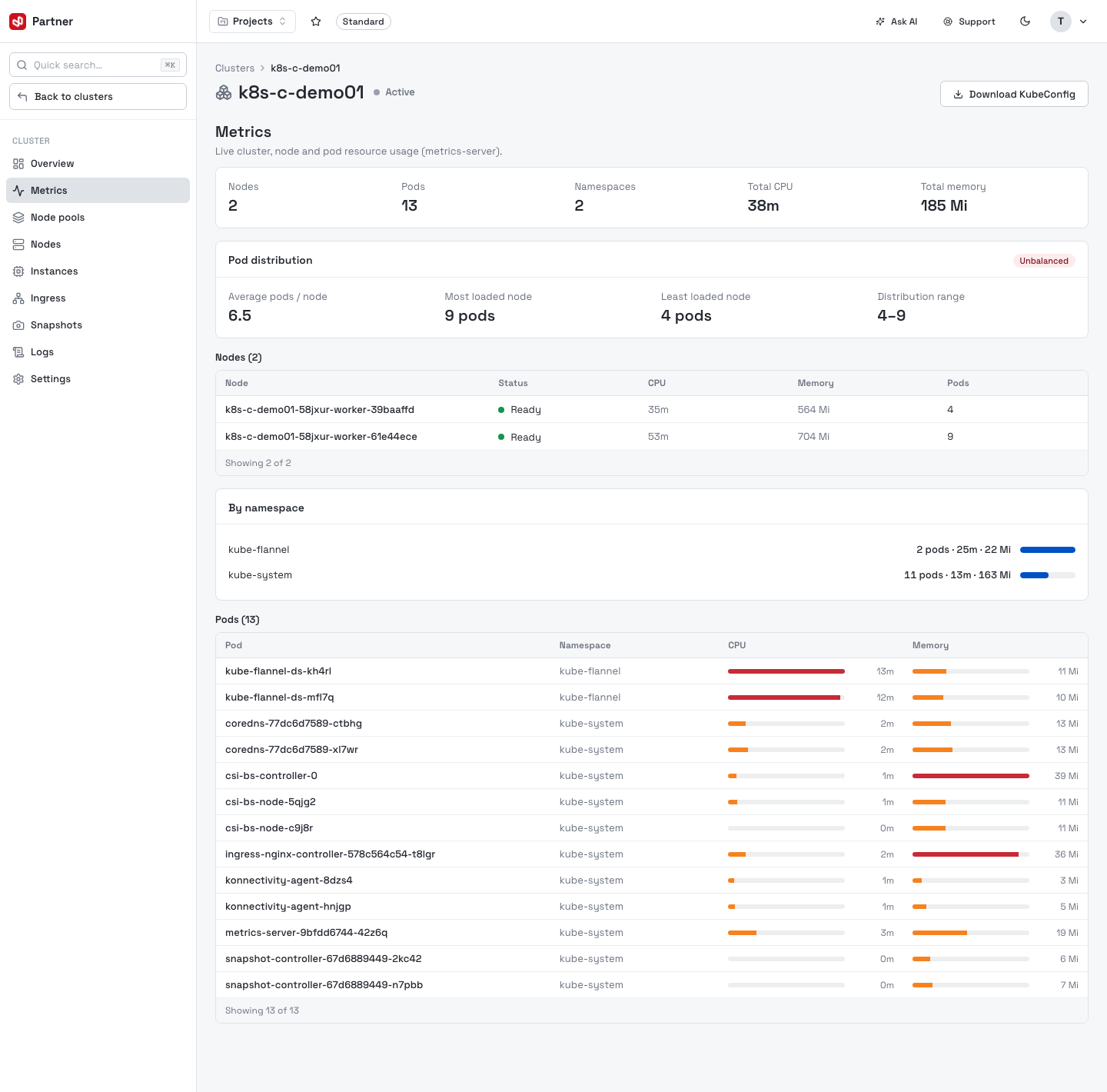
Metrics
Live cluster, node and pod resource usage (from metrics-server): headline counts (nodes, pods, namespaces, total CPU/memory), a Pod distribution balance summary, a per-node table, a by-namespace bar chart, and a per-pod CPU/memory table.
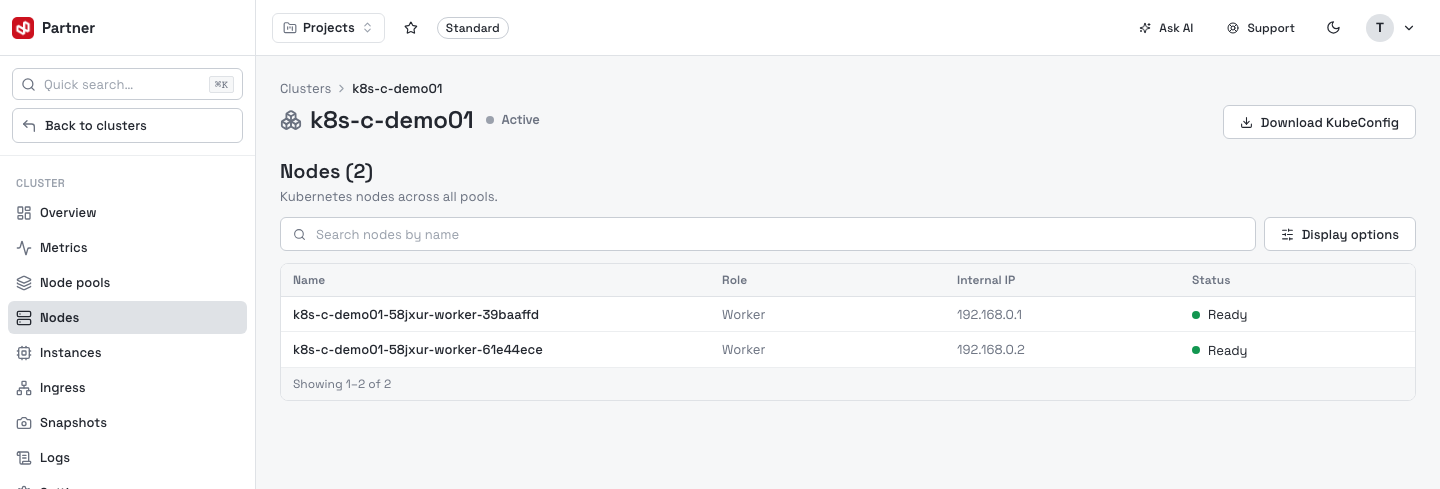
Nodes
The Kubernetes nodes in the cluster — Name, Role (master / worker) and Internal IP, with a Status (Ready / Not ready). Search by name and toggle columns with Display options.
Instances
The underlying compute VMs backing the cluster — Name, Role, Assigned IP, Instance type, Image, Zone and Status.
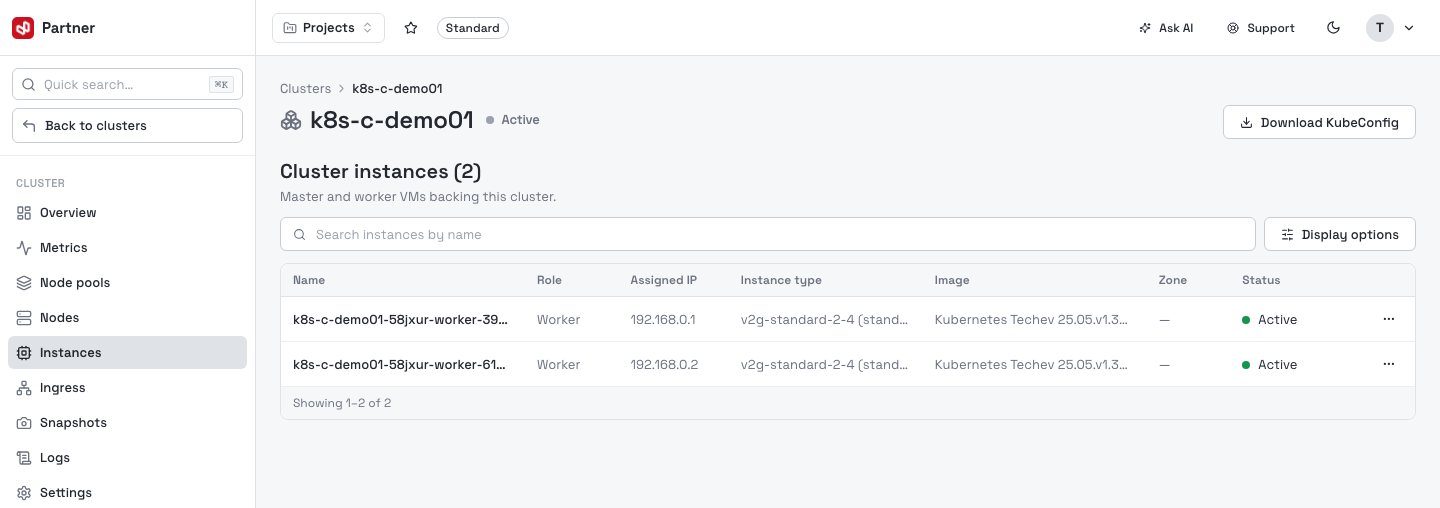
Opening an instance (row click, or View detail) shows its full profile — resources, OS, IPs, network interfaces, volumes and volume snapshots — plus power controls.
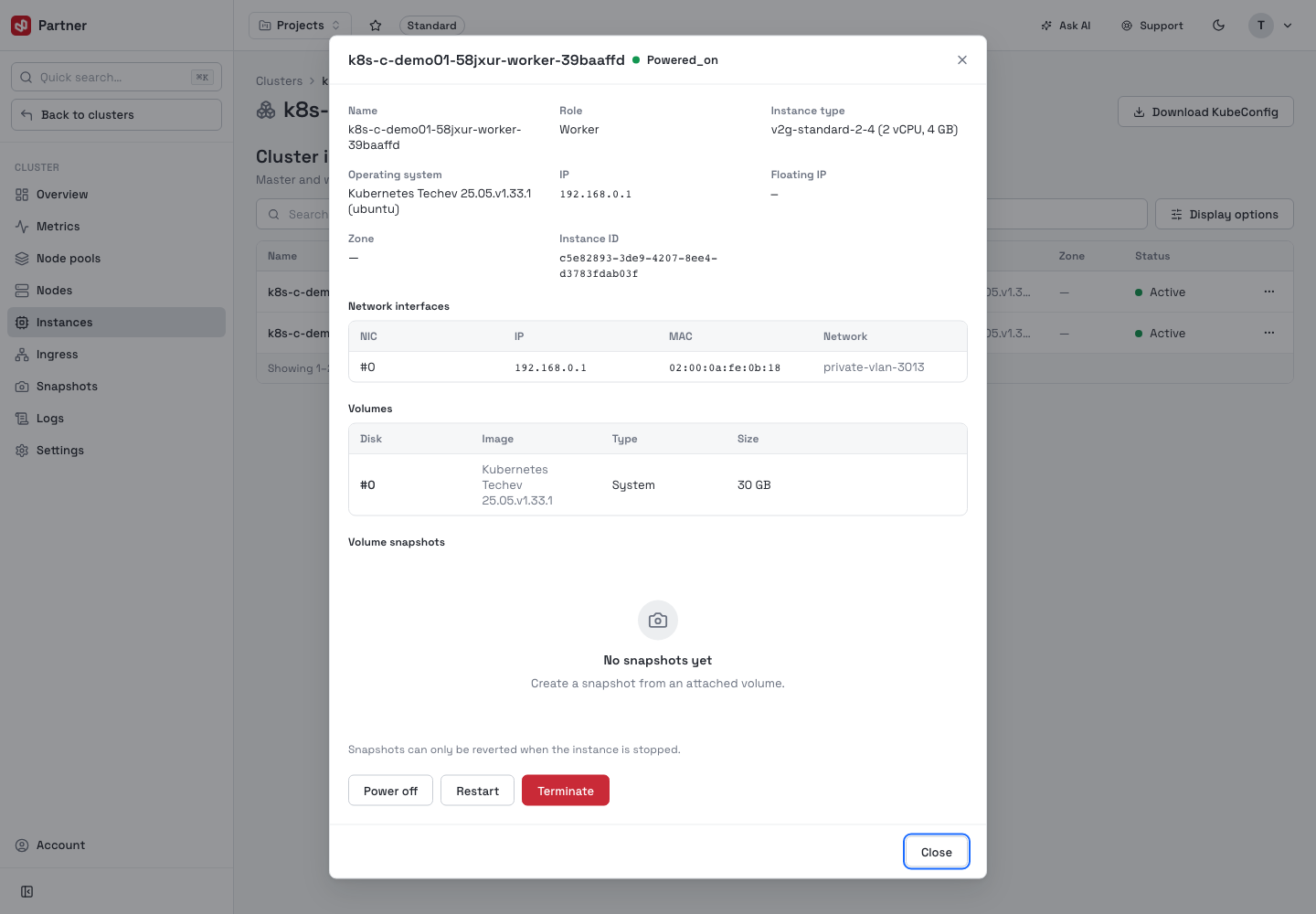
Power off, Restart and Terminate act on a real cluster node. Terminate requires typing the instance name and permanently deletes the VM and its data — the cluster loses that node.
Snapshots
Point-in-time cluster snapshots, plus an optional snapshot schedule (a cron expression and retention). Take snapshot captures the current cluster state; row actions Restore and Delete a snapshot.
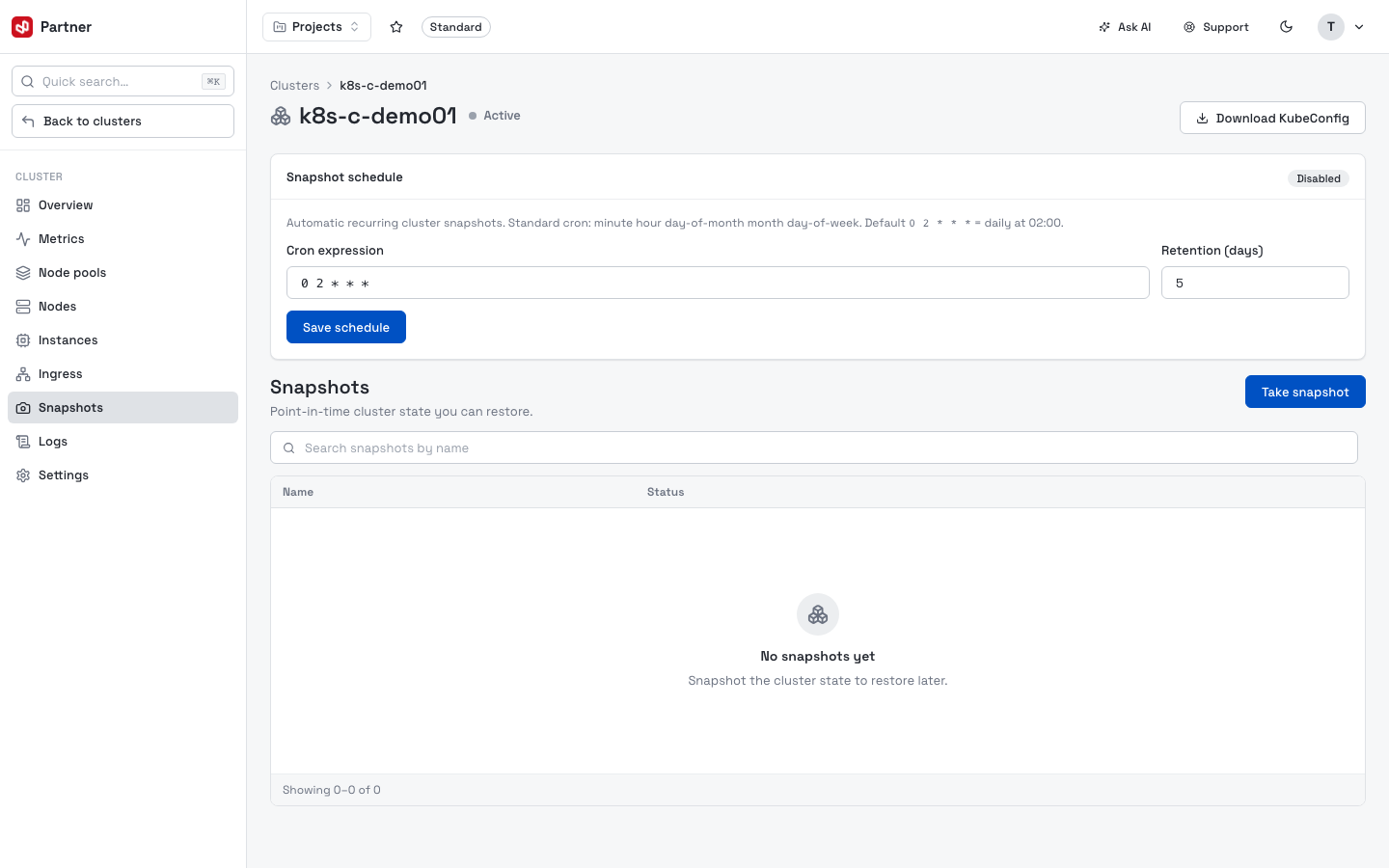
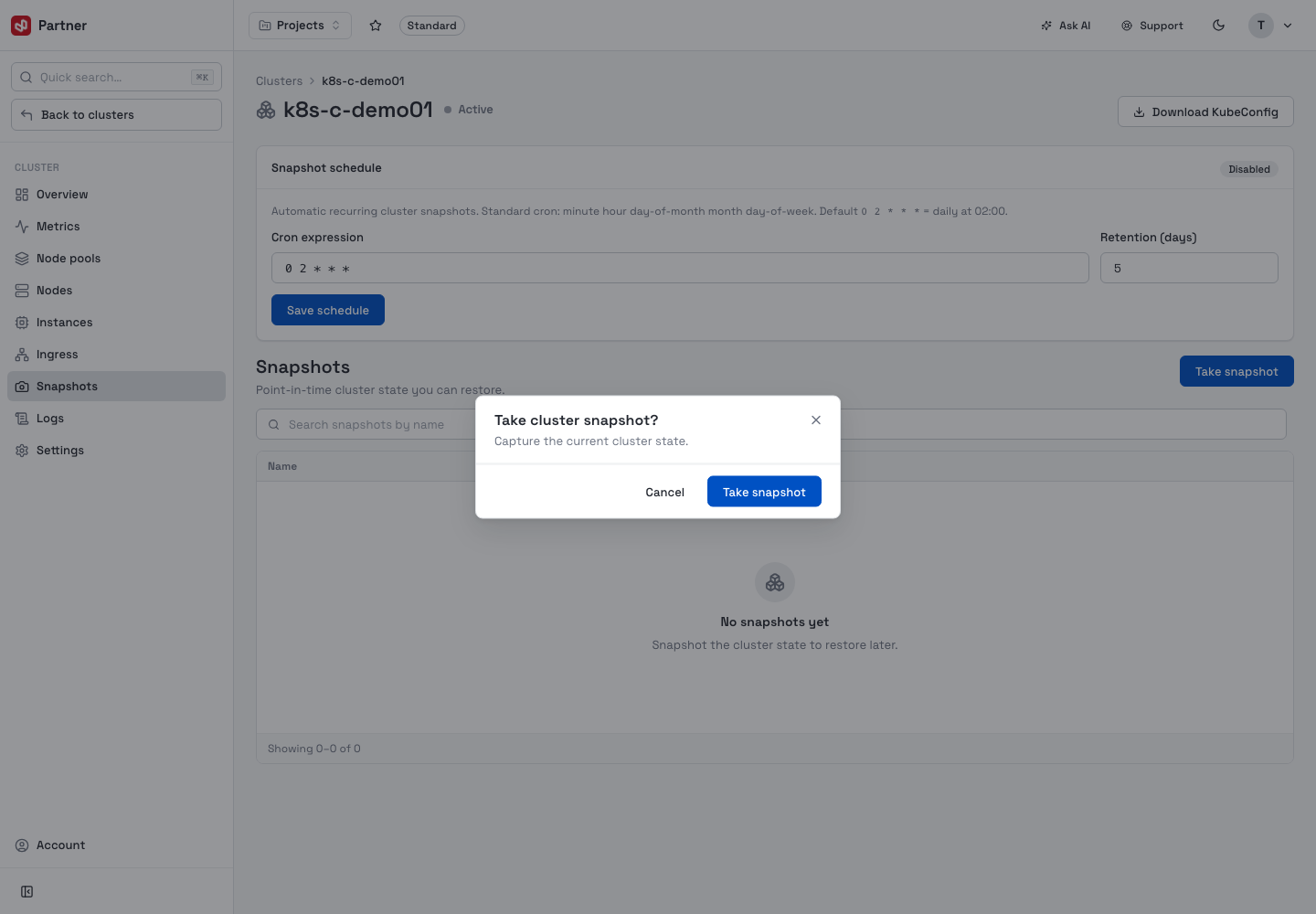
Restore rolls the whole cluster back to the snapshot's state. Treat it as a recovery action, not a routine one.
Logs
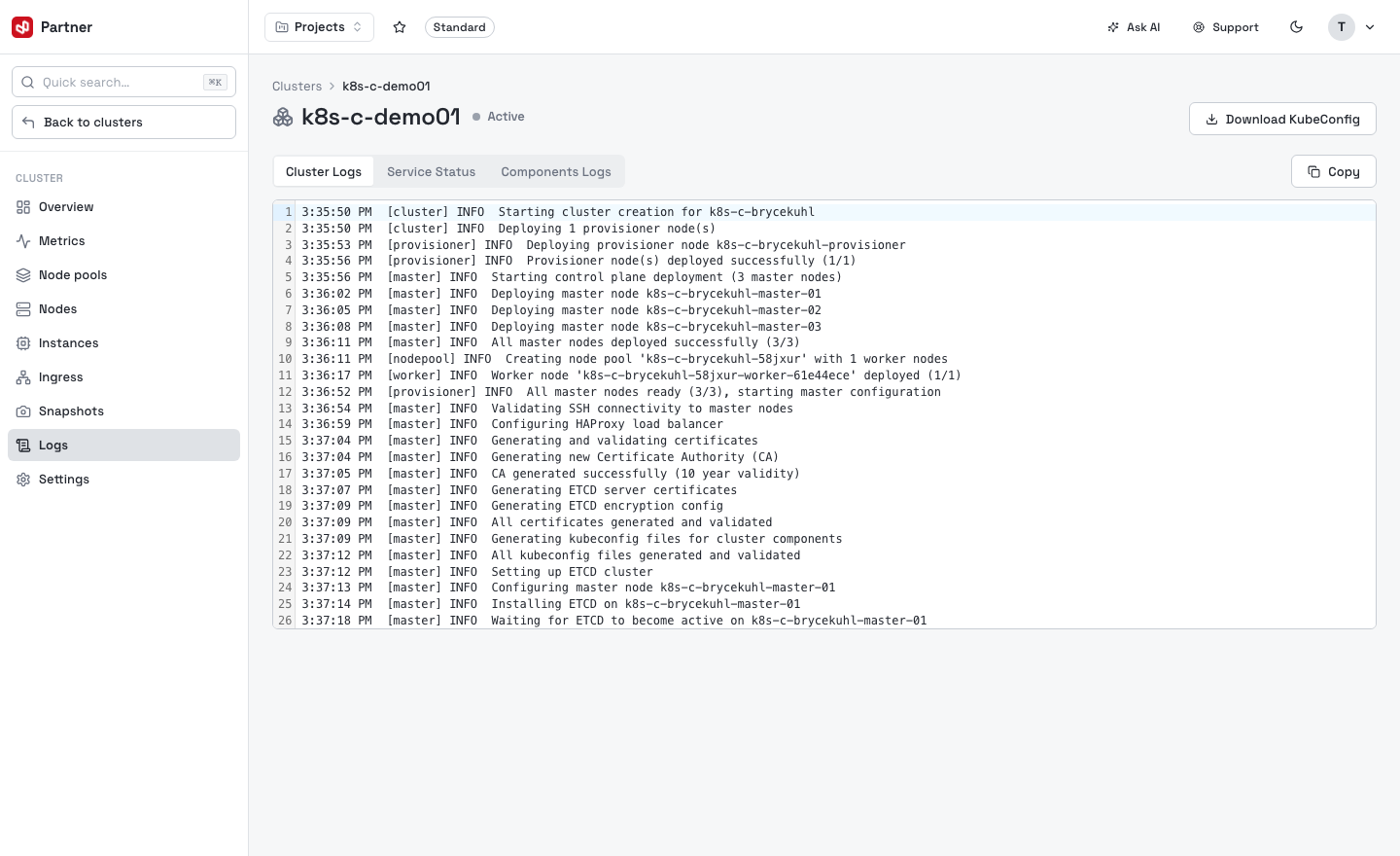
Cluster event and provisioning logs, with a view switcher:
- Cluster Logs — the provisioning / lifecycle log stream.
- Service Status — per-node systemd service states (running / failed).
- Components Logs — logs for a chosen component (deployment, haproxy, cluster-autoscaler, controller-manager, nodepool-autoscaler) with a node and line-count selector.
Settings
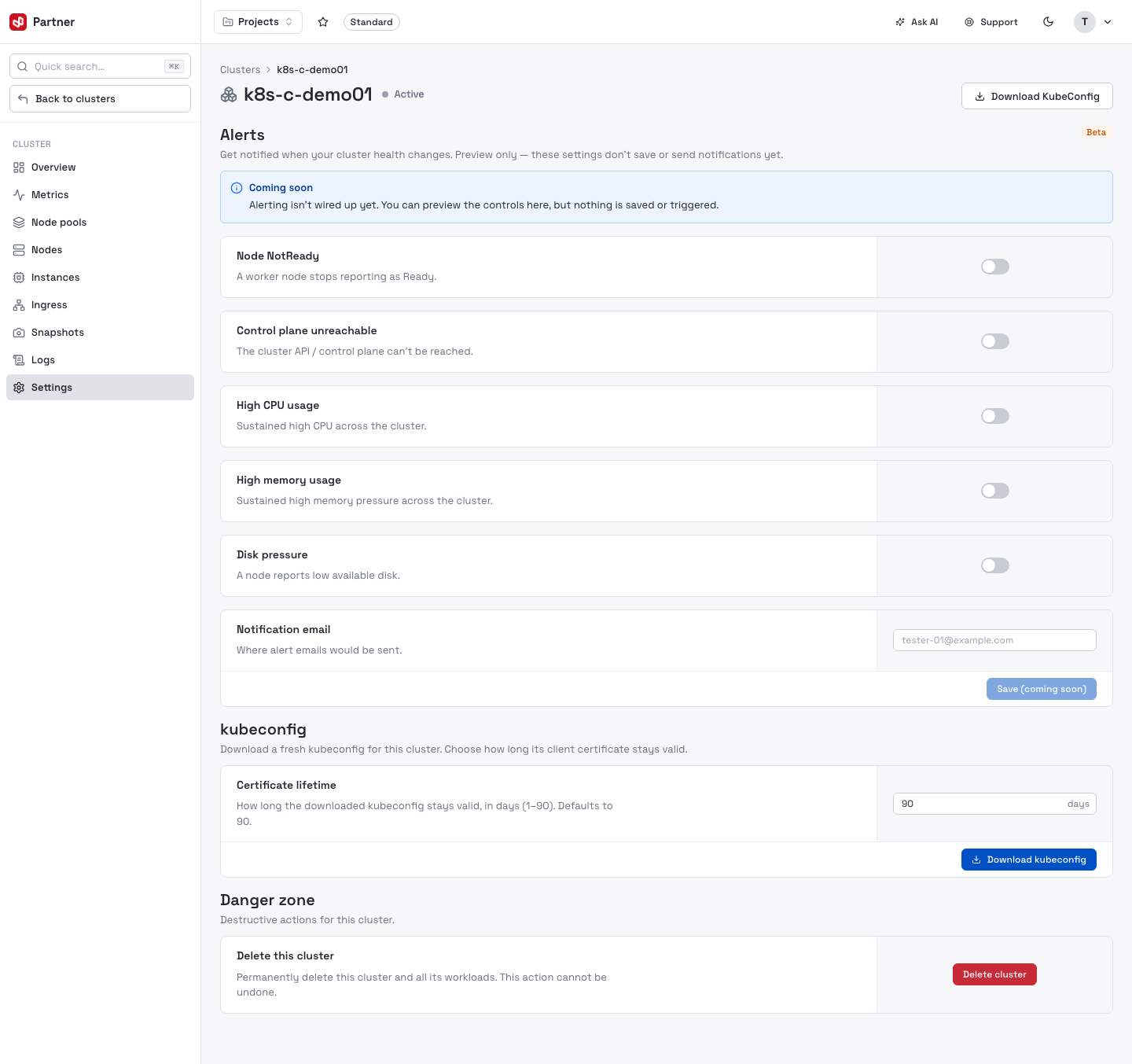
- Alerts (Beta — preview only) — toggles for Node NotReady, Control plane unreachable, High CPU / memory usage and Disk pressure, plus a notification email. Not wired up yet.
- kubeconfig — choose the client-certificate lifetime (1–90 days) and Download kubeconfig (available once the cluster is active).
- Danger zone — Delete cluster (type-to-confirm; permanently deletes the cluster and all its workloads).