Settings
Settings manages the orchestrator itself: its name, provider backends, project grouping and deletion.
General
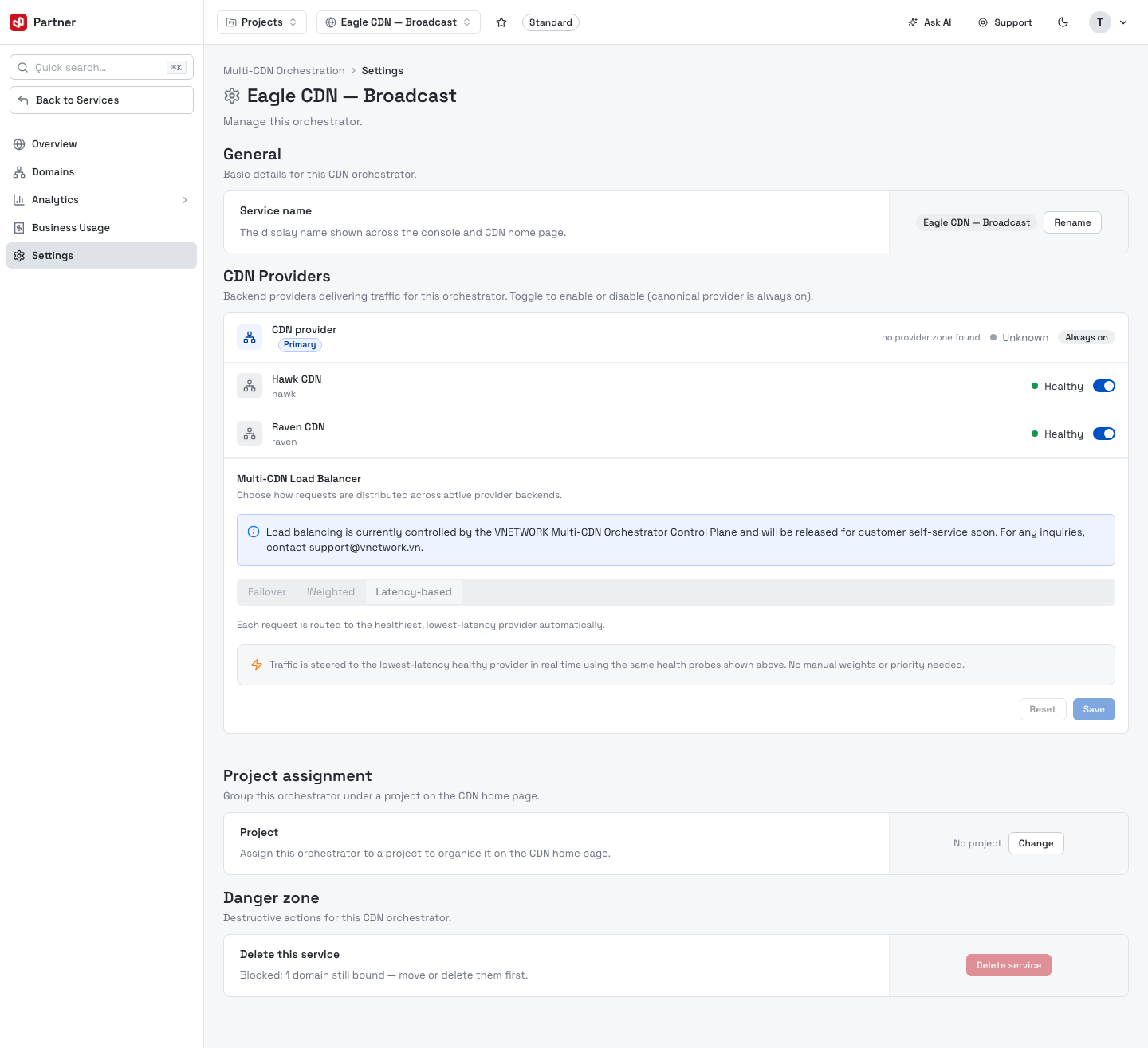
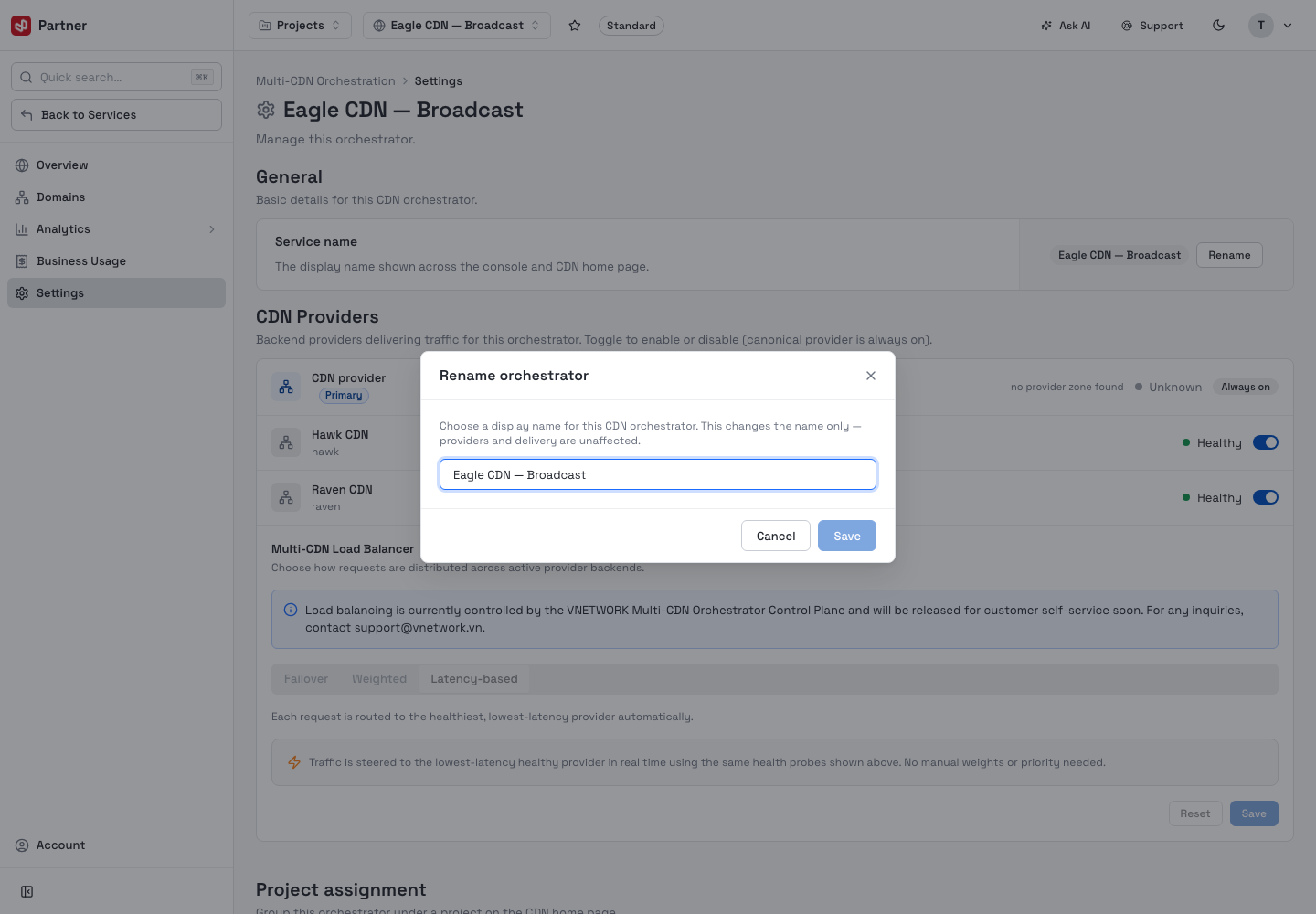
The orchestrator's Service name is the display name shown across the console and on the CDN home page. Rename opens a dialog to change it — the name only; providers and delivery are unaffected.
CDN Providers
The CDN Providers strip lists the backend providers delivering traffic for this orchestrator.
- The primary (canonical) provider is tagged Primary and is Always on — it can't be disabled.
- Secondary providers show a health status (Healthy / Degraded / Unknown) and a toggle to enable or disable them for this orchestrator.
Enabling or disabling a secondary provider changes live traffic routing the instant you toggle it — there is no confirmation step. Only change a backend you intend to.
Multi-CDN Load Balancer
Below the providers, the Multi-CDN Load Balancer chooses how requests are distributed across active backends — Failover, Weighted or Latency-based.
Load balancing is currently controlled by the VNETWORK Multi-CDN Orchestrator Control Plane and will be released for customer self-service soon. For inquiries, contact support@vnetwork.vn.
Project assignment
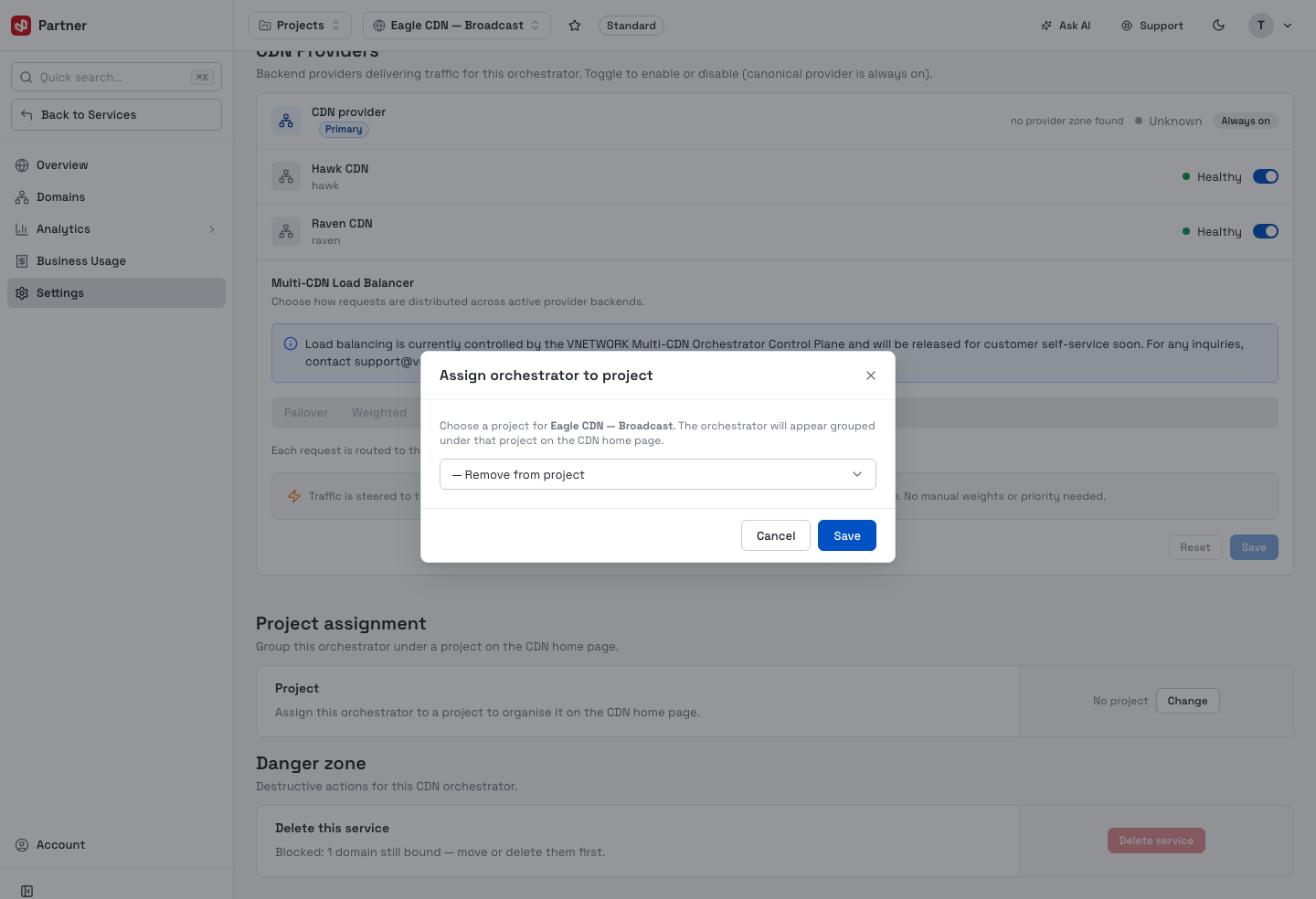
Assign the orchestrator to a project to group it under that project on the CDN home page. Change opens the picker; choose a project or Remove from project.
Danger zone
Delete this service removes the orchestrator and all its provider backends. The action is recorded in the activity log.
Delete is blocked while any domain is still bound — move or delete every domain first. Deleting an orchestrator can't be undone.