Domain configuration
Opening a domain shows its configuration console: a grouped left nav (Caching, Rules, Security, Delivery) plus Optimization and Operations. Every section applies only to this domain.
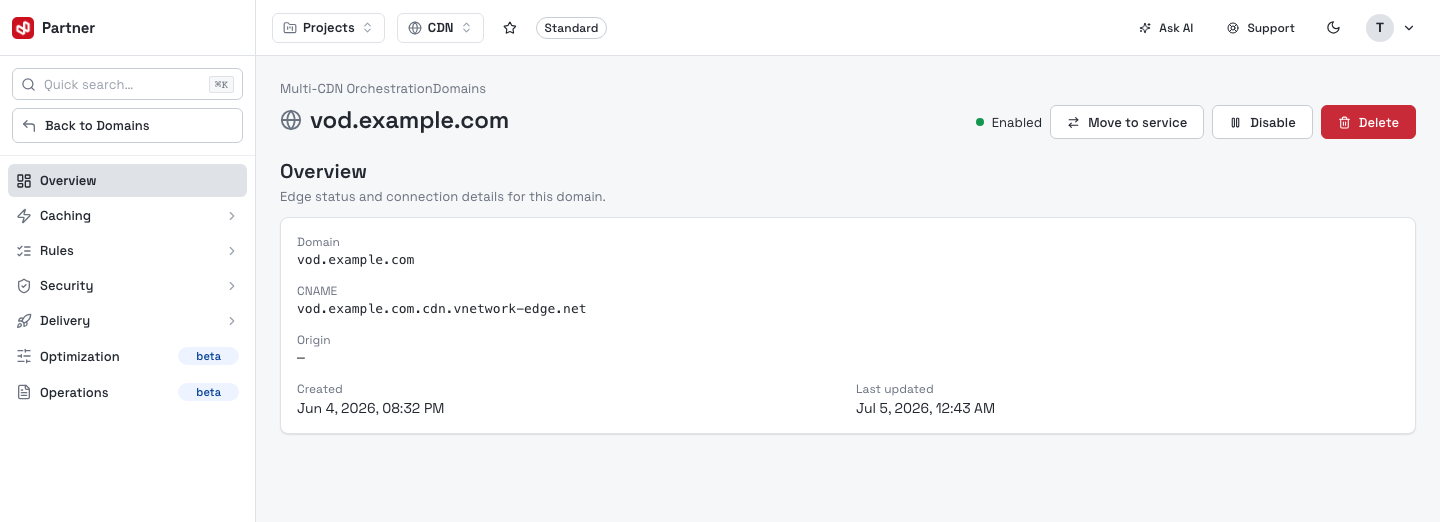
The header shows the domain, its status, and three actions:
- Move to service — re-point the domain to another same-provider orchestrator.
- Disable — stop serving the domain from the edge (reversible).
- Delete — permanently remove the domain and all its configuration.
Overview itself is read-only: the domain, its edge CNAME, the Origin, and created / last-updated timestamps.
Each tab is its own form with its own Save (or Create) button — changes on one tab don't persist until you save that tab. Many tabs show a Not configured / Configured badge so you can see at a glance what's active.
Caching
Cache
The Cache tab controls what the edge stores and for how long.
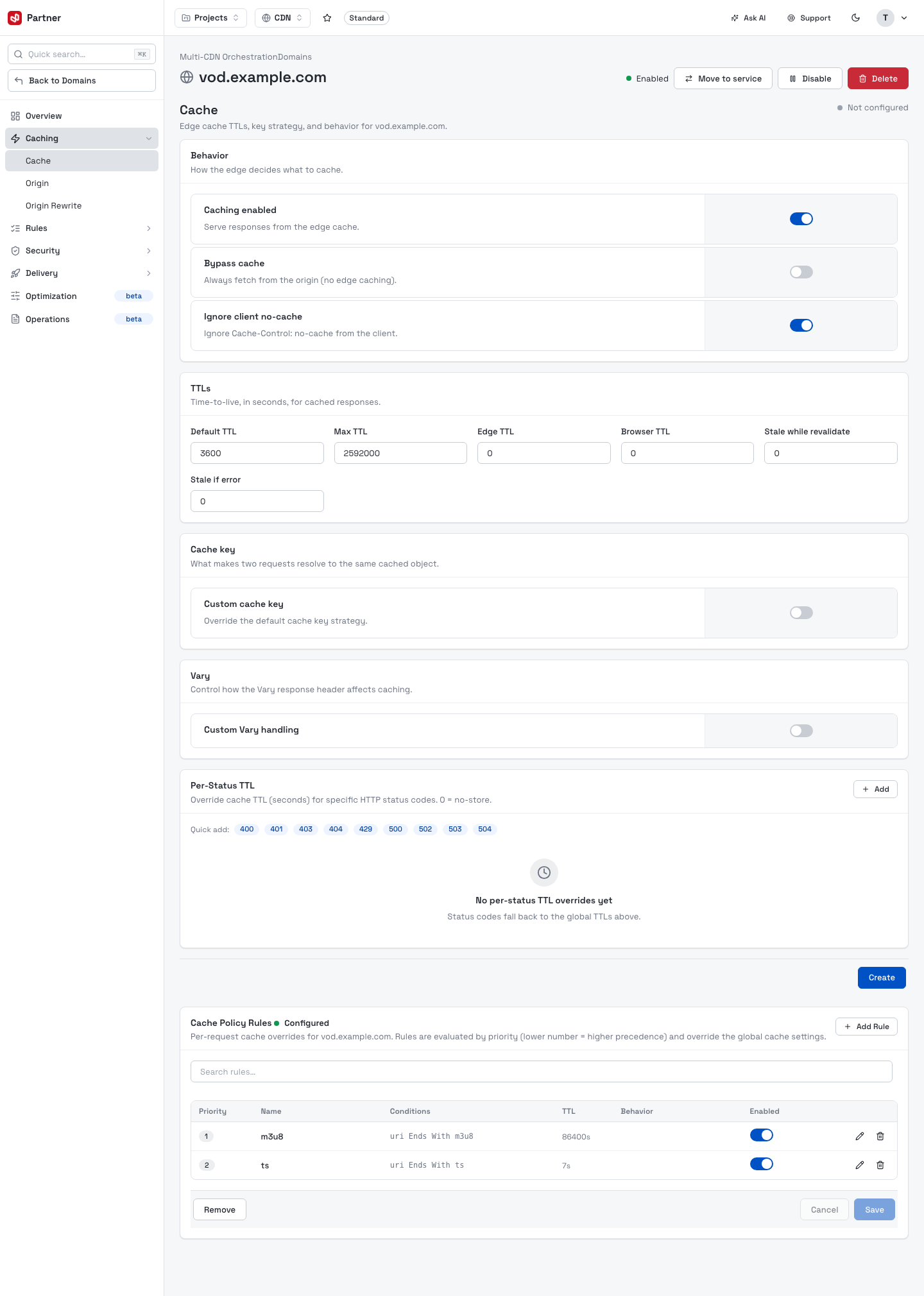
| Section | What it does |
|---|---|
| Behavior | Caching enabled (serve from edge cache), Bypass cache (always fetch from origin), Ignore client no-cache. |
| TTLs | Time-to-live in seconds — Default, Max, Edge, Browser, plus Stale while revalidate and Stale if error. |
| Cache key | Optionally override how two requests resolve to the same cached object. |
| Vary | Control how the Vary response header affects caching. |
| Per-Status TTL | Override cache TTL for specific HTTP status codes (quick-add 400/401/403/404/429/500/502/503/504). |
| Cache Policy Rules | Per-request overrides evaluated by priority — e.g. a longer TTL for .m3u8 playlists and a short TTL for .ts segments. Each rule has a name, condition, TTL and behavior. |
Origin
The Origin tab is the backend configuration — where and how the edge fetches uncached content.
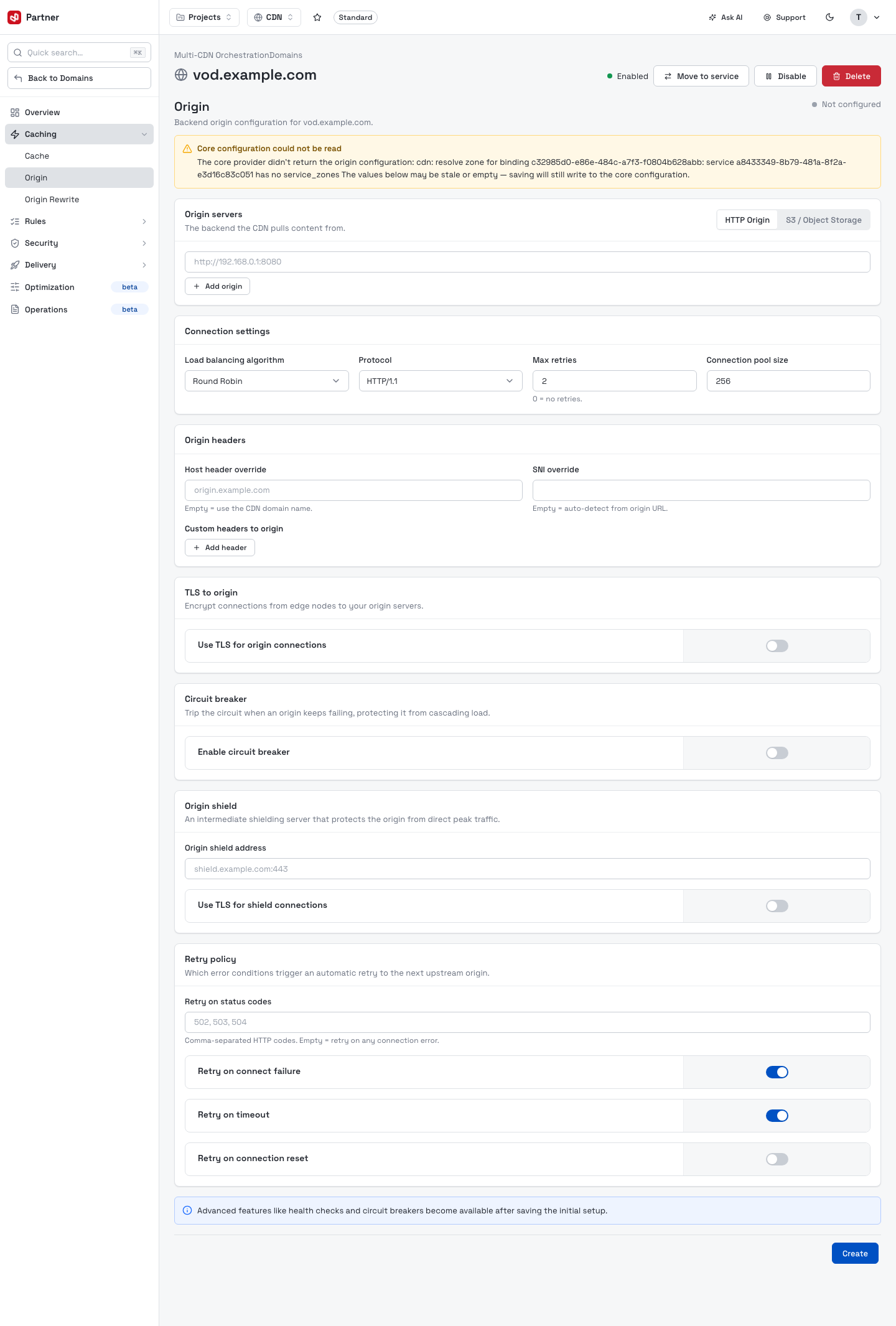
- Origin servers — one or more origins (an HTTP origin or an Object Storage bucket).
- Connection settings — load-balancing algorithm, protocol, max retries and connection pool size.
- Origin headers — Host-header override, SNI override and custom headers sent to origin.
- TLS to origin, Circuit breaker, Origin shield and a Retry policy (retry on connect failure / timeout / connection reset).
Origin Rewrite
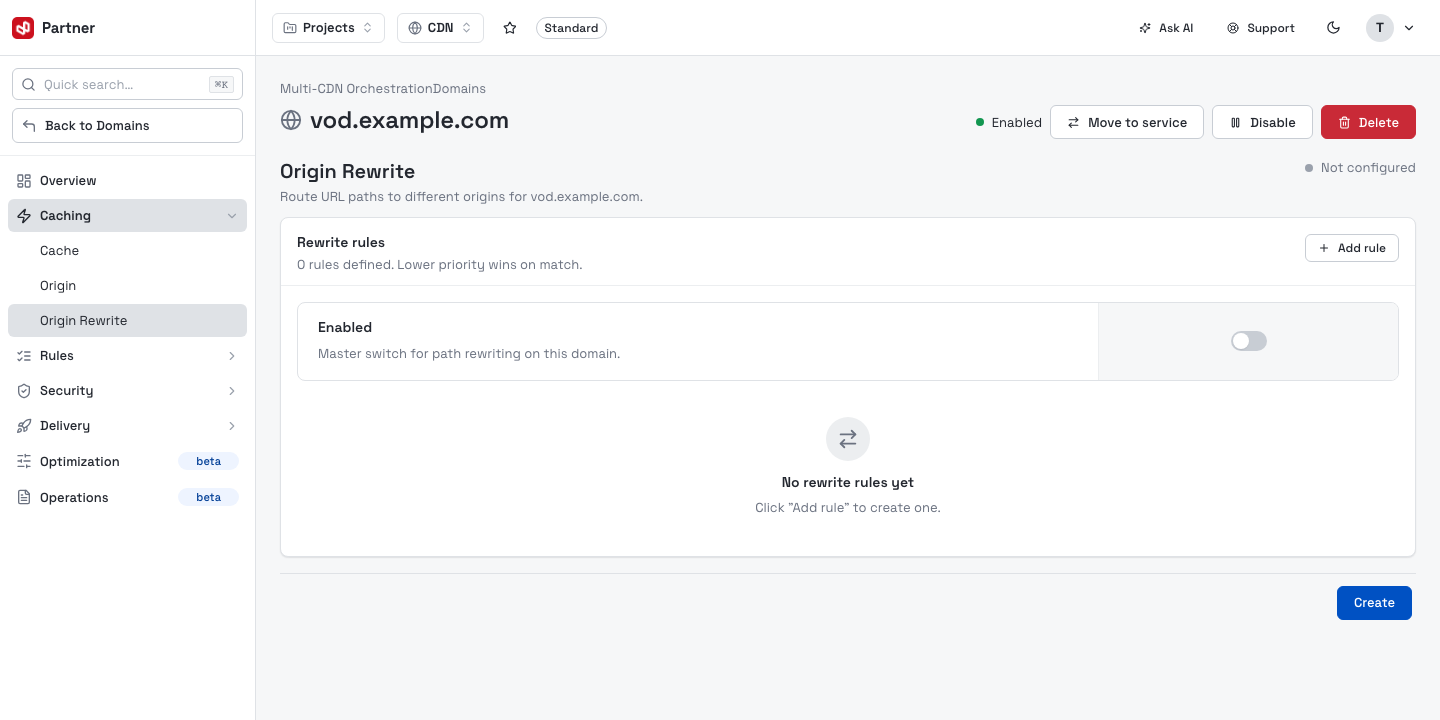
Rewrite the request path or URL sent to the origin before the edge fetches it.
Rules
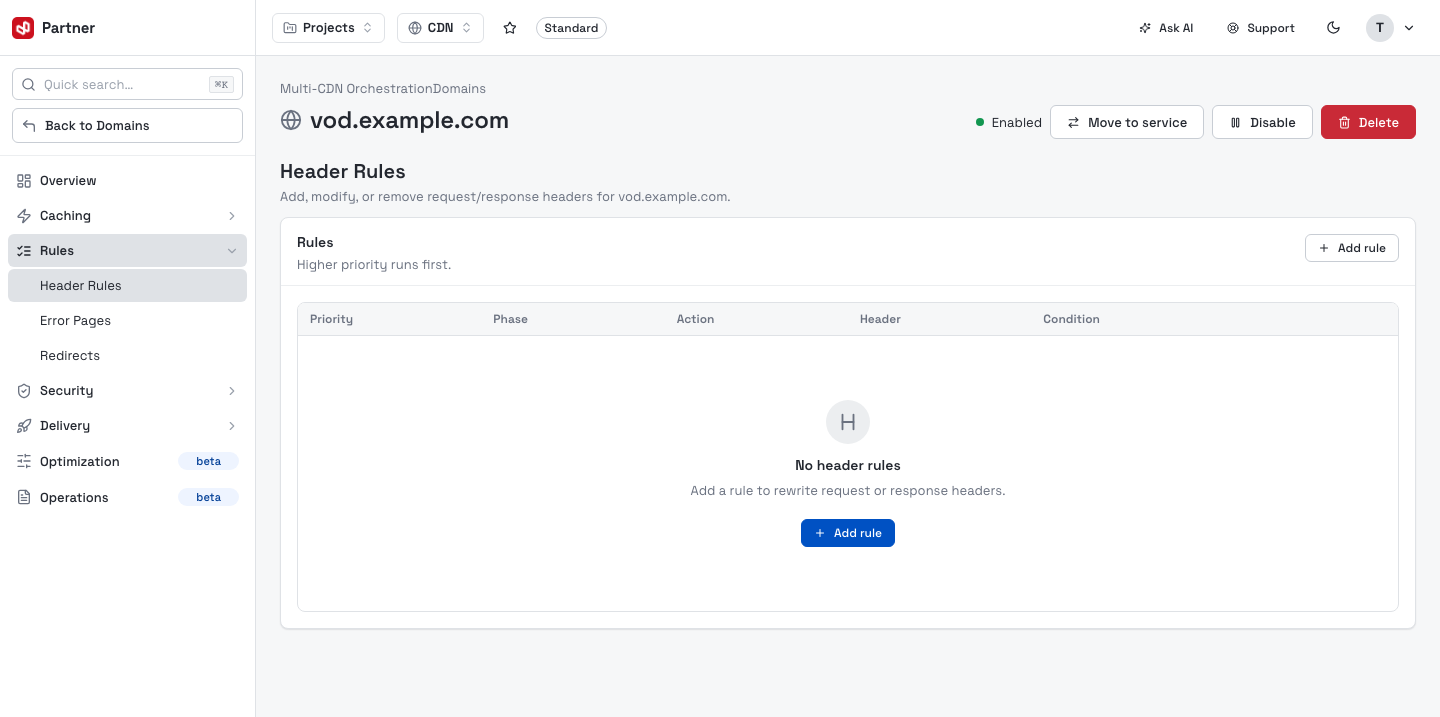
Header Rules
Add, modify or remove request/response headers. Rules run by priority (higher first).
Error Pages
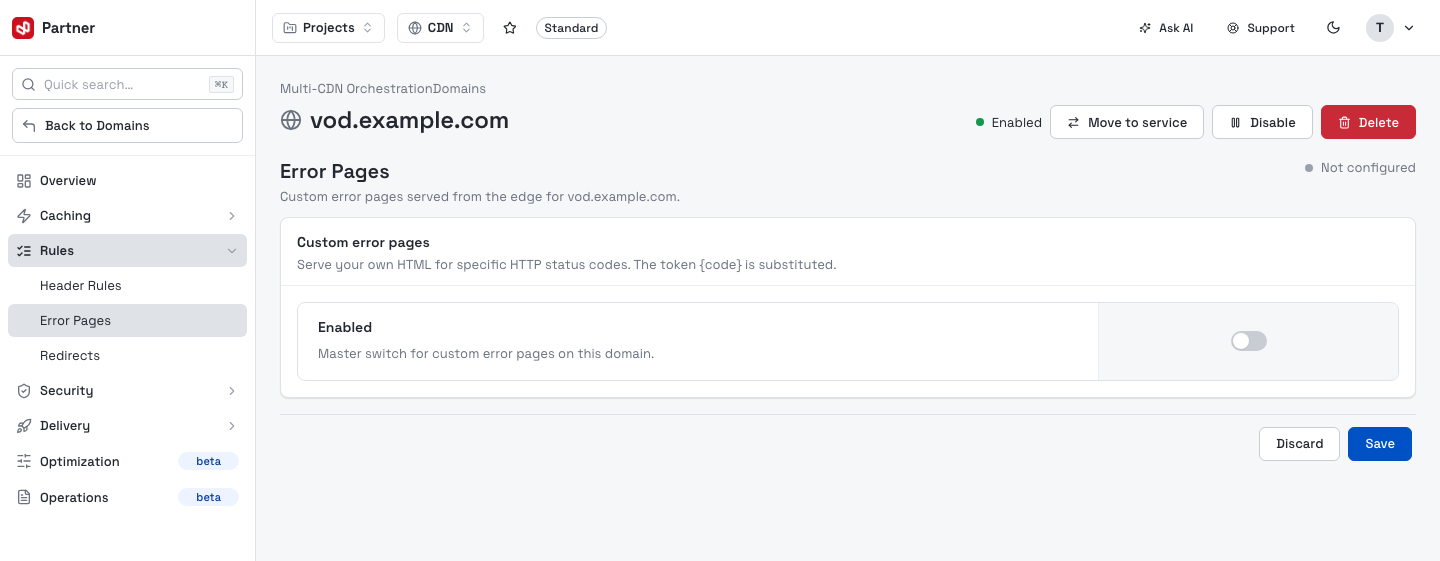
Map custom error pages to specific status codes.
Redirects
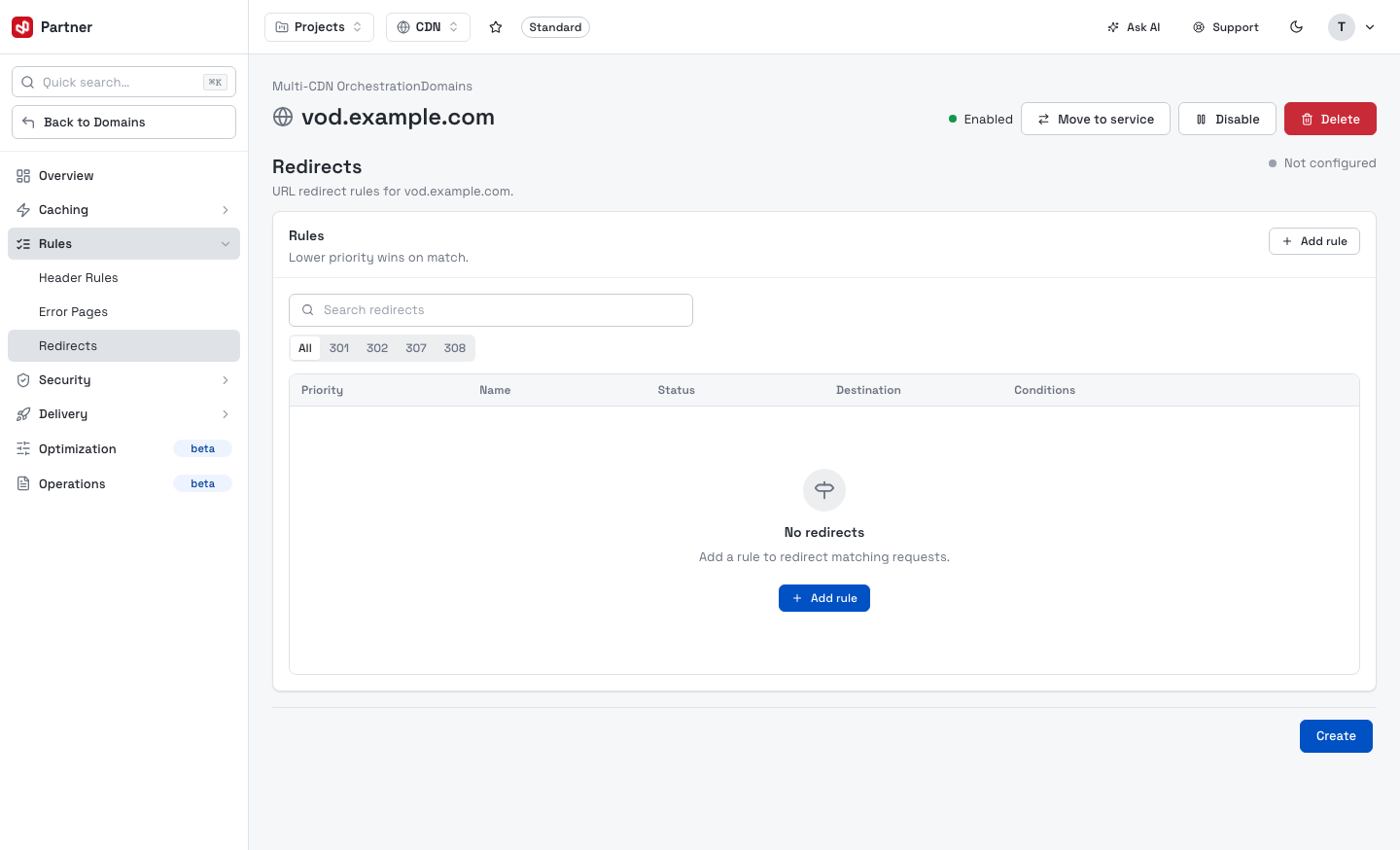
URL redirect rules, filterable by status (301 / 302 / 307 / 308). Lower priority wins on match.
Security
Web Application Firewall
The WAF tab protects the domain from common web attacks (SQL injection, XSS, path traversal). It has its own sub-tabs — Overview, Managed Rules, Protection, Custom Rules, AI Ruleset and AI WAF ML — and shows how a request flows through the 10-stage edge pipeline.
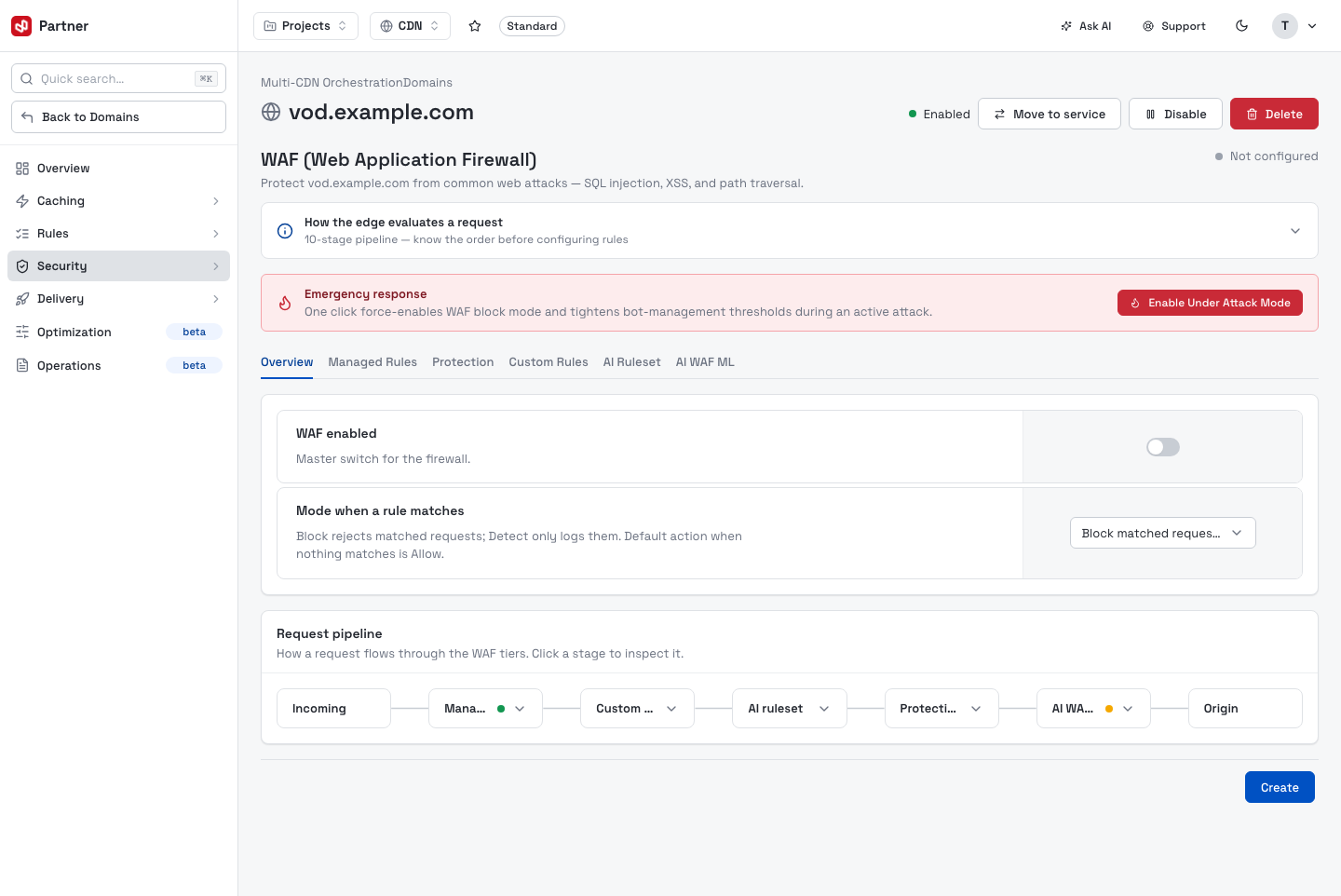
- WAF enabled — the master switch.
- Mode when a rule matches — Block rejects matched requests; Detect only logs them.
- Request pipeline — Incoming → Managed → Custom → AI ruleset → Protection → AI WAF ML → Origin. Click a stage to inspect it.
The Emergency response banner's Enable Under Attack Mode force-enables WAF block mode and tightens bot thresholds on live traffic the instant you click it — there is no confirmation dialog. Only use it during an active attack.
The tab has six sub-tabs:
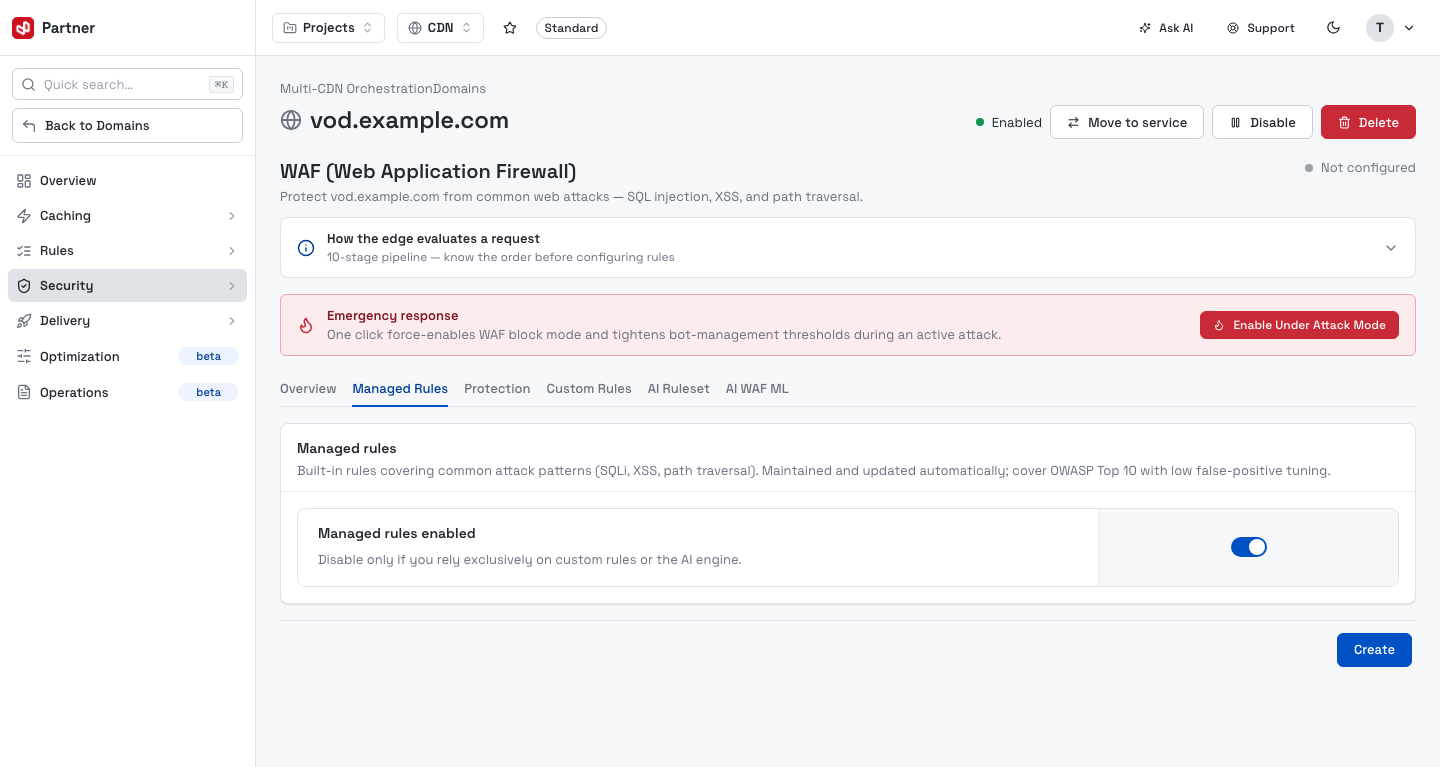
Managed Rules — VNETWORK's curated rule packs, toggled as a set.
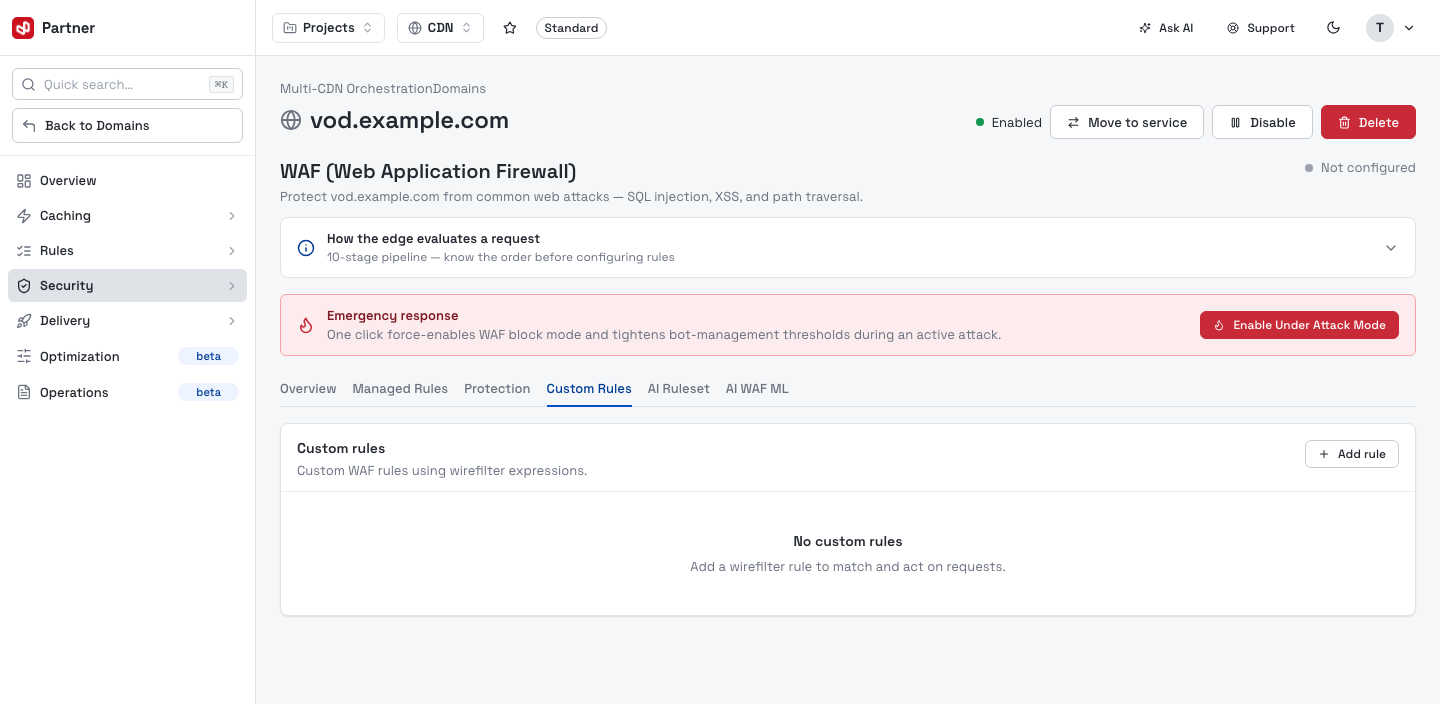
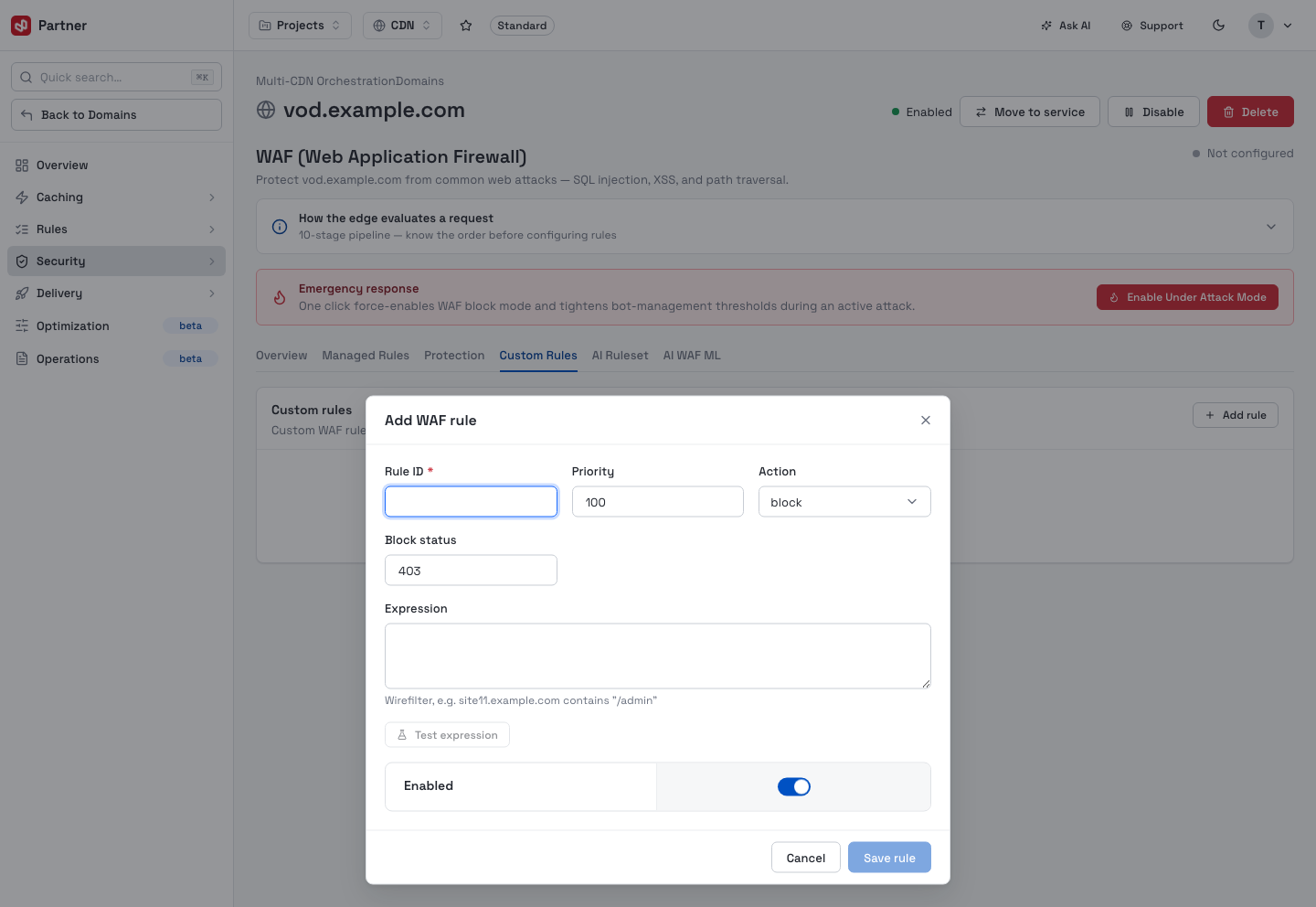
Custom Rules — your own rules written in Wirefilter expression syntax. Add rule opens an editor: a Rule ID, Priority, Action, block status and the Expression (with Test expression to check it), plus an Enabled switch.
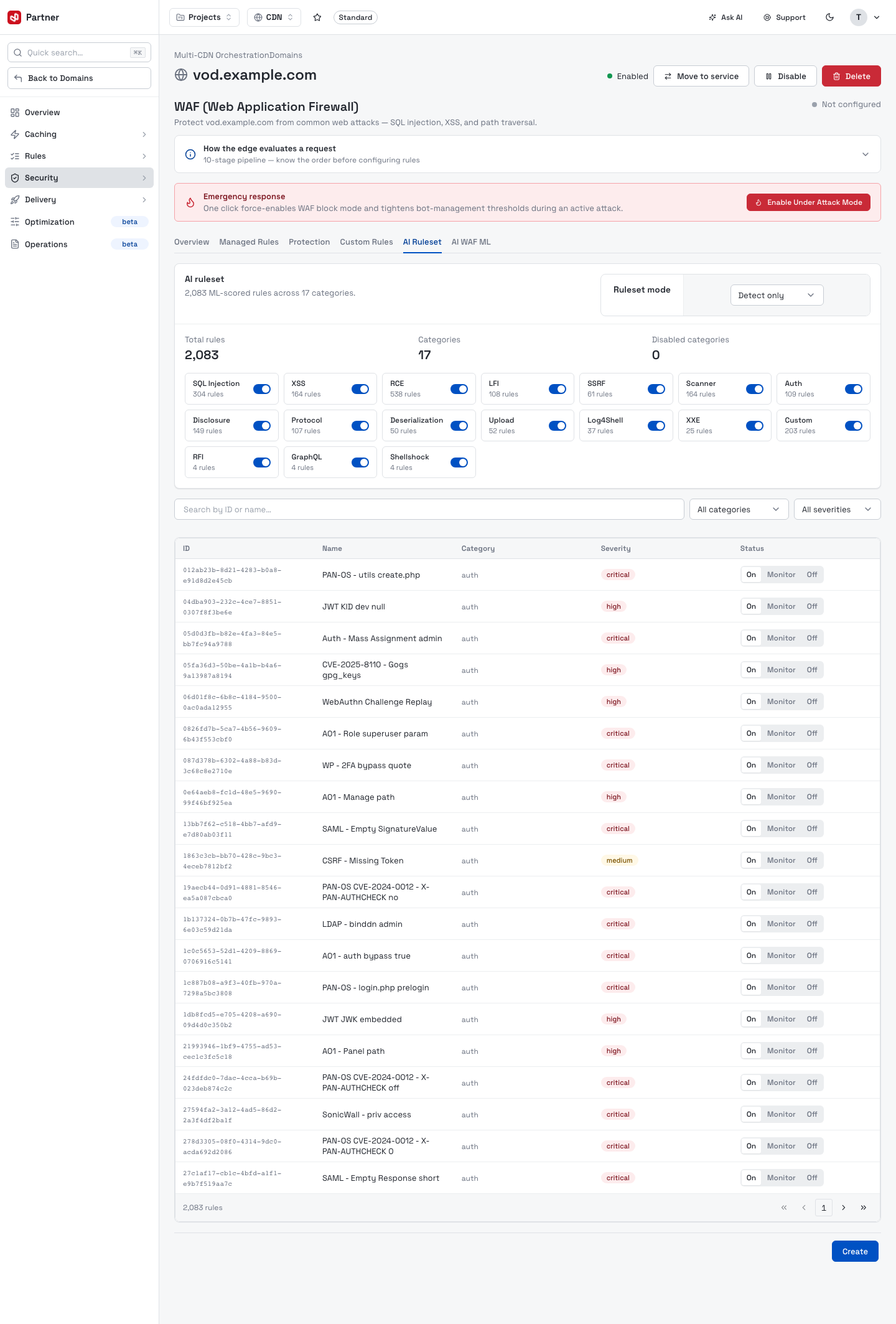
AI Ruleset — a large ML-scored catalog (thousands of rules across categories) with per-rule and per-category Monitor / Block control and a ruleset mode.
Protection — DLP, GraphQL, DDoS and threat-scoring settings.
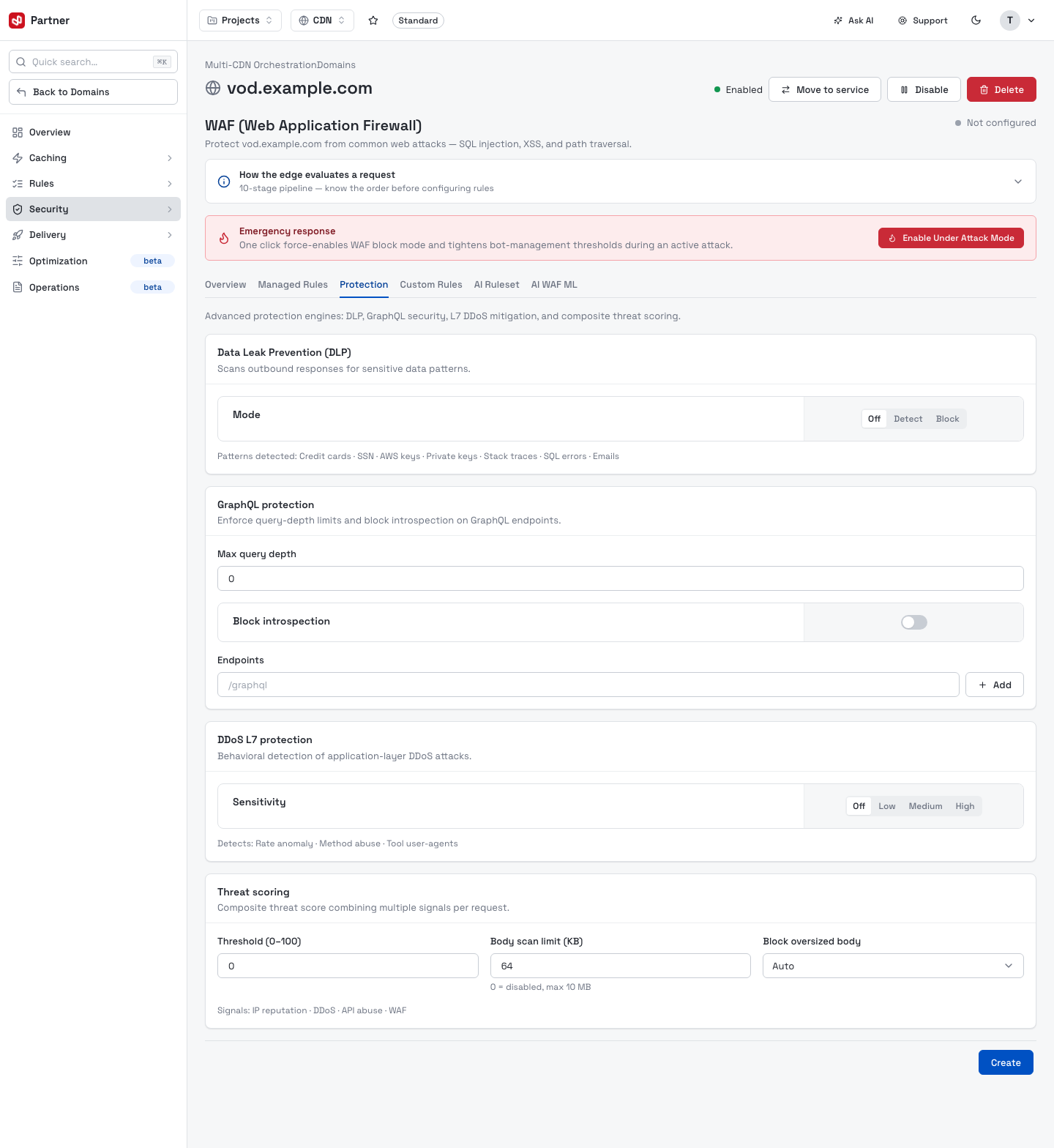
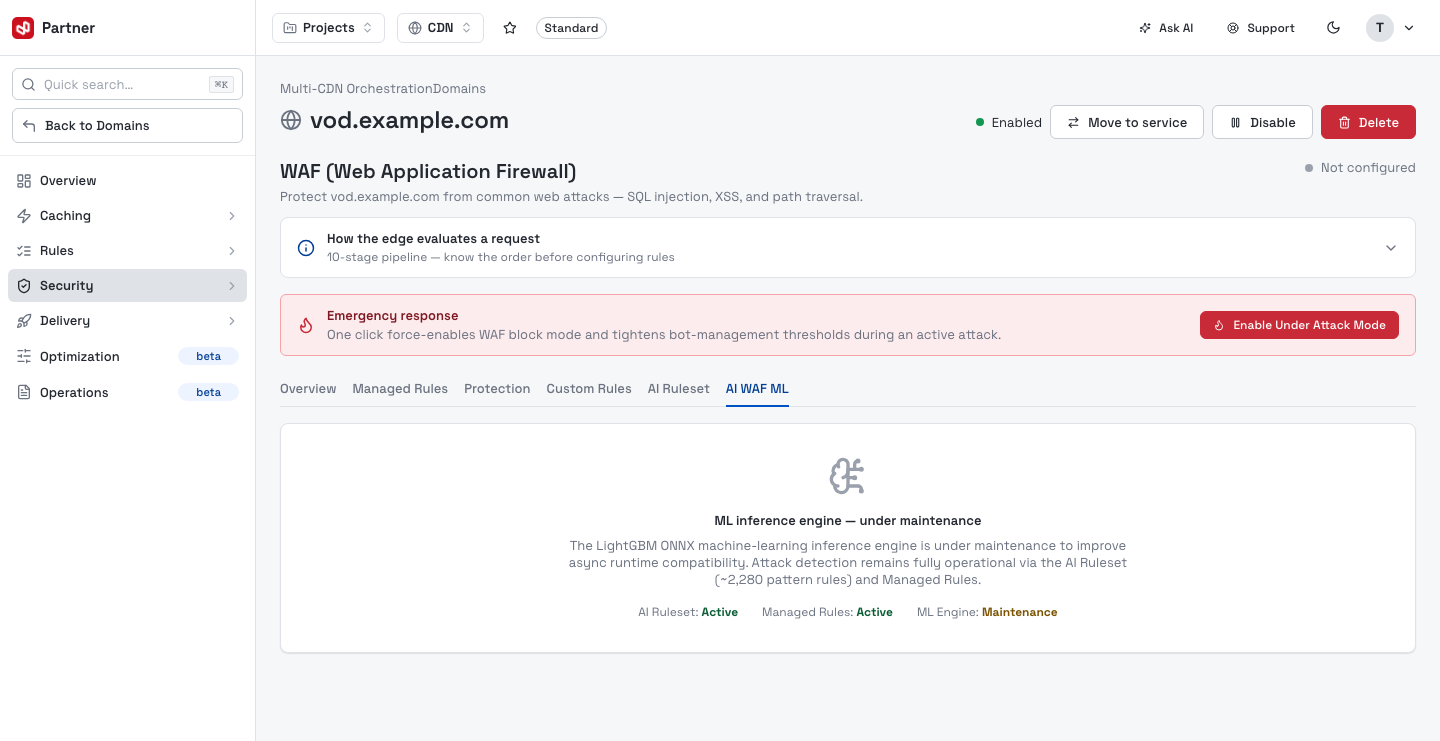
AI WAF ML — the ML scoring tier (shown here in maintenance).
The CDN-attached WAF shares its rule engine with WAAP — see that guide for a deep tour of managed rules, custom rules and the AI tiers.
Firewall Rules
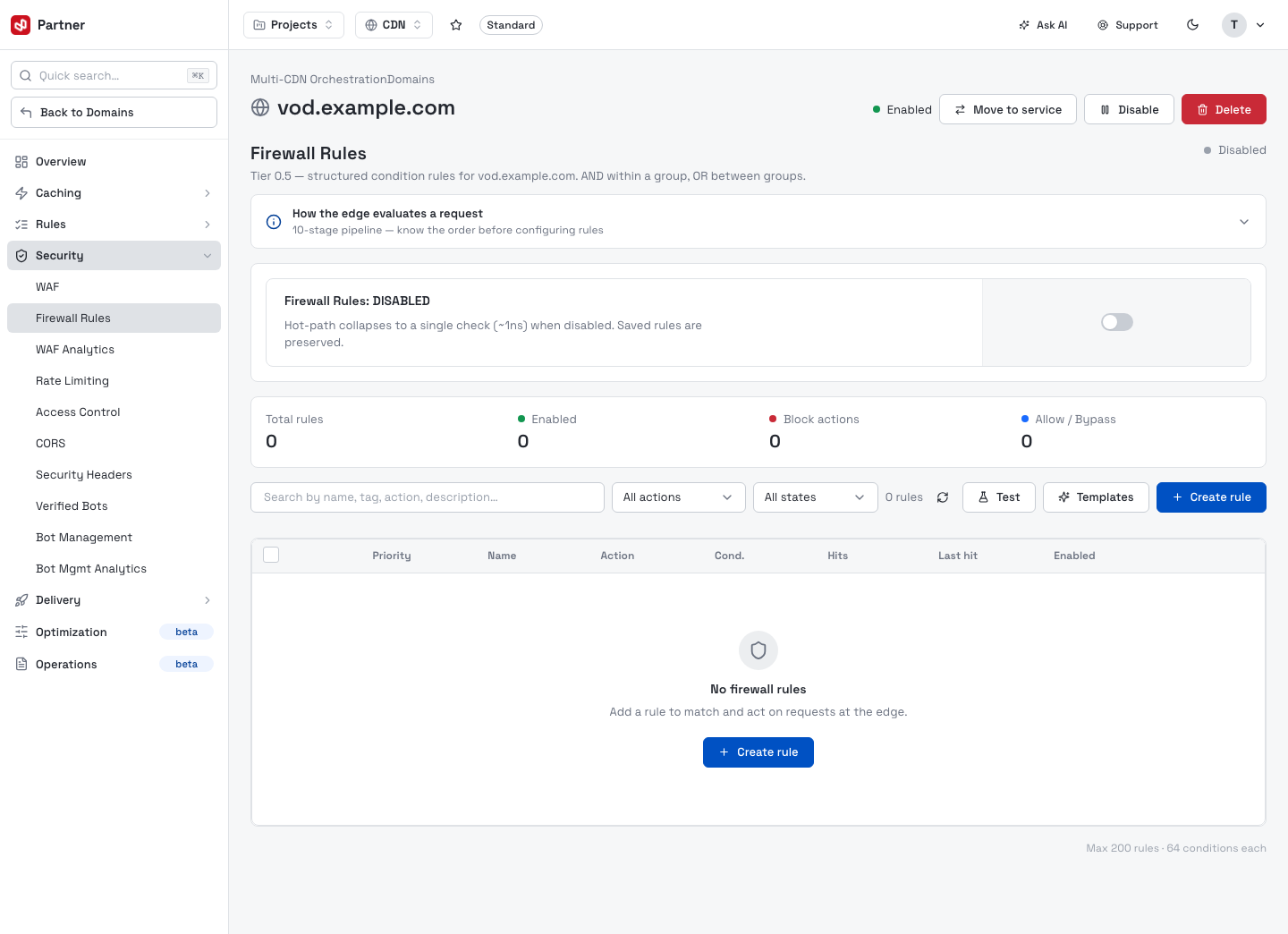
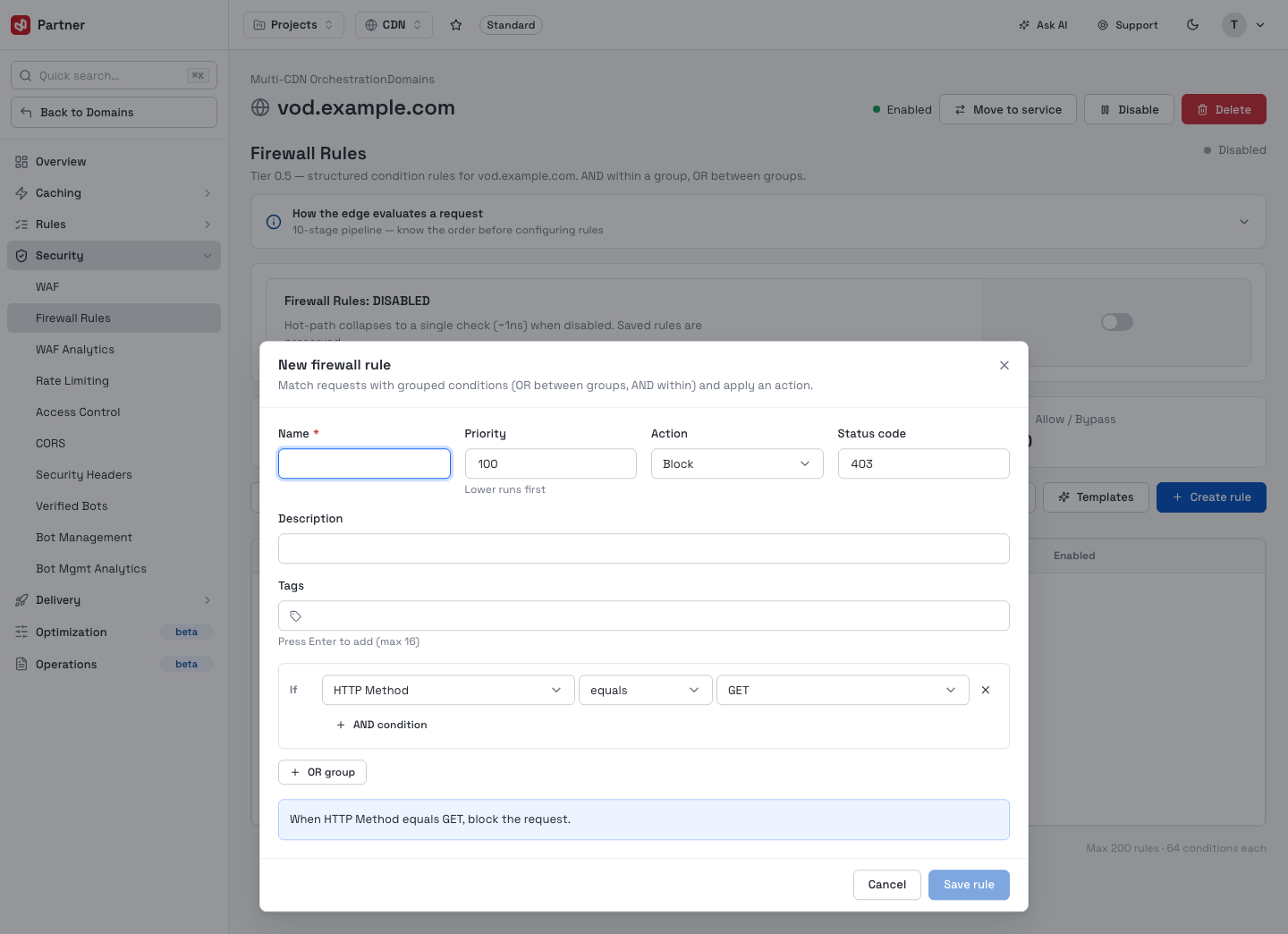
Structured condition rules (AND within a group, OR between groups). A toolbar shows the rule stats and a search, with Templates, Test and Create rule.
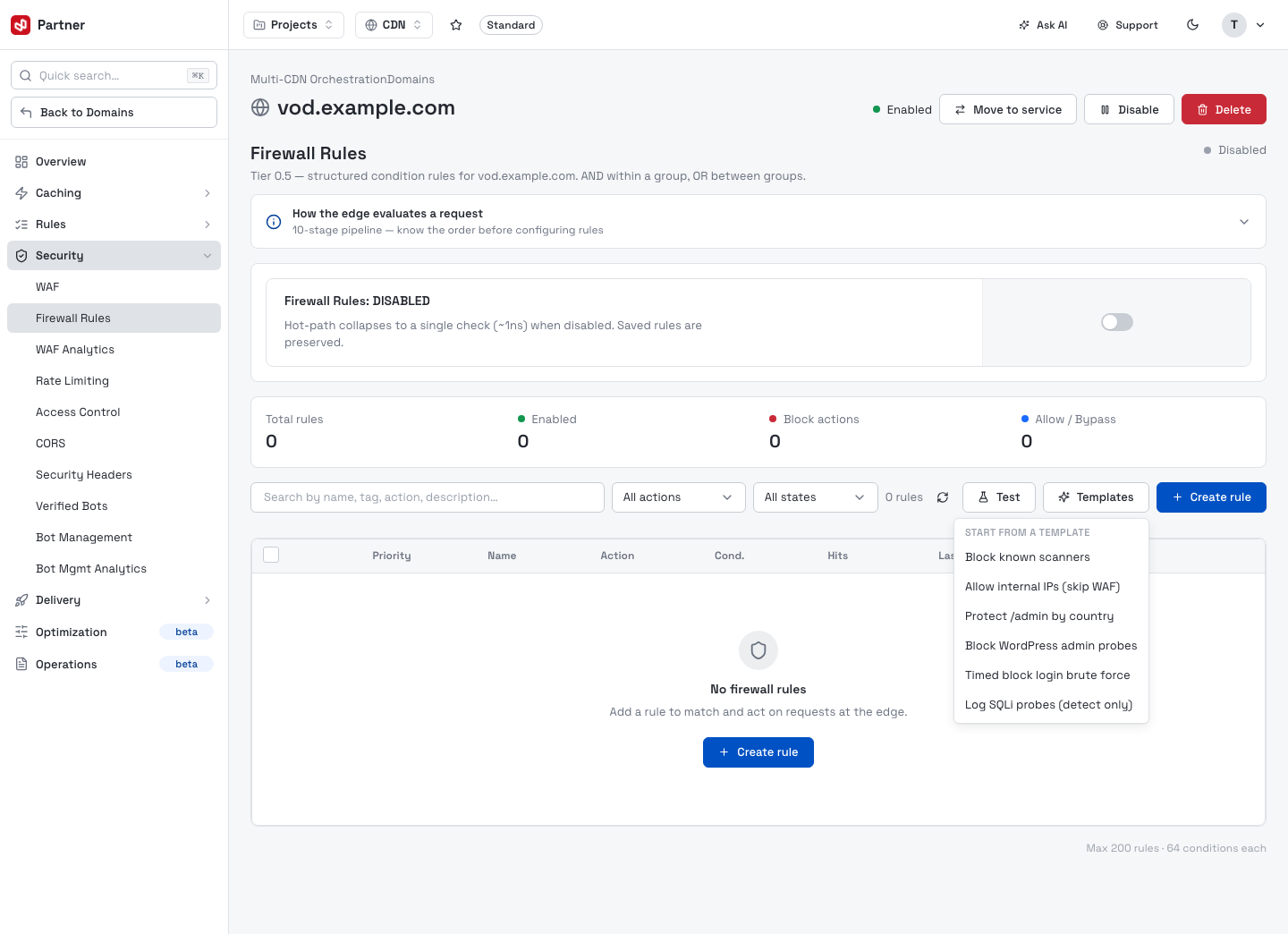
Templates starts a rule from a common recipe — block known scanners, allow internal IPs,
protect /admin by country, block WordPress admin probes, timed login-brute-force block, or
log SQLi probes.
Create rule opens the rule editor: a Name, Priority, Action, Status code, description and tags, then a condition builder (If field operator value, with AND condition and OR group) and a plain-language preview.
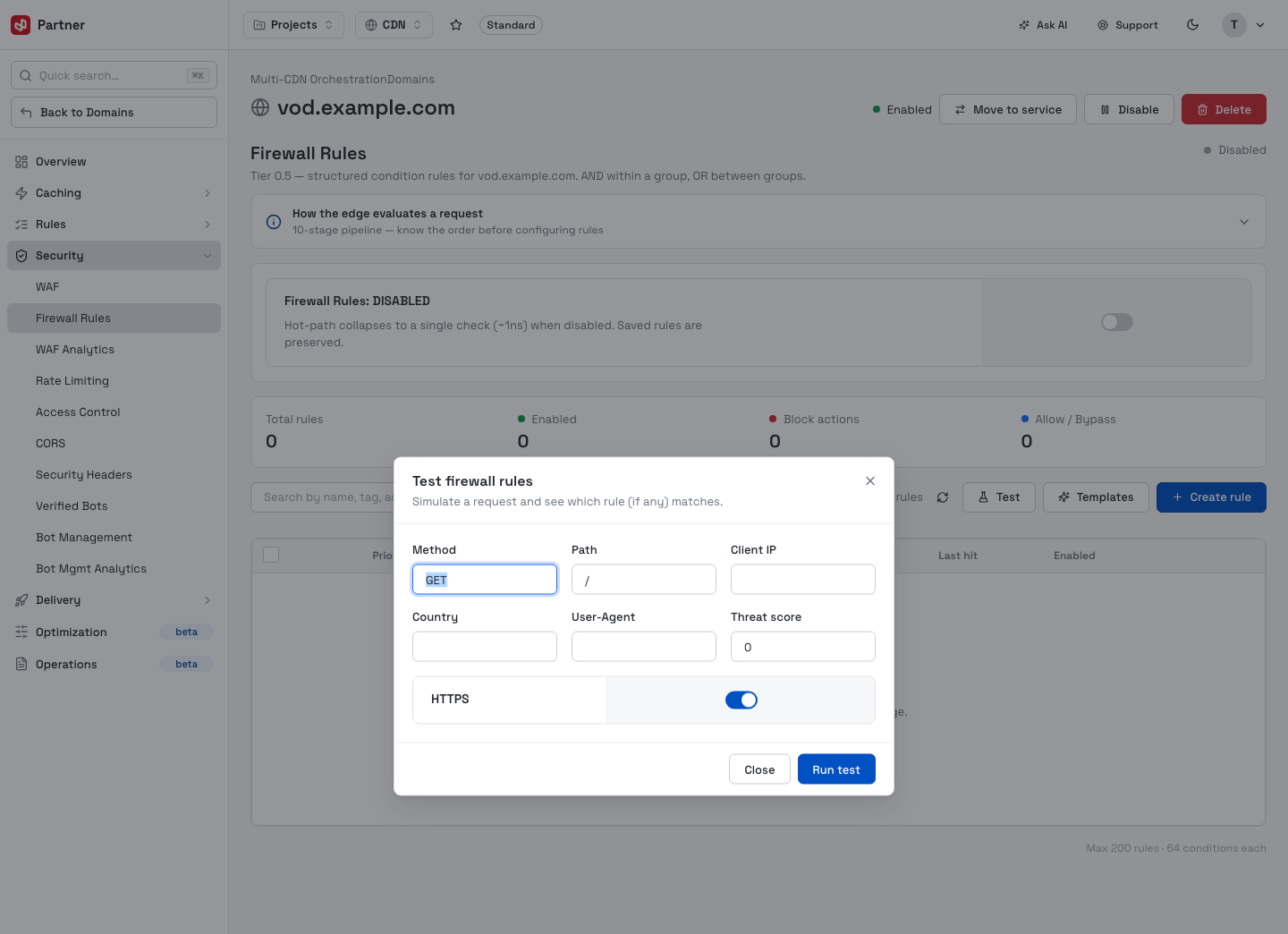
Test simulates a request — method, path, client IP, country, user-agent, threat score — and tells you which rule (if any) matches, without touching live traffic.
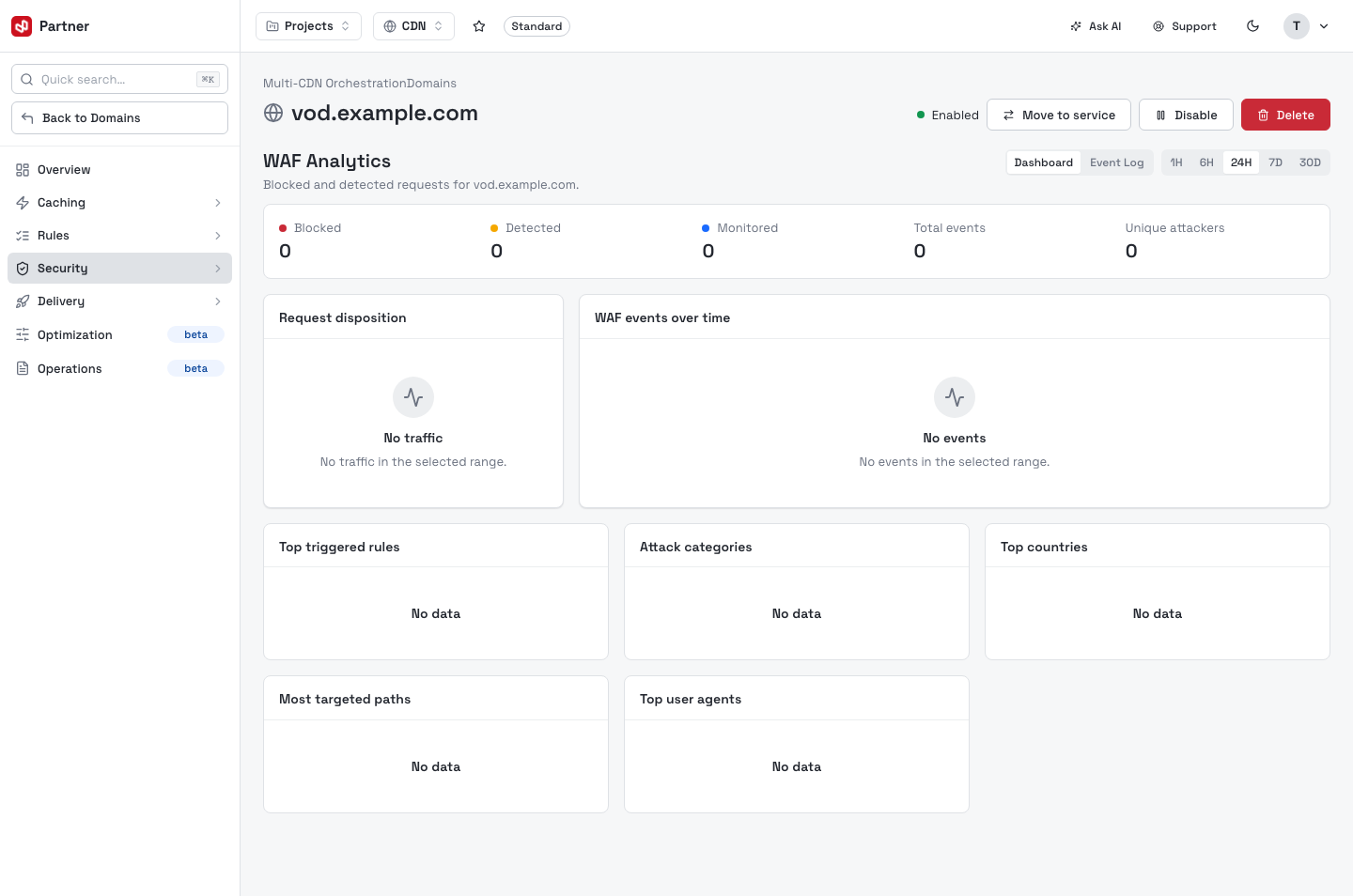
WAF Analytics
Blocked-request charts, top rules and top offending IPs for the WAF.
Rate Limiting
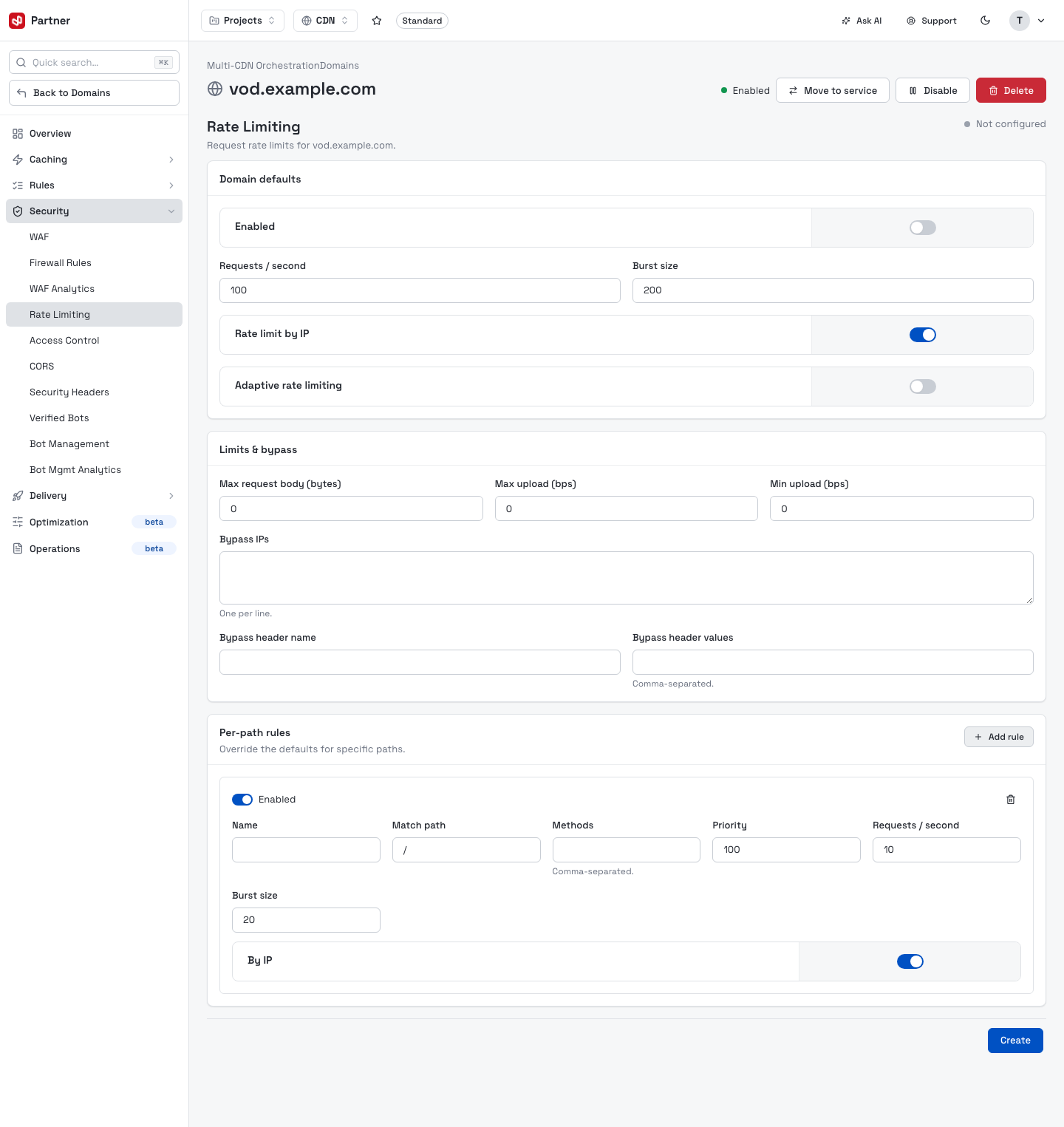
Throttle requests to protect origins and shape abusive traffic. Domain defaults set the baseline (requests/second, burst size, rate-limit-by-IP, adaptive limiting); Limits & bypass cap request/upload sizes and exempt IPs or a header.
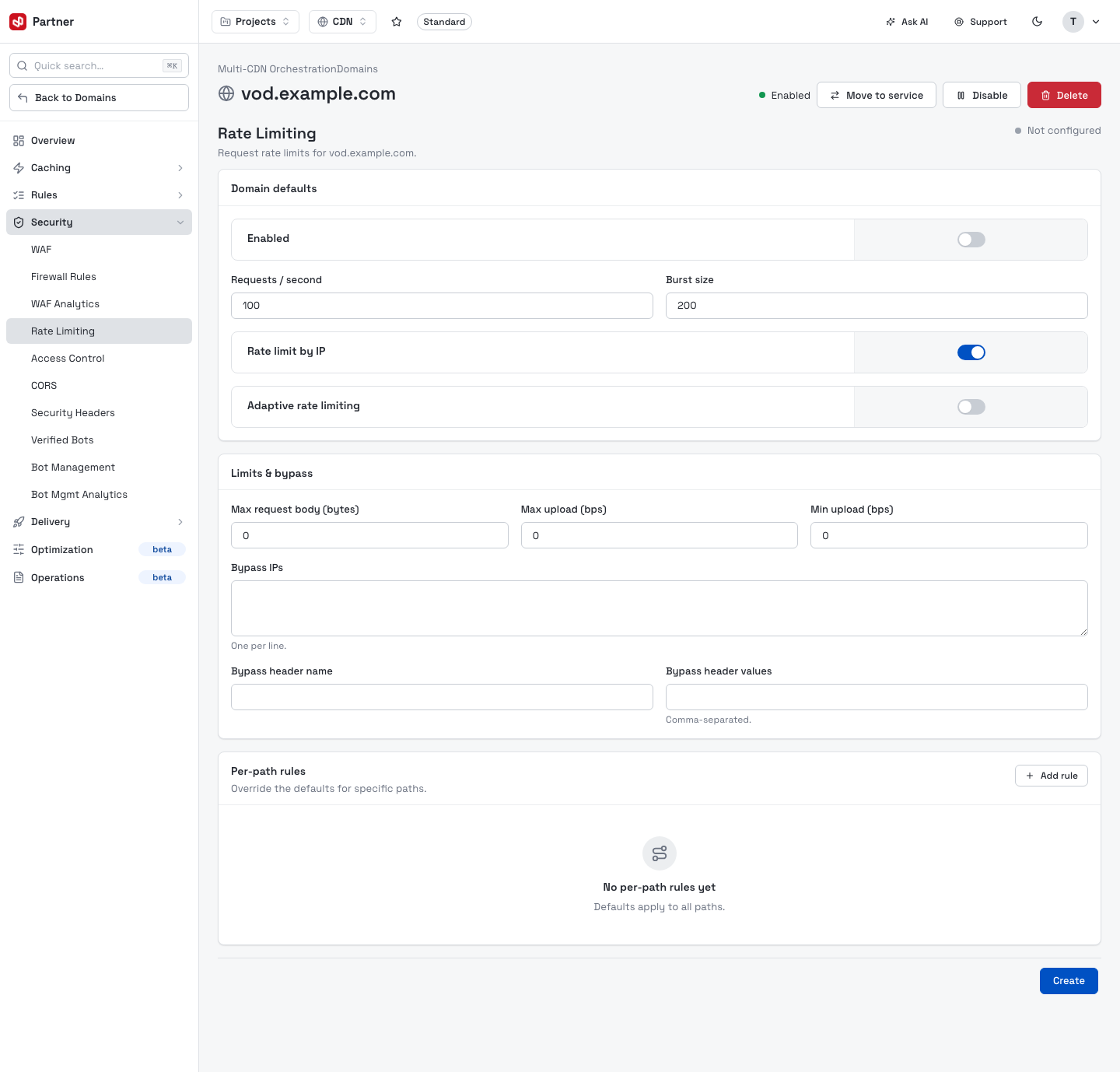
Add rule under Per-path rules appends an override for a specific path — match path, methods, priority, requests/second, burst and by-IP.
Access Control
IP, ASN, geo and token rules for the domain.
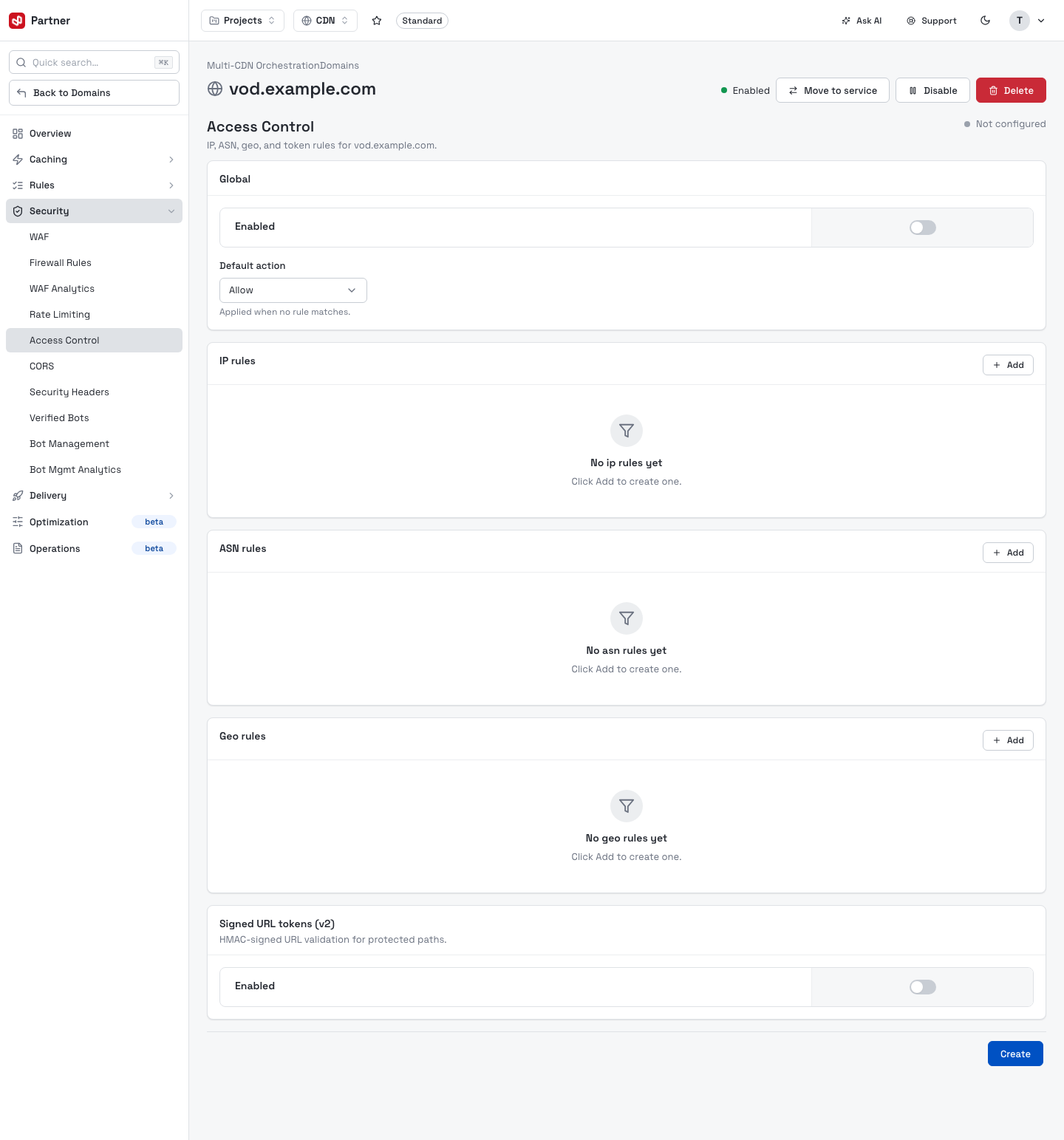
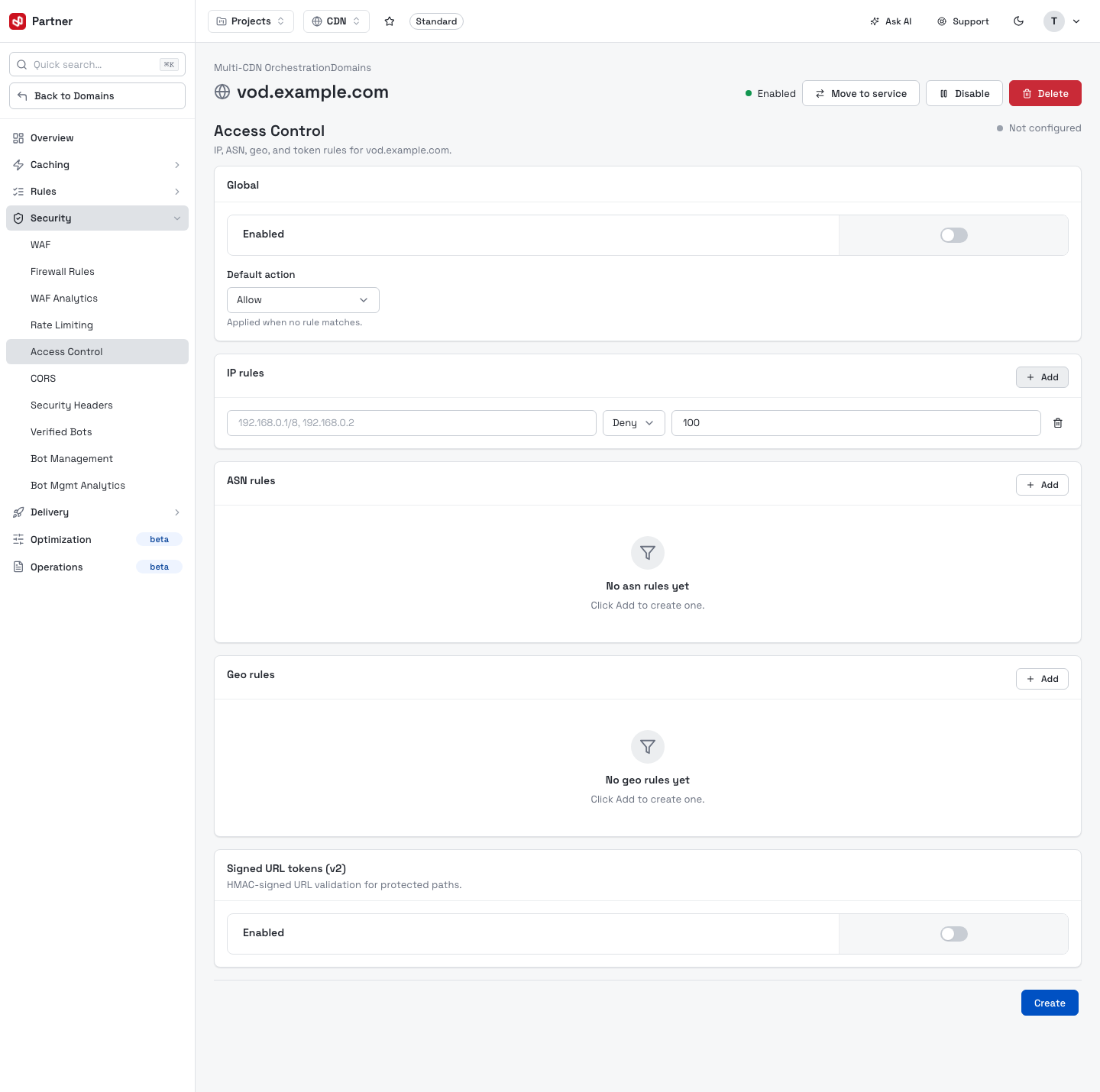
- Global — enable the layer and set the Default action (Allow / Deny) when no rule matches.
- IP rules, ASN rules, Geo rules — allow or block by each dimension. Add appends an inline rule row (the values, an action and a priority).
- Signed URL tokens (v2) — HMAC-signed URL validation for protected paths. Set the
Algorithm (
HMAC-SHA256, orHMAC-MD5for legacy secure-link scripts), a Secret key, the Match path prefixes to protect and Path segments to include in the signature. See Signed URL tokens for how to generate a token (Basic, Schema V2 and Canal schemes) and how to revoke one.
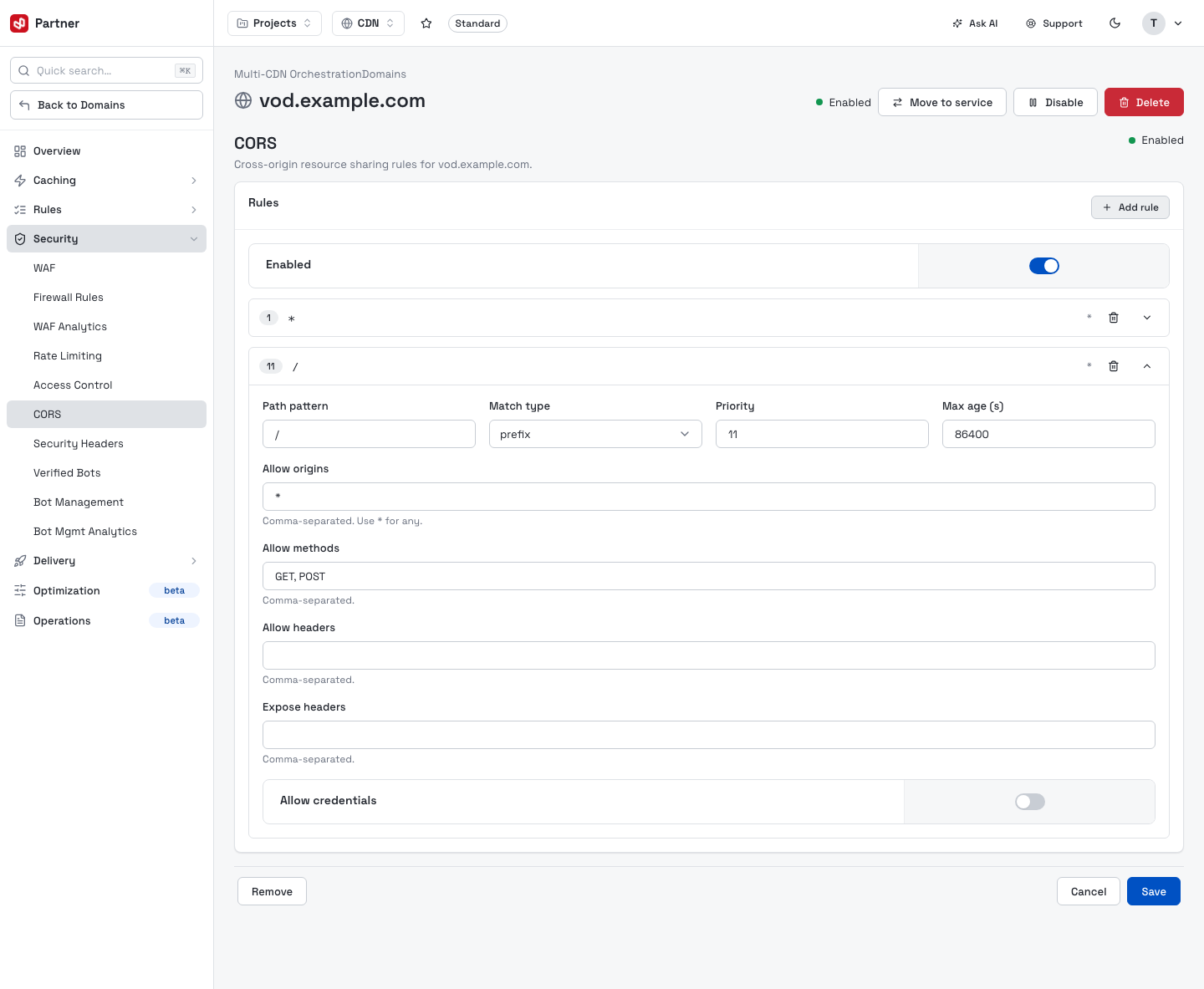
CORS
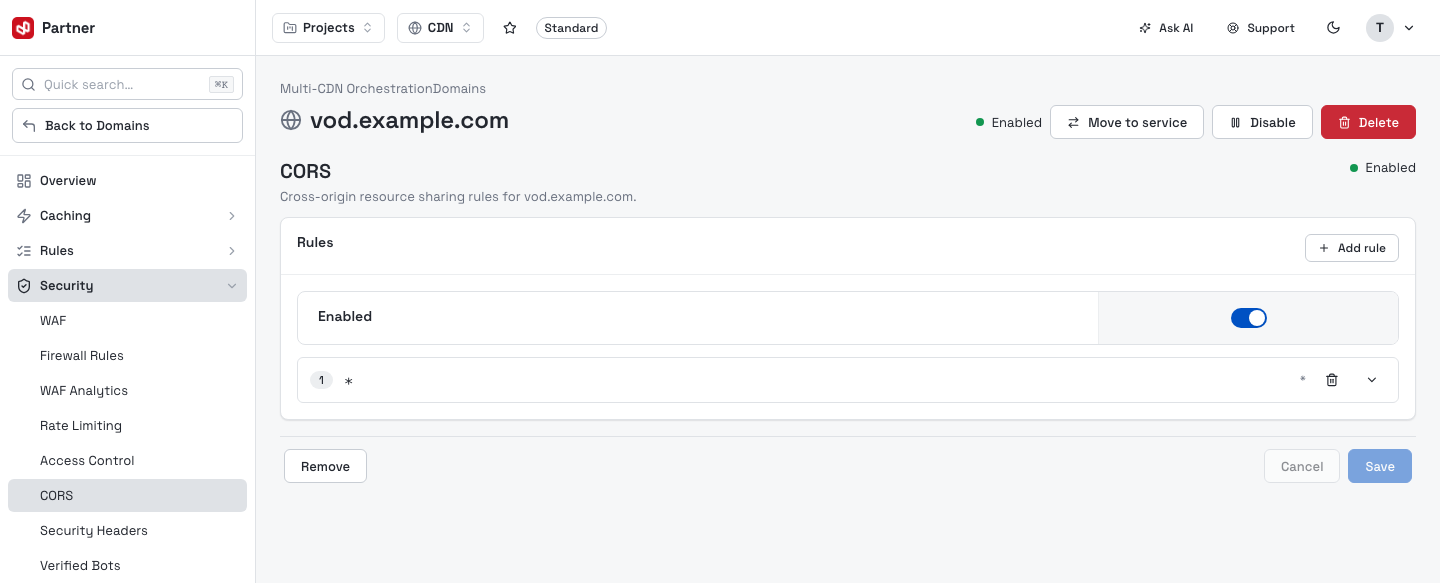
Cross-origin resource sharing policy — allowed origins, methods, headers, credentials and max-age. Add rule appends an inline CORS rule.
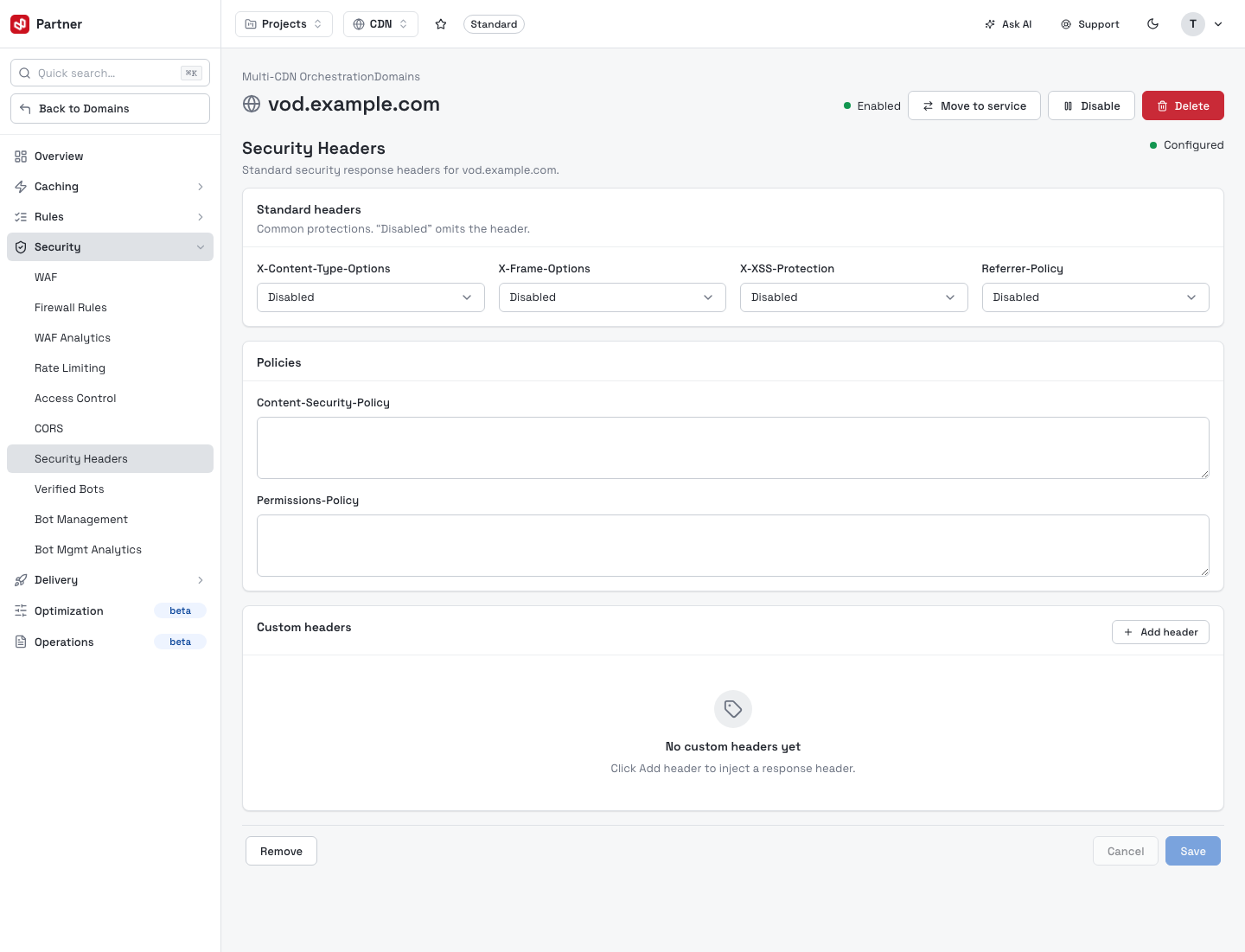
Security Headers
Managed response security headers (CSP, X-Frame-Options, X-Content-Type-Options, Referrer policy and more).
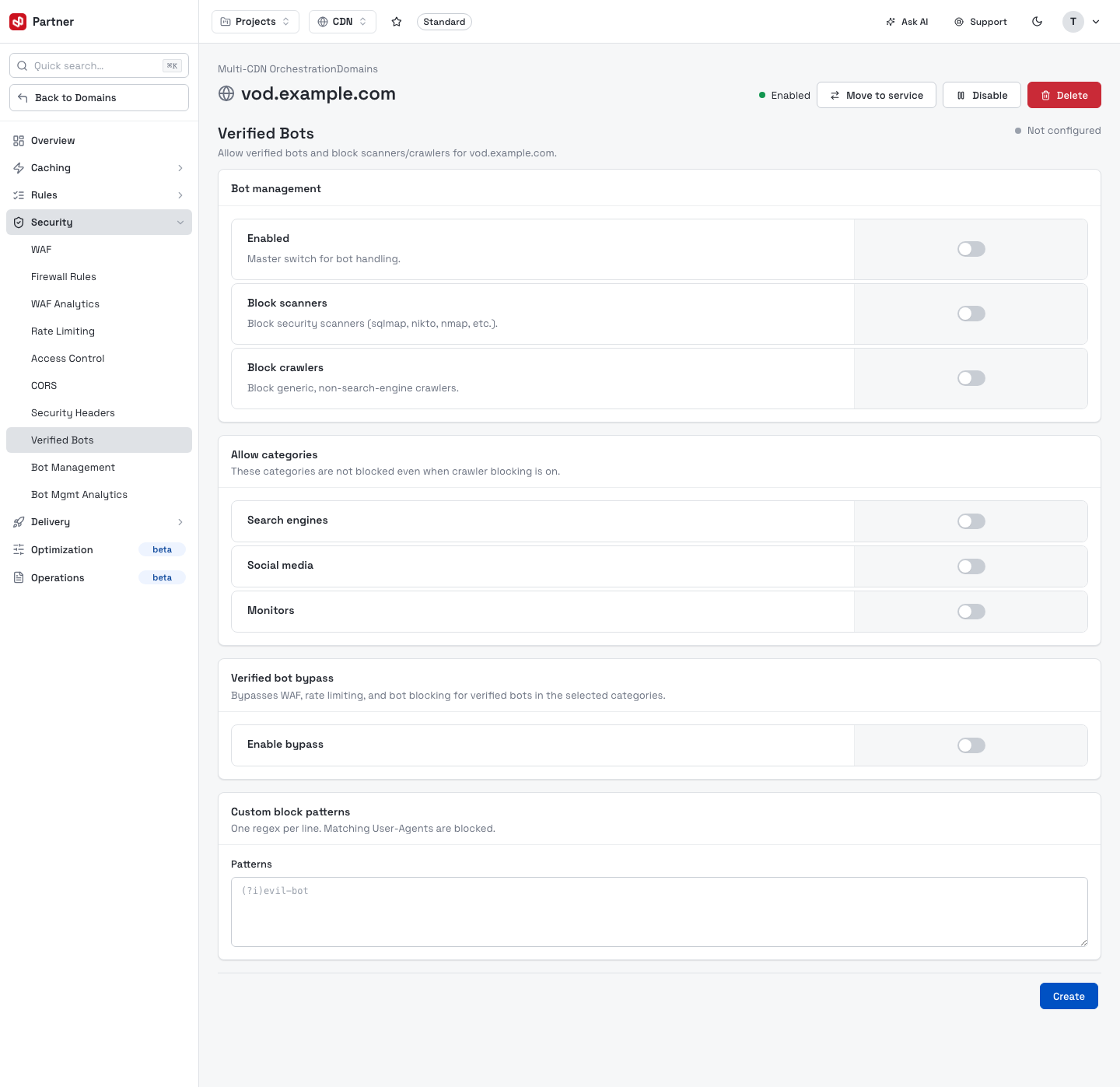
Verified Bots
Allow or block recognized crawlers (search engines, monitors) by their verified identity.
Bot Management
Behavioral bot detection with escalation tiers.
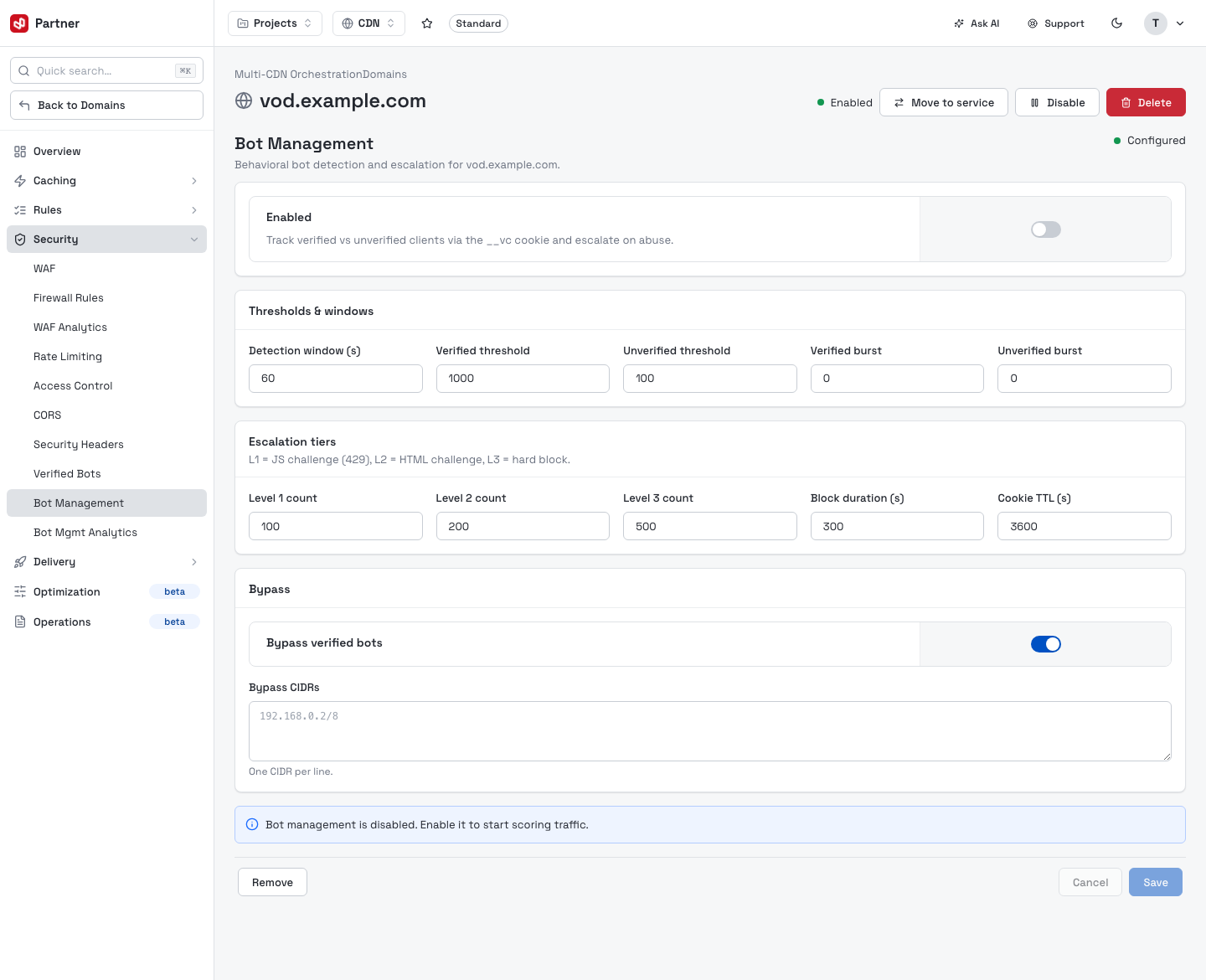
- Thresholds & windows — detection window and verified/unverified request thresholds and bursts.
- Escalation tiers — L1 (JS challenge, 429), L2 (HTML challenge), L3 (hard block), with per-level counts, block duration and cookie TTL.
- Bypass — always allow verified bots and specific CIDRs.
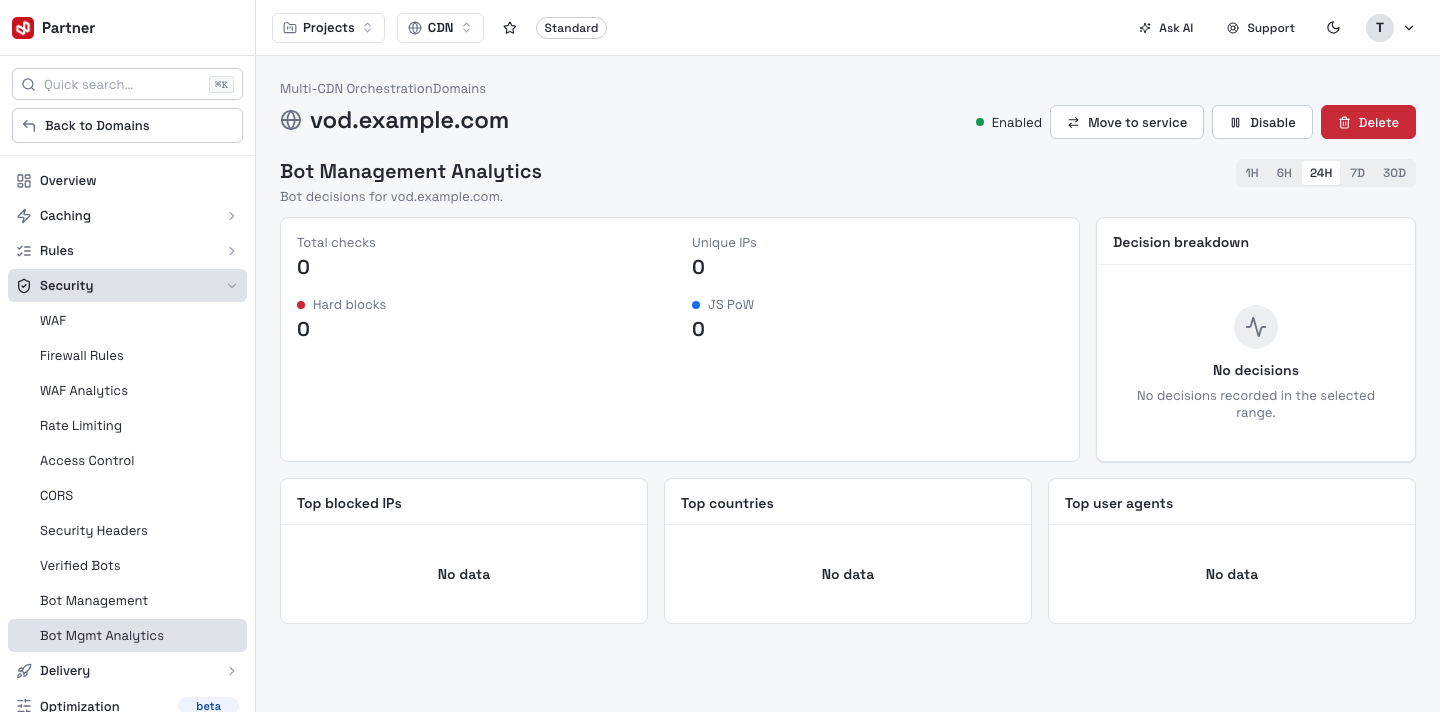
Bot Management Analytics
Charts for bot detection and challenge outcomes.
Delivery
Purge & Warm
Invalidate or pre-fetch cached content.
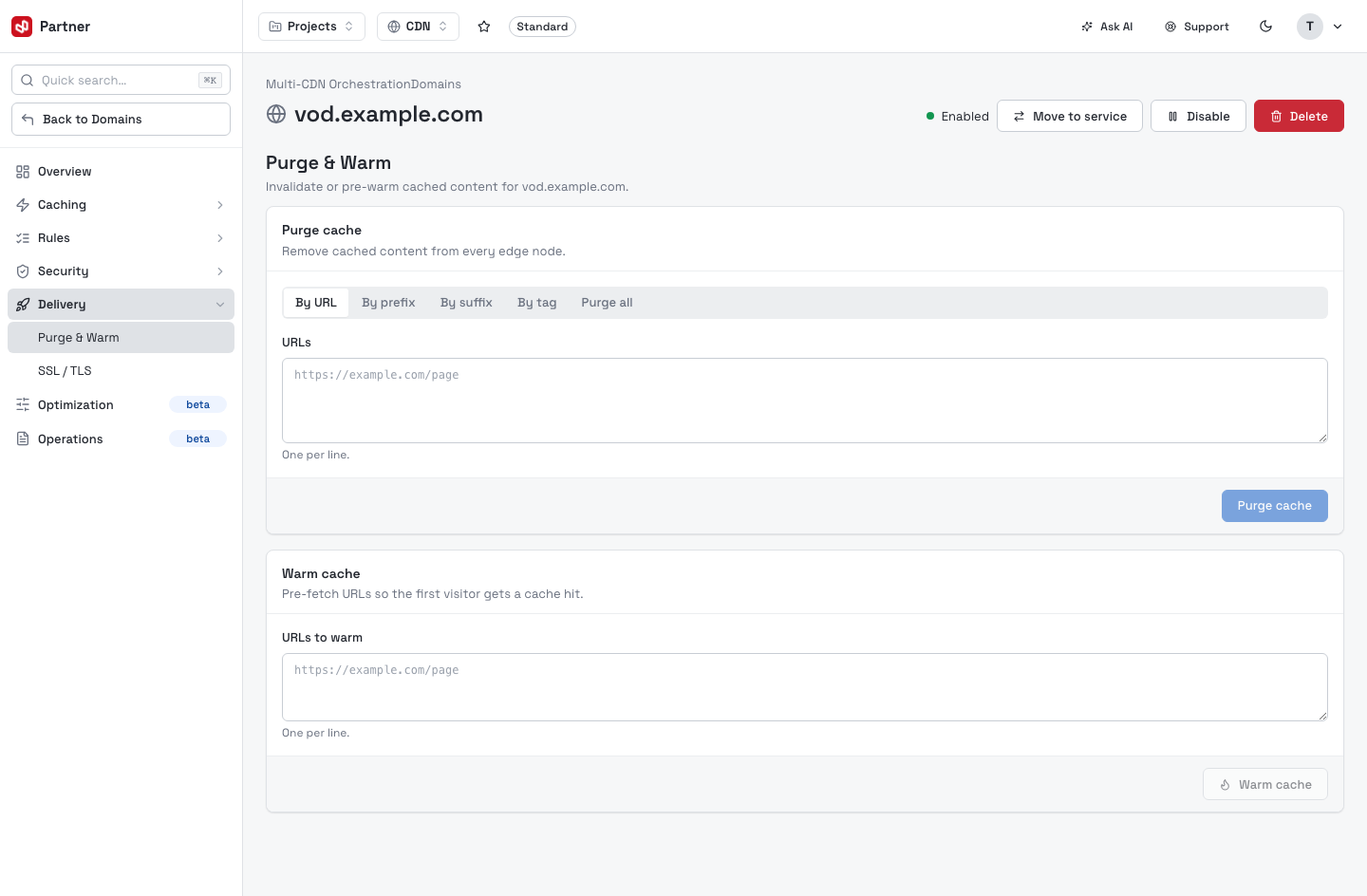
- Purge cache — remove cached content from every edge node, By URL, By prefix, By suffix, By tag, or Purge all.
- Warm cache — pre-fetch a list of URLs so the first visitor gets a cache hit.
Purge cache clears content from all edge nodes at once — the next request for each purged object goes to your origin. Purging broadly (a prefix or Purge all) can send an origin-load spike. Prefer the narrowest scope that does the job.
SSL / TLS
HTTPS transport security for the domain, plus its certificate inventory.
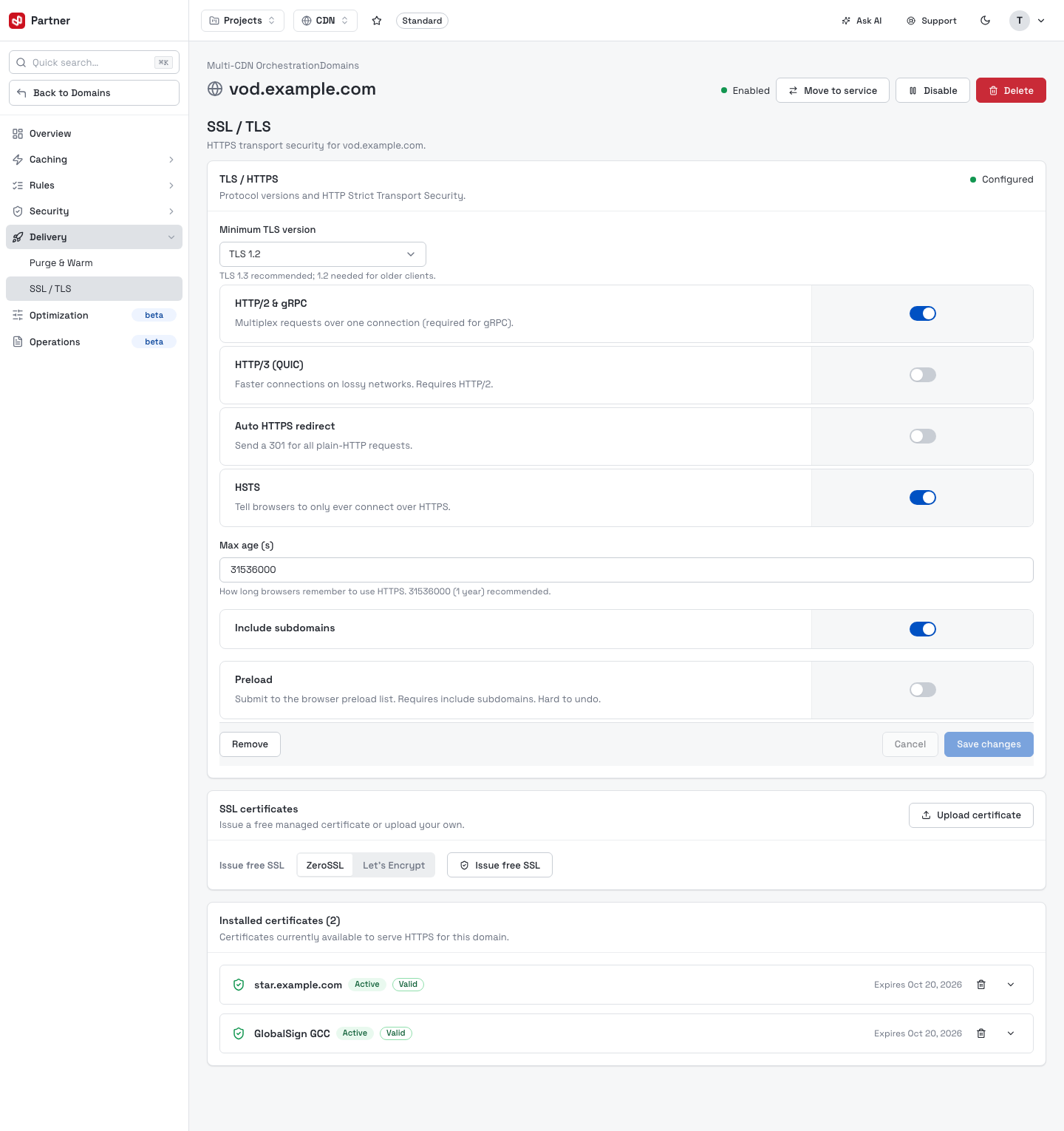
- TLS / HTTPS — Minimum TLS version, HTTP/2, HTTP/3 (QUIC), Auto HTTPS redirect and HSTS (with max-age, include-subdomains and preload).
- SSL certificates — Issue free SSL (Let's Encrypt / ZeroSSL) or Upload certificate (your own PEM).
- Installed certificates — the certs currently able to serve HTTPS for the domain, each with status, validity and expiry.
Certificates issued here (and in the SSL/TLS Certificates inventory) auto-renew, so nothing expires unnoticed.
Optimization
The Optimization tab (beta) covers compression, image optimization and timeouts.
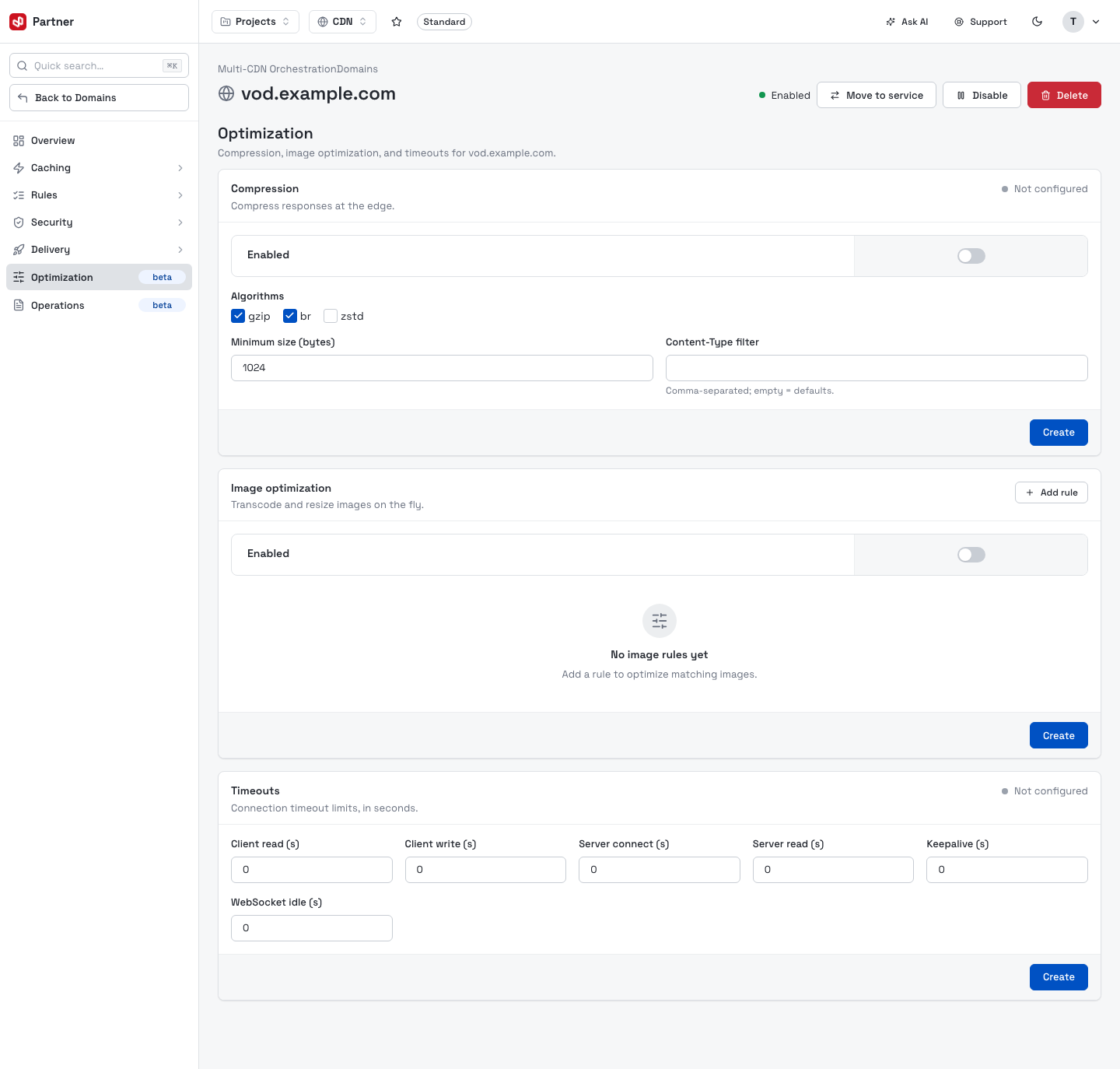
- Compression — enable gzip / brotli / zstd, with a minimum size and Content-Type filter.
- Image optimization — transcode and resize images on the fly via rules.
- Timeouts — client/server read and write, connect, keepalive and WebSocket-idle limits.
Operations
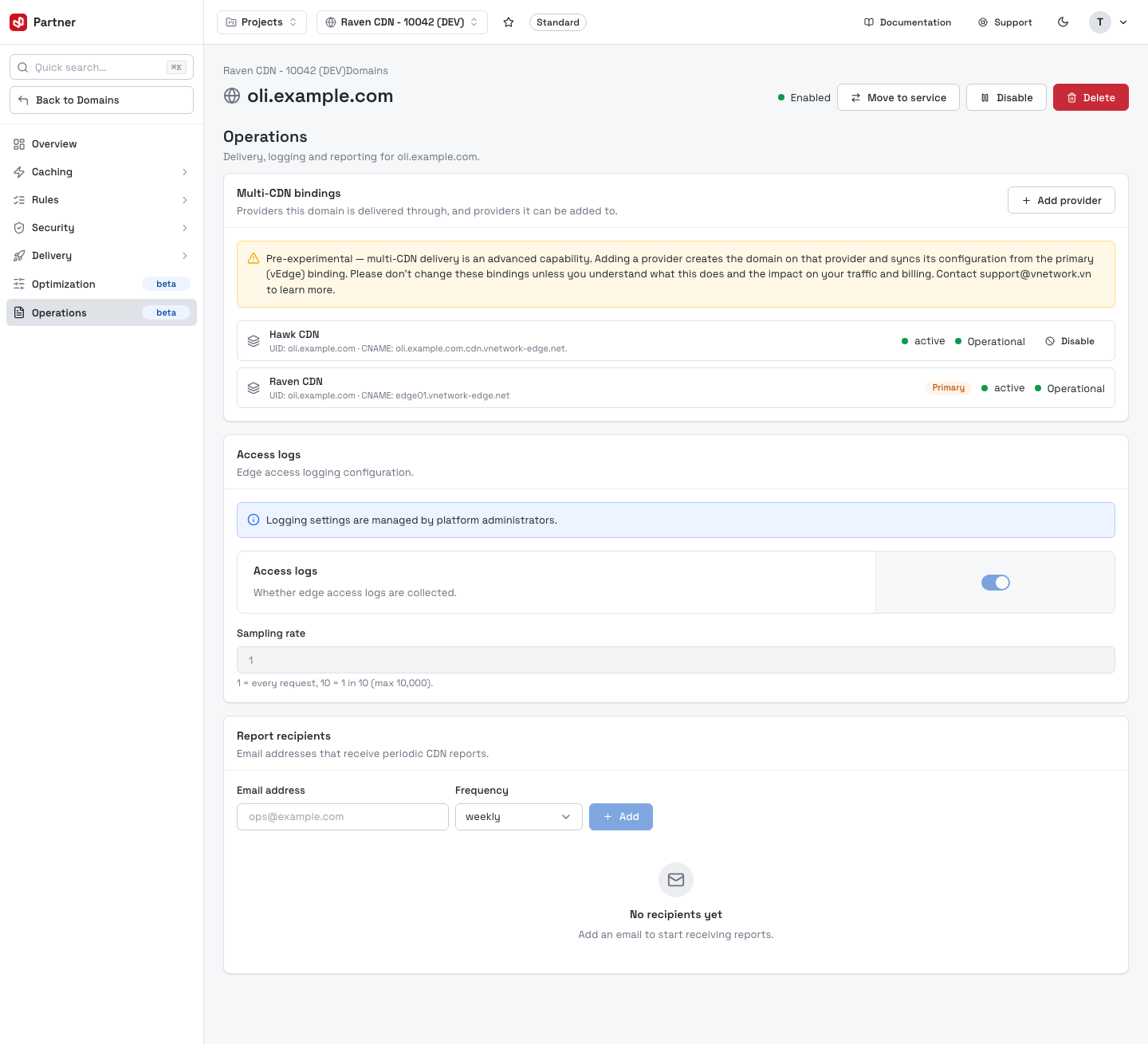
The Operations tab (beta) covers this domain's multi-CDN delivery bindings, logging and reporting.
Multi-CDN bindings
Multi-CDN bindings lists every CDN provider this domain is delivered through, and lets you add more. Each provider card shows its UID and edge CNAME, a live health state (active / Operational, auto-polled), and the Primary badge on the vEdge binding that the others sync their configuration from.
- Add provider — activate delivery on an additional provider (see below).
- Disable / Enable — pause or resume a non-primary binding.
- Remove binding (the trash icon) — take the domain off that provider.
Multi-CDN delivery is pre-experimental. Add provider creates the domain on that provider and syncs its config from the primary binding; Disable / Remove change how live traffic is routed and can affect billing — all take effect immediately, with no undo. Don't change bindings unless you understand the impact; contact support@vnetwork.vn first.
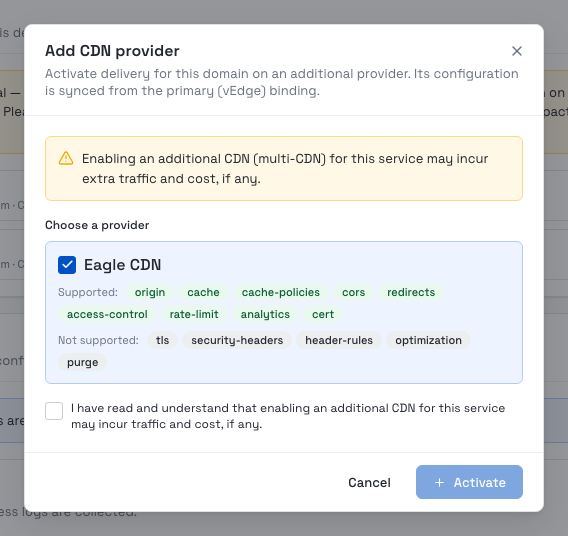
Add provider opens a guided dialog: pick a provider from the candidates (each lists the edge features it Supports and doesn't), tick the acknowledgement that an extra CDN may add traffic and cost, then Activate.
Logging & reporting
- Access logs — whether edge access logs are collected, and a sampling rate (logging settings are managed by platform administrators).
- Report recipients — email addresses that receive periodic CDN reports, with a delivery frequency.